

 EN
EN
 English
 Español
 عربى
عربىProduct Consultation
Your email address will not be published. Required fields are marked *
When buying a CPU bracket, you should consider other furniture and equipment. It is also important to consider where to place it and how to clean it. In addition, if you use them regularly, remember to consider accessing the CPU port.
Choosing a CPU bracket that matches your other furniture can be important, especially if it is used in a business that is visible to customers. Matching does not necessarily mean that it must be the exact color or material. For example, you can buy cherry office furniture and buy a black metal CPU bracket. Just make sure your choice does not look tacky.
The area where the CPU bracket is placed should be considered. Choosing a bracket that is too large for the placement area is as ugly as choosing a bracket that does not match. In addition, it will make your work area uncomfortable, thereby affecting your productivity. Certain models of CPU holders may require you to measure the area where you plan to place them.
When buying a CPU bracket, you may need to consider factors other than appearance. For example, one thing you need to consider is cleanliness. If you choose a lower floor height, you may need to move it or spend more effort cleaning it. Instead of creating this type of work for yourself, choose a shelf high enough so that you can easily clean the shelf under it, or place it completely on the floor.
The CPU bracket with wheels can also make cleaning easier. In addition, these are good choices for people who often need to use the ports on the back of the device. The rolling CPU holder usually supports the device from the bottom without anything covering the back or sides, allowing you to easily access it. With wheels, you can easily locate the CPU when connecting or disconnecting the device.
If you choose a CPU bracket that can hold the unit tightly, adjustability is important. All the units are different in size, and you may end up buying a new unit. With a little foresight, you can avoid buying new booths.
Your email address will not be published. Required fields are marked *
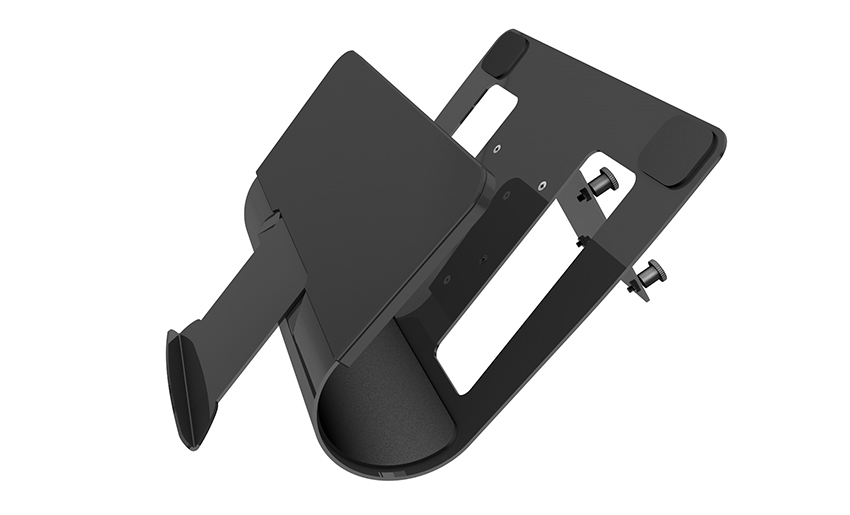
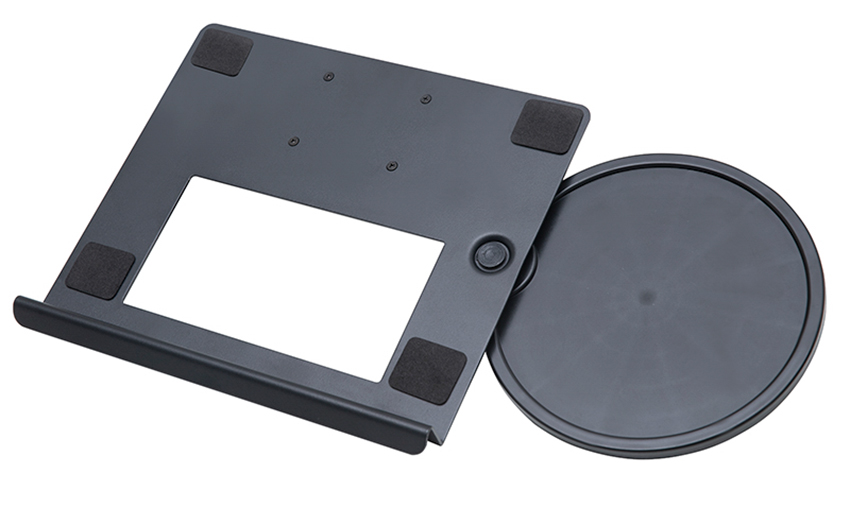
A Home Office Foldable Laptop Notebook Computer Tr...
See Details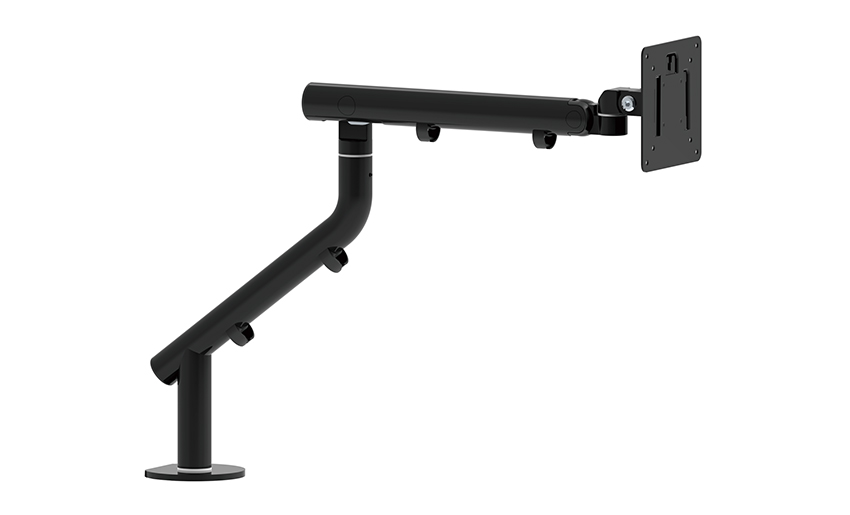
One of the key features of this monitor arm is its...
See Details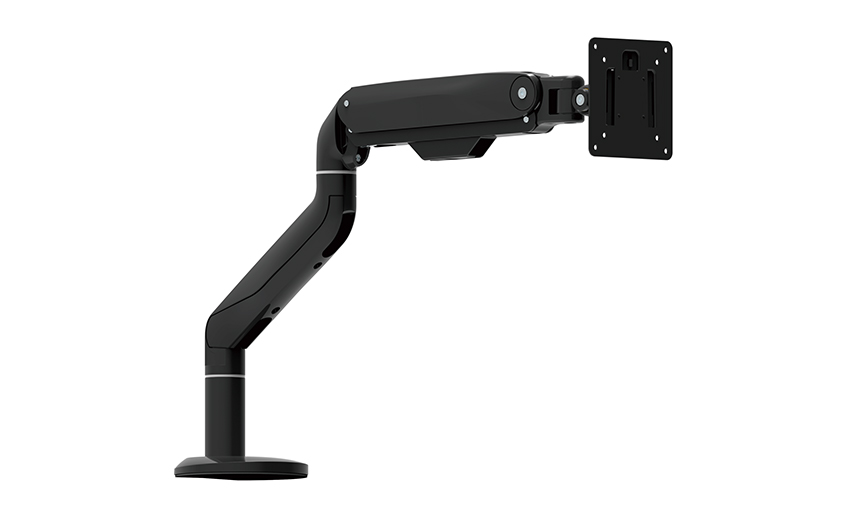
Revolutionize your work setup with the Aluminum &a...
See Details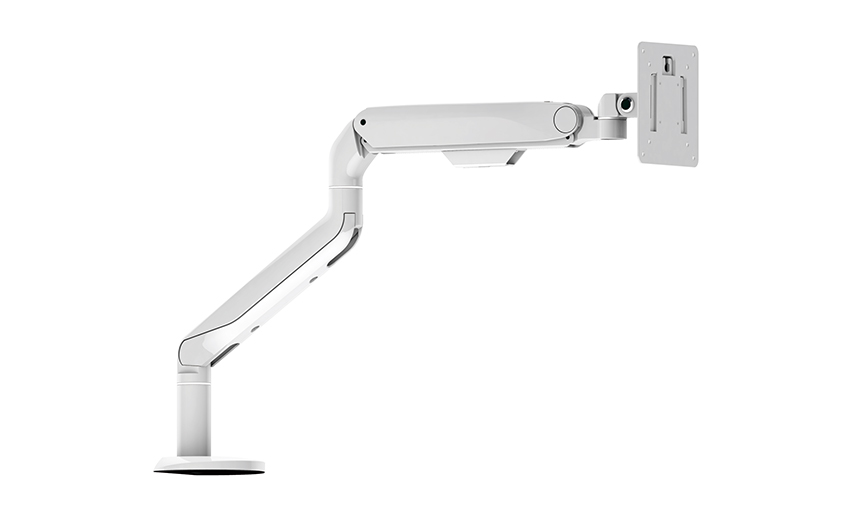
This sleek and sturdy arm is designed to securely ...
See Details
Address: No 3098 Shuanglong Rd, Daqiao Town 314006, Nanhu Area,Jiaxing city, Zhejiang Pro, China
Tel: +86-0573-83222192
Fax: +86-0573-83225688
URL: www.jxjmly.com
Email: [email protected]
Copyright © JIAXING JINMAO ALUMINUM INDUSTRY CO., LTD.All Rights Reserved. Monitor Arms Desk Mount Manufacturers Wholesale Monitor Brackets Suppliers
