

 EN
EN
 English
 Español
 عربى
عربىProduct Consultation
Your email address will not be published. Required fields are marked *
Content
A single monitor mount is a hardware accessory that attaches one display screen to a desk, wall, or pole rather than leaving it sitting on its factory-supplied stand. At its core, the purpose of a one-monitor arm or mount is to free up desk space, allow precise ergonomic positioning of the screen, and create a cleaner, more professional-looking workspace. Most monitors ship with a fixed plastic stand that offers limited height and tilt adjustment — rarely enough to position the screen at the correct eye level for a specific user's height, chair, and posture. A dedicated single monitor desk mount solves this by giving you full control over height, depth, tilt, swivel, and in many cases rotation between landscape and portrait orientation.
Beyond ergonomics, a single monitor arm mount creates meaningful physical space on your desk. The average monitor stand occupies a footprint of roughly 200–300 square centimeters of desk surface. By mounting the screen on an arm that clamps to the desk edge or routes through a grommet hole, you reclaim that space entirely — space that can be used for a keyboard, notebook, coffee, or simply to reduce the visual clutter that affects focus and productivity. For home office workers, students, gamers, and creative professionals alike, switching from a stock stand to a purpose-built single screen mount is one of the highest-impact, lowest-cost upgrades available for a desktop setup.
The market for single display mounts spans a wide range of form factors, each suited to different desk configurations, use cases, and budget levels. Understanding the structural differences between mount types helps you choose the one that fits your specific situation rather than defaulting to the most popular option.
The desk clamp mount is the most popular single monitor mounting solution for home and office desks. It attaches to the edge of a desk via a C-clamp mechanism that tightens against the top and underside of the desk surface, requiring no drilling or permanent modification. Desk clamp mounts are quick to install, easy to reposition, and completely reversible — important for renters or shared workspaces. They work on desks with edge thickness typically ranging from 10 mm to 80 mm, though heavy-duty models accommodate thicker surfaces. The clamp mount typically supports a single arm that extends outward from the clamp base, allowing the monitor to be positioned anywhere within the arm's reach radius.
A grommet mount passes a bolt through a hole in the desk surface — either an existing cable management hole or a freshly drilled one — and secures with a large nut and washer underneath. This mounting method is more secure than a desk clamp because the load is distributed through the desk surface rather than concentrated on its edge, making it the preferred choice for heavier monitors or for users who frequently adjust their display's position throughout the day. Grommet mounts are standard in corporate office furniture that comes pre-drilled, and they create a very clean installation with no hardware visible on the desk edge.
A wall mount for a single monitor attaches directly to a wall stud or concrete surface, holding the screen completely off the desk. This is the most space-efficient solution of all — it frees the entire desk surface — and is ideal for standing desk setups, reception areas, control rooms, or any situation where the desk position relative to the wall is fixed. Wall-mounted single monitor brackets range from completely fixed mounts (which hold the screen at one angle and position) to full-motion articulating arms that allow the screen to be pulled forward, swiveled, tilted, and pushed flush against the wall when not in use. The main limitation of wall mounting is that it requires permanent wall fixings, making it impractical for renters or frequently reconfigured spaces.
For situations where clamping to a desk edge isn't possible — such as glass desks, very thick surfaces, or shared workspaces where modifications aren't allowed — a freestanding single monitor mount with a weighted base sits directly on the desk surface without any attachment hardware. A heavy cast-iron or steel base keeps the arm stable while allowing full articulation of the monitor above it. The trade-off is that the base itself occupies some desk space, though it is typically smaller than the original monitor stand it replaces. Freestanding mounts are also useful for users who move their equipment frequently between locations.
Buying the wrong single monitor mount — one that doesn't fit your monitor's size, weight, or mounting pattern — is a frustrating and costly mistake. These are the specifications you must verify before purchasing:
To make the selection process clearer, the table below compares the four main single monitor mount types across the criteria that matter most for real-world purchasing decisions:
| Feature | Desk Clamp | Grommet Mount | Wall Mount | Freestanding |
| Desk Space Saved | High | High | Maximum | Moderate |
| Installation Difficulty | Easy | Moderate | Moderate–Hard | Very Easy |
| Permanent Modification | No | Yes (hole) | Yes (wall) | No |
| Stability | Good | Excellent | Excellent | Good |
| Best For | Most home desks | Office desks | Fixed workstations | Glass desks, renters |
| Typical Price Range | $25–$150 | $30–$160 | $20–$120 | $40–$180 |
The ergonomic case for replacing a factory monitor stand with a dedicated single monitor mounting arm is well-supported by occupational health research. Poorly positioned monitors are a leading contributor to neck pain, upper back tension, eye strain, and headaches in office workers — and the rigid, limited-adjustment stands that most monitors ship with make ideal positioning nearly impossible for many users.
The standard ergonomic guideline is that the top of the monitor screen should be at or slightly below eye level, with the screen tilted back 10–20 degrees. This allows the eyes to look slightly downward at the screen, which reduces the strain of holding the neck upright against gravity. Factory monitor stands almost universally place the screen too low for tall users or users in higher chairs, forcing sustained forward head posture that loads the cervical spine. A height-adjustable single monitor arm allows the screen to be raised or lowered in seconds to achieve the correct alignment for any user or any seating adjustment throughout the day.
The recommended viewing distance for a standard monitor is approximately 50–70 cm (20–28 inches) from the eyes, with larger screens requiring greater distance. On a standard desk, a monitor on its factory stand is often pushed to the back edge of the desk to clear keyboard and peripheral space, which for many desk depths places the screen too far away. A single monitor arm solves this by allowing the screen to be pulled closer or pushed further back independently of where the arm's base is mounted, achieving the correct viewing distance regardless of desk depth.
Many single monitor arms support 90-degree rotation, allowing the screen to be switched between landscape and portrait orientation. Portrait mode is genuinely useful for programmers who want to see more lines of code without scrolling, writers who prefer a page-like vertical document layout, and anyone who regularly reads long-form content or works with vertical documents. Without a monitor arm, rotating a screen to portrait mode requires the display's own stand to support it at a non-standard angle — something most stands cannot do safely.
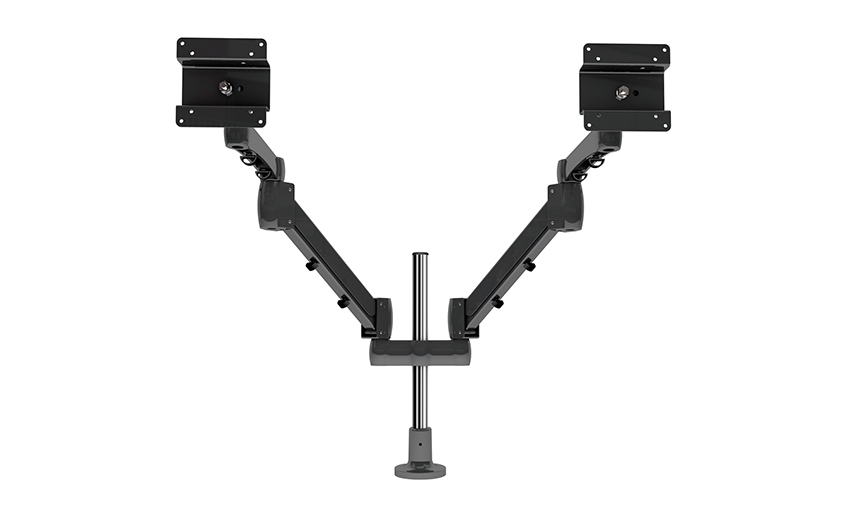
Installing a single monitor arm is straightforward for most users and typically takes 15–30 minutes with basic tools. The process varies slightly depending on whether you're using a desk clamp or grommet mount, but the general workflow is consistent across most products.
Different users have different priorities when it comes to a single screen mount — a gamer wants something different from a graphic designer, and a corporate office worker has different constraints from a home office remote worker. Here is a breakdown of what to prioritize by use case:
Home office users benefit most from a full-motion single monitor arm with gas spring or spring-loaded height adjustment, allowing the screen to be repositioned effortlessly throughout the day as posture changes or as the desk transitions between sitting and standing modes. A desk clamp mount with cable management routing is ideal for keeping the desk visually clean. Budget-friendly but well-built options from brands like Ergotron, Amazon Basics, and HUANUO offer excellent value in the $30–$80 range for screens up to 27 inches.
Gamers prioritize stability and the ability to quickly fine-tune screen position for different game genres — a racing sim setup requires a different screen distance than a first-person shooter. Single monitor gaming mounts should have a high weight capacity (gaming monitors with high refresh rates and curved panels tend to be heavy), a wide tilt range for optimal panel angle, and ideally a swivel range of at least 90 degrees each side. Look for mounts rated for screens up to 34 inches and 10 kg or more if you're using an ultra-wide gaming monitor.
Designers, video editors, and photographers working with color-critical displays need a mount that allows precise fine-tuning of tilt angle to minimize screen reflections and optimize viewing angle consistency. A portrait/landscape rotation feature is a significant plus for designers who reference vertical mockups. Premium mounts from Ergotron (the LX and MX series), Humanscale, and Fully are worth the higher price point for professional users who spend 8+ hours a day in front of a screen, as their build quality and adjustment precision are noticeably superior to budget options.
Even with good research, buyers frequently make avoidable mistakes when purchasing their first single monitor mount. Being aware of these pitfalls saves time, money, and frustration:
Your email address will not be published. Required fields are marked *
A Home Office Foldable Laptop Notebook Computer Tr...
See Details
One of the key features of this monitor arm is its...
See Details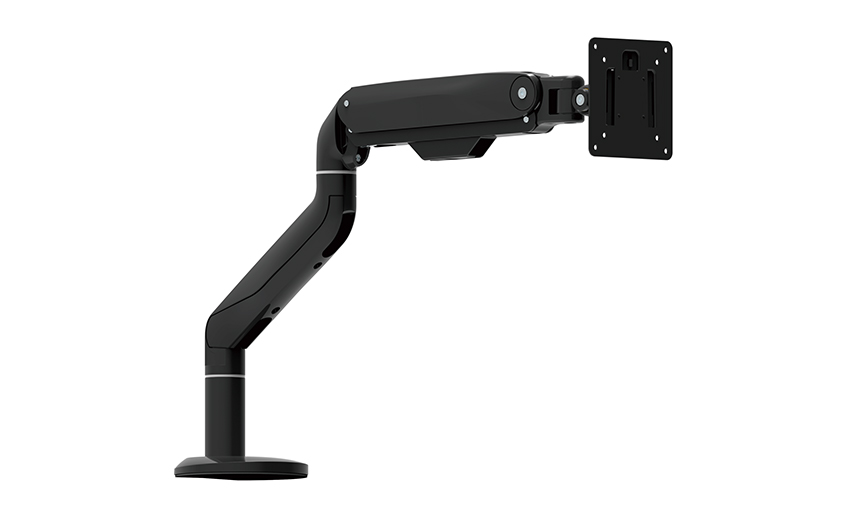
Revolutionize your work setup with the Aluminum &a...
See Details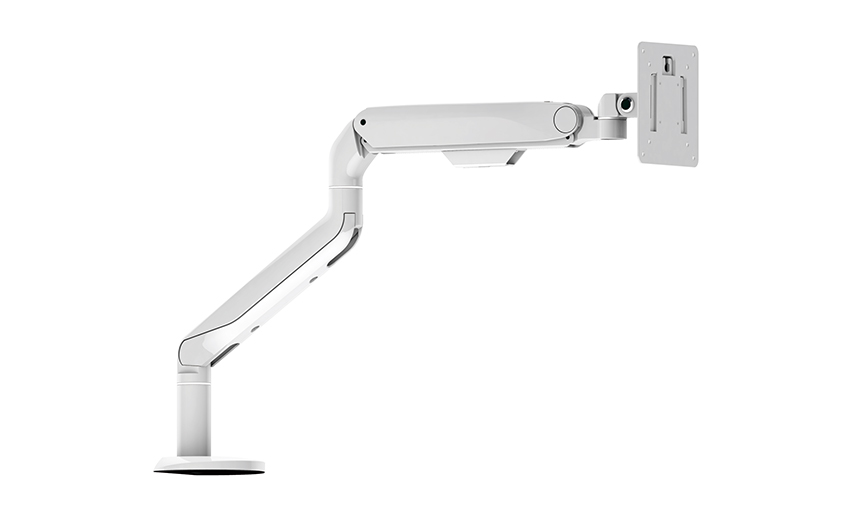
This sleek and sturdy arm is designed to securely ...
See Details
Address: No 3098 Shuanglong Rd, Daqiao Town 314006, Nanhu Area,Jiaxing city, Zhejiang Pro, China
Tel: +86-0573-83222192
Fax: +86-0573-83225688
URL: www.jxjmly.com
Email: [email protected]
Copyright © JIAXING JINMAO ALUMINUM INDUSTRY CO., LTD.All Rights Reserved. Monitor Arms Desk Mount Manufacturers Wholesale Monitor Brackets Suppliers
