

 EN
EN
 English
 Español
 عربى
عربىProduct Consultation
Your email address will not be published. Required fields are marked *
Content
Anyone who has kicked a computer tower by accident, tripped over a power cable snaking under a desk, or watched dust bunnies pile up around a floor-standing CPU knows the problem well. An adjustable CPU holder solves this by mounting the tower to the underside of a desk or to a nearby leg, lifting it off the floor entirely. This single change frees up legroom, keeps intake fans away from carpet dust and debris, and makes it much easier to reach ports on the back or side of the case without crawling under furniture.
The "adjustable" part matters just as much as the mounting itself. Office towers and gaming PCs come in wildly different shapes and sizes, so a holder that only fits one exact width is far less useful than one that can slide, tilt, and expand to match different case dimensions. This flexibility is exactly why adjustable holders have become the standard choice over fixed brackets in both home offices and corporate workstations.
Most adjustable CPU holders share a similar core design: a metal or heavy-duty plastic frame that cradles the tower from the sides or bottom, attached to a sliding track or swivel arm mounted to the desk. The adjustment mechanism typically involves a telescoping bar or spring-loaded clamp that can widen or narrow to grip towers ranging anywhere from slim mini-ITX cases to full-size ATX towers.
These attach to the underside of the desk and let the entire holder slide forward or backward on a rail. This is especially useful for reaching cables or ports without fully detaching the tower, since you can just pull the whole unit out on its track and push it back in when done.
Swivel arms rotate the tower outward from under the desk, which is handy in tighter spaces where a sliding track doesn't have enough clearance to extend. These mounts usually support a bit less weight than sliding tracks, so they're better suited to lighter or smaller towers.
This is the most common style, using two side panels that can be widened or narrowed with a locking screw or ratchet mechanism to snugly grip the tower's sides. It's a simple, sturdy design that works well for people who don't need to slide or swivel the tower out often.
Choosing the right mounting style depends on how often you need to access the tower and how much space you have under the desk. This table breaks down the practical tradeoffs.
| Mount Style | Typical Weight Capacity | Best For |
| Sliding Track Mount | Up to 60 lbs | Heavy towers, frequent cable access |
| Swivel Arm Mount | Up to 30 lbs | Tight spaces, lighter towers |
| Width-Adjustable Clamp Frame | Up to 50 lbs | Simple setups, infrequent adjustments |
Not every adjustable CPU holder fits every desk or tower, so it's worth confirming a few details before ordering one online where you can't test the fit in person.
Skipping these checks is the most common reason people end up returning a CPU holder, usually because the tower was too heavy, too wide, or the desk didn't have enough clearance underneath for the mount to open fully.
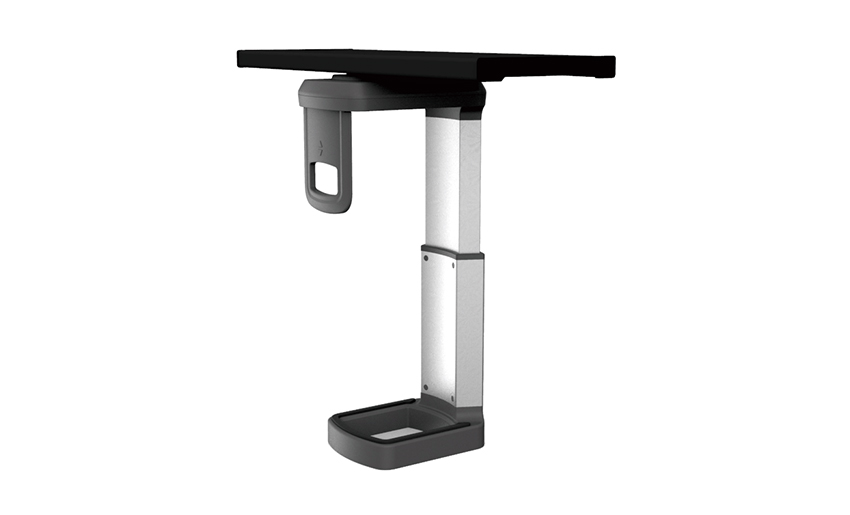
Installation is usually straightforward, but a few precautions go a long way toward avoiding damage to both the desk and the mount itself. Start by measuring twice before drilling any pilot holes, since most brackets are unforgiving if the screw positions are off by even half an inch. If the desk surface is hollow-core (common in cheaper office furniture), use the included washers or add your own to spread the load and prevent the screws from pulling through over time.
Once the frame is mounted, load the tower into the holder before fully tightening the adjustable clamps, so you can check the fit and balance before locking everything in place. It's also worth testing the slide or swivel motion a few times with the tower loaded to make sure it moves smoothly and doesn't catch on nearby cables or furniture legs.
Once installed, an adjustable CPU holder doesn't need much upkeep, but a few habits keep it working smoothly for years. Periodically check that mounting screws haven't loosened from vibration, especially in setups near foot traffic or on shared desks where bumps are common. Wipe down sliding tracks every few months, since dust buildup can make the slide motion stiff or uneven. If the holder uses a locking screw or ratchet clamp, apply a small amount of silicone lubricant if it starts feeling stiff, which keeps the adjustment mechanism from wearing out prematurely.
Your email address will not be published. Required fields are marked *
A Home Office Foldable Laptop Notebook Computer Tr...
See Details
One of the key features of this monitor arm is its...
See Details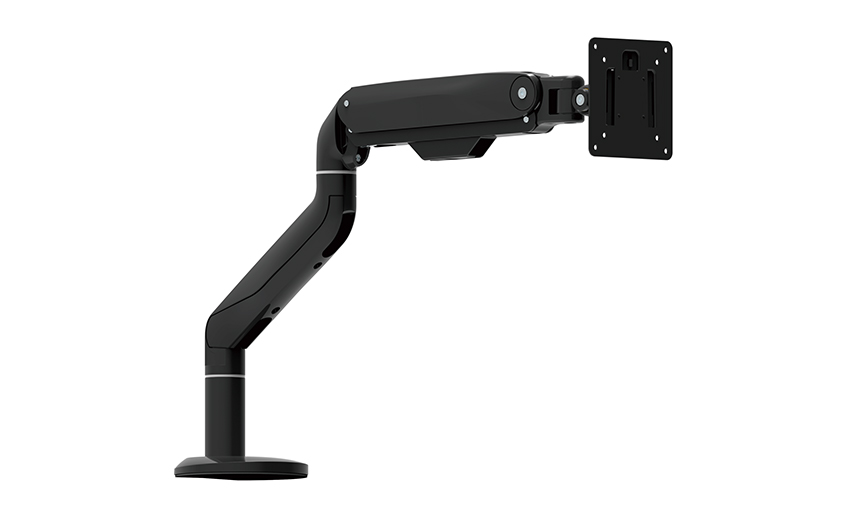
Revolutionize your work setup with the Aluminum &a...
See Details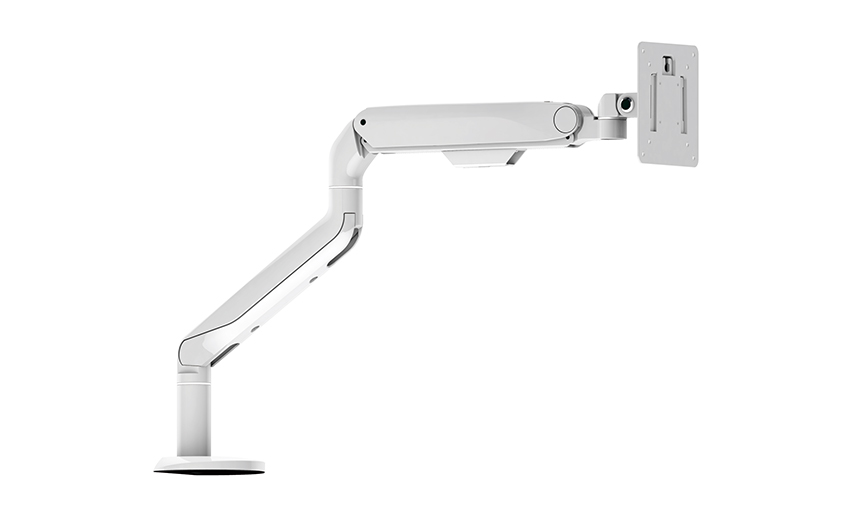
This sleek and sturdy arm is designed to securely ...
See Details
Address: No 3098 Shuanglong Rd, Daqiao Town 314006, Nanhu Area,Jiaxing city, Zhejiang Pro, China
Tel: +86-0573-83222192
Fax: +86-0573-83225688
URL: www.jxjmly.com
Email: [email protected]
Copyright © JIAXING JINMAO ALUMINUM INDUSTRY CO., LTD.All Rights Reserved. Monitor Arms Desk Mount Manufacturers Wholesale Monitor Brackets Suppliers
