

 EN
EN
 English
 Español
 عربى
عربىProduct Consultation
Your email address will not be published. Required fields are marked *
Two monitors, one desk, and a pair of factory bases that never quite line up. That is usually the moment people start searching for the best double monitor arm, and it is also the moment when every product page begins to sound identical. Smooth motion, sturdy build, tidier desk.
We make monitor arms, so we have a bias. But more than twenty years of die-casting aluminium parts for ergonomic setups has taught us something simpler: the best arm is the one that matches your screens, your desk and the way you actually move during a working day. What follows is how we would think it through if we were buying one for ourselves.
Content
Specification sheets are useful, but they rarely tell you which numbers matter. In our experience, these are the ones that decide whether you are still happy with an arm two years later:
If you prefer a more step-by-step version of this thinking, our guide on how to choose a dual monitor desk mount walks through the same decisions in a different order and is worth reading alongside this one.
The most common mistake we see is choosing by screen size instead of screen weight. A 27-inch panel can weigh anywhere from 4.5 kg to 7 kg depending on its backlight and how much of the housing comes off with the stand. Two screens that look identical on a shop shelf may differ by 2 kg, and that difference is exactly where sagging arms come from.
Curved screens add another wrinkle. The centre of gravity sits further forward, so the arm has to resist more leverage than the weight figure alone suggests. Ultrawide panels in the 34-inch class are often closer to a 32-inch screen in mass than to a 27-inch one.
| Typical setup | Weight per screen | What to look for | Mounting method |
|---|---|---|---|
| Two 24-inch screens | 3 to 5 kg | Standard dual arm, rated 8 kg per side | Desk clamp |
| Two 27-inch screens | 5 to 7 kg | Gas spring dual arm with tension adjustment | Clamp or grommet |
| Two 32-inch or curved screens | 7 to 9 kg | Heavy-duty dual arm, reinforced joints, wide base | Grommet or bolt-through |
| Three or four screens | Depends on panel size | Column-based multi-screen stand with separate arms | Clamp with a wide base plate |
Notice that none of those rows mention brands, because at this stage the numbers already narrow the field for you. Once you know you need roughly 6 kg of support per side, most of the catalogue quietly removes itself.
For screens between roughly 17 and 32 inches, an aluminium dual arm with independent height adjustment on each side is usually the most comfortable starting point. Aluminium keeps the joint blocks stiff, which matters more than the finish on the outer tube.
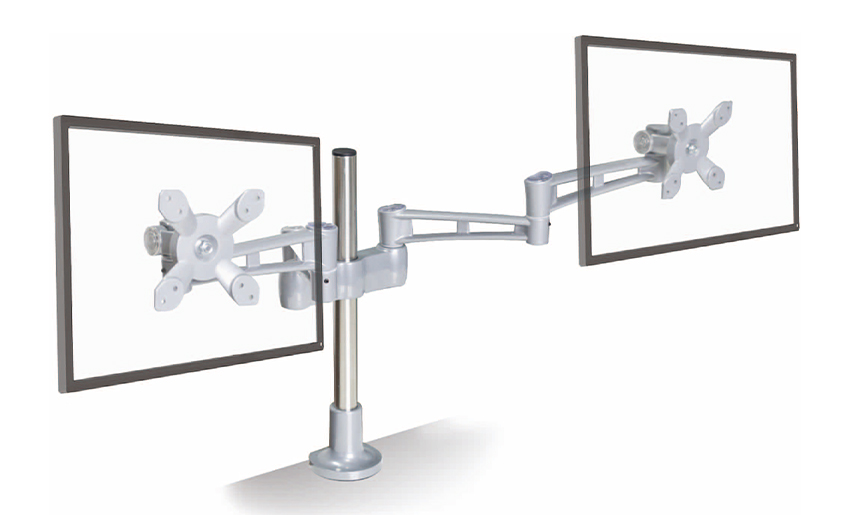 Aluminum Height Adjustable Dual Arm Monitor Holder for 17–32 InchA desktop dual-arm holder for 17–32 inch monitors with vertical height adjustment, worth viewing for aluminum ergonomic setups at eye level.View Product →
Three mechanisms dominate the market, and each one behaves differently once it is on your desk.
A pressurised cylinder does most of the lifting work, so a light push moves a heavy screen. They feel effortless, which is why they suit people who raise and lower their monitors several times a day. The trade-off is that gas pressure changes with temperature, and a cold office in winter can make an arm feel slightly heavier than it did in summer.
A steel spring does the same job without pressurised gas. Adjustment is usually a screw that compresses or releases the spring, and the feel stays consistent for years. They tend to be a little firmer at the start of the movement, but they are predictable and easy to service.
The simplest option: you set the position and the hinges hold it. There is nothing to re-tension, nothing to leak and nothing to wear out quickly, but a heavy screen will need a heavier hinge, and the movement will never feel weightless.
If your two screens sit at slightly different weights, a gas spring design with separate tension screws per arm is the least frustrating arrangement, because you can tune each side without touching the other.
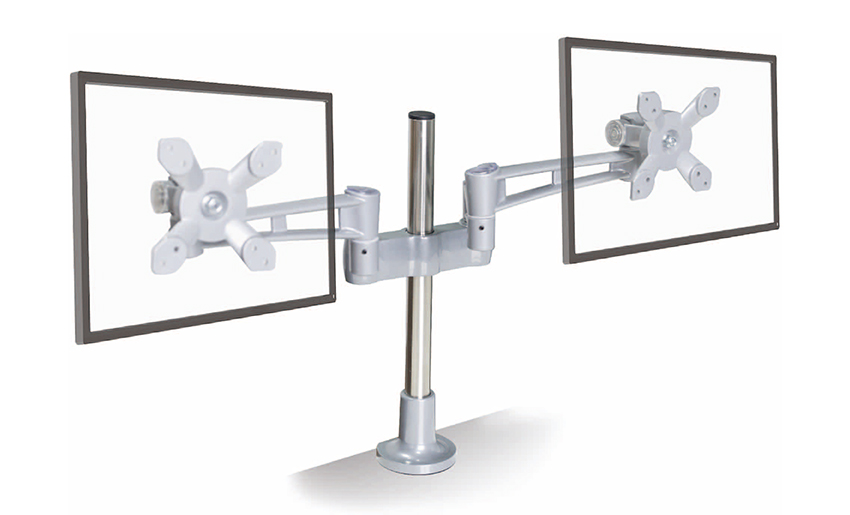 Gas Spring Ergonomic Dual Monitor Arm for Smooth PositioningA dual monitor arm with gas spring height, tilt, and rotation adjustment, worth viewing for ergonomic setups that need smooth, low-effort repositioning.View Product →
The mount is the part of the purchase people think about last, and the part that causes the most returns. It is worth measuring your desk before you compare arms at all.
A clamp needs a flat edge and enough clearance underneath for the screw to turn. Desks with a thick steel frame, a cable tray running along the back edge, or a curved bevelled lip may not accept one. A grommet mount passes through an existing cable hole and is often the tidier choice on shared or hot-desked furniture.
Two screens mean at least four cables: two display cables and two power leads. Channels that run along the underside of the arm keep everything out of sight, but only if you route the cables before you tighten the joints. Doing it afterwards is possible and always annoying.
It is also worth checking how far the arm reaches. A dual arm with a long lower segment lets you push both screens back when you want desk space for paperwork or a laptop, then pull them forward again for focused work. That single movement does more for comfort than any amount of extra tilt range.
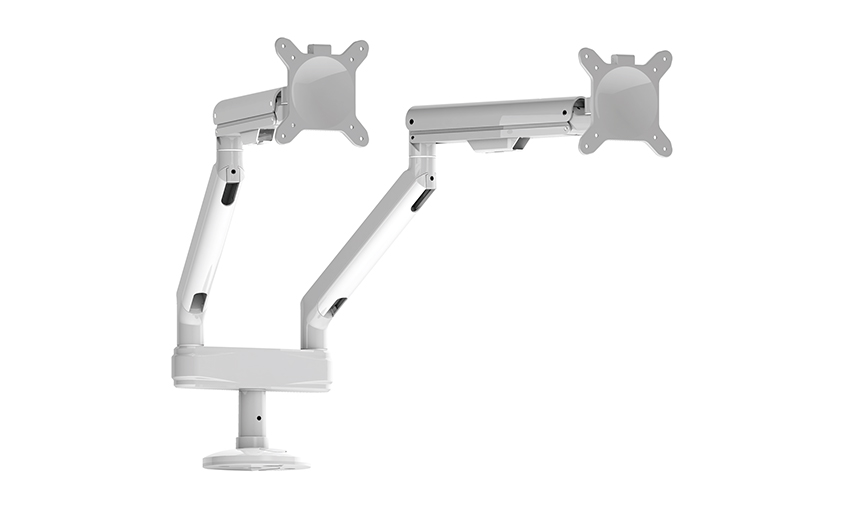 Ergonomics Solution Dual Monitor Desk Mount with Independent AdjustmentA dual-arm desk mount for side-by-side monitors with independent height, tilt, and swivel adjustment, worth viewing for clamp or grommet installation and desk-space clearing.View Product →
Work through that list and the shortlist usually shrinks to two or three sensible options. At that point the decision is mostly about feel and finish, which is exactly when a specification sheet stops being helpful.
We are a die-casting manufacturer, and monitor arms are what we know best. Our own catalogue covers single, dual and triple LCD arms, laptop trays, CPU holders and a range of other cast aluminium parts, and we have spent more than twenty years turning customer sketches into production-ready tooling.
That background shapes the advice above. We care about wall thickness, joint stiffness and how a hinge behaves after ten thousand adjustments, because those are the things we can control during casting and assembly. What we cannot control is whether an arm fits your desk, and no manufacturer can. So measure first, buy second, and treat the glossy photographs as the least useful part of any listing. If you ever want to see how we approach this kind of work, you are welcome to look around our factory and product pages.
Your email address will not be published. Required fields are marked *
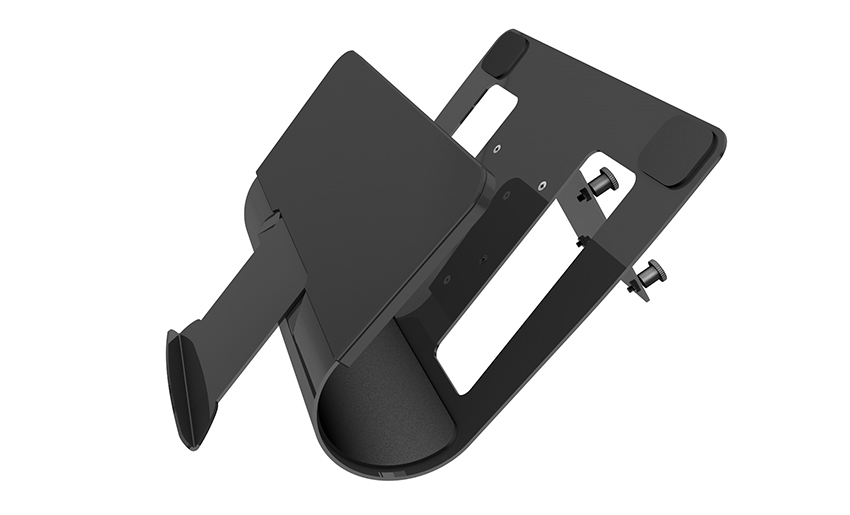
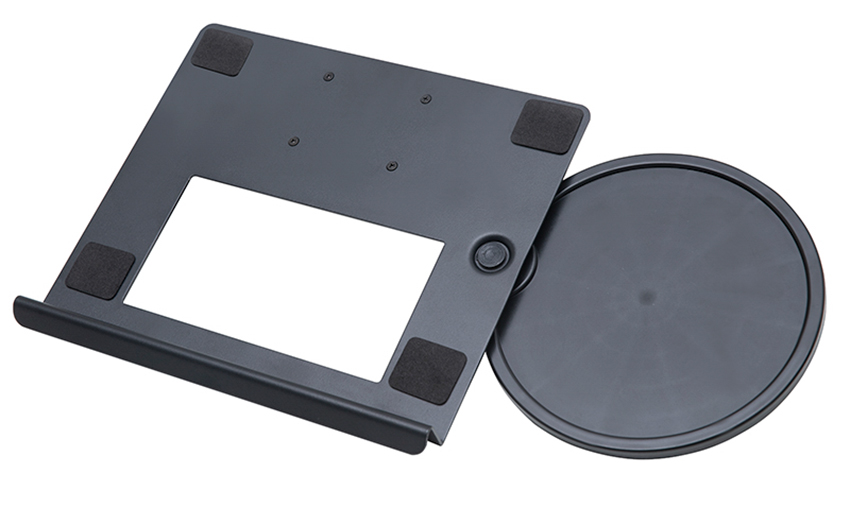
A Home Office Foldable Laptop Notebook Computer Tr...
See Details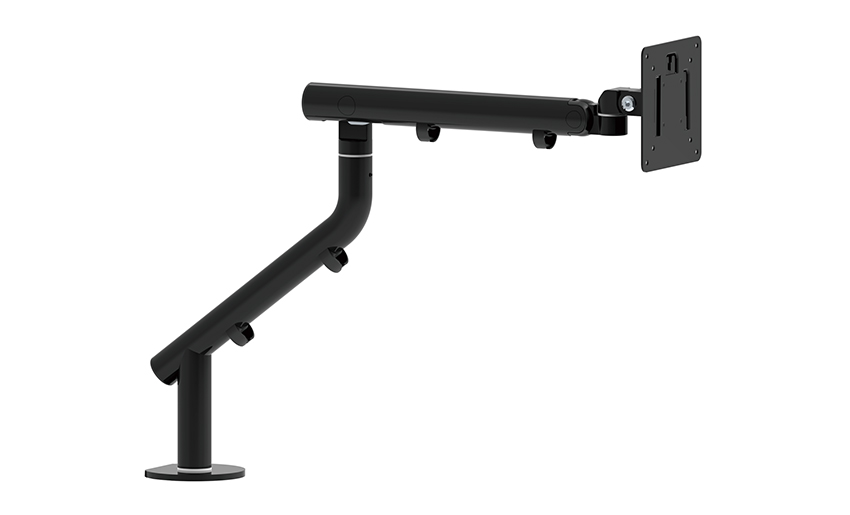
One of the key features of this monitor arm is its...
See Details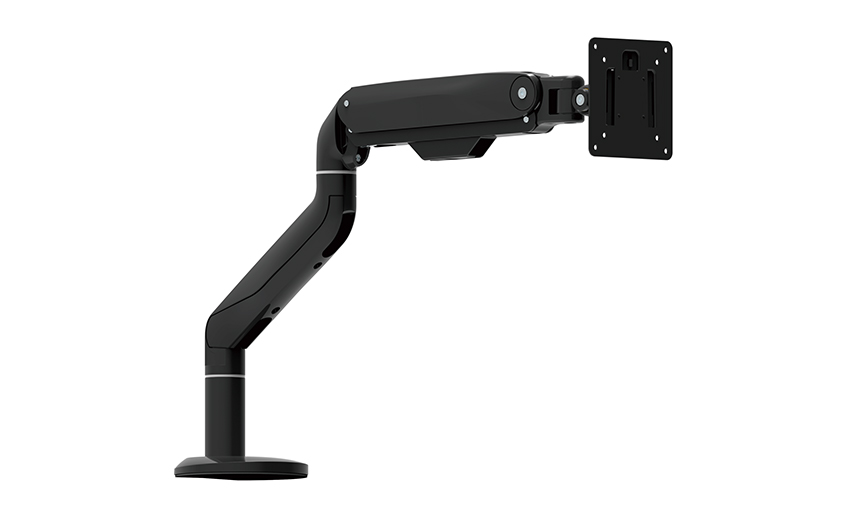
Revolutionize your work setup with the Aluminum &a...
See Details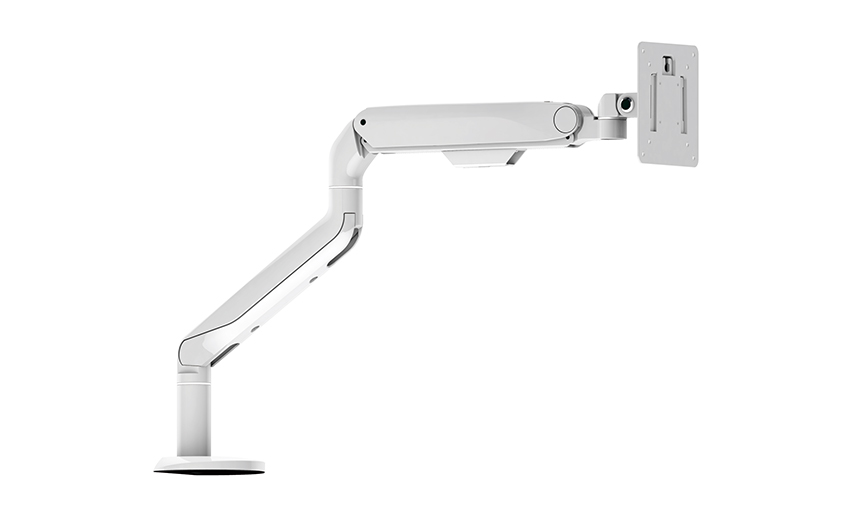
This sleek and sturdy arm is designed to securely ...
See Details
Address: No 3098 Shuanglong Rd, Daqiao Town 314006, Nanhu Area,Jiaxing city, Zhejiang Pro, China
Tel: +86-0573-83222192
Fax: +86-0573-83225688
URL: www.jxjmly.com
Email: [email protected]
Copyright © JIAXING JINMAO ALUMINUM INDUSTRY CO., LTD.All Rights Reserved. Monitor Arms Desk Mount Manufacturers Wholesale Monitor Brackets Suppliers
