

 EN
EN
 English
 Español
 عربى
عربىProduct Consultation
Your email address will not be published. Required fields are marked *
Most 32-inch monitors ship with a stand that does the minimum: it holds the panel upright and allows a small tilt range. It does nothing for desk space, viewing height, or the ability to work at a comfortable distance. A 32 inch monitor arm can solve all of those problems, but only if the arm is genuinely rated for the weight and mounting pattern of the display. The rule is simple: check rated load and VESA compatibility before anything else, then look at reach, clamp fit, and movement.
Content
From a mounting perspective, a 32-inch screen changes more than the diagonal measurement. A 24-inch monitor normally weighs 3 to 4 kg, and a simple mechanical arm can hold it without difficulty. A 32-inch IPS panel usually weighs 6.5 to 9 kg, and a curved gaming display can reach 11 to 13 kg with its power brick and cables. That weight sits at the end of a longer arm, so smaller tolerances inside the joints produce visible sag.
Diagonal size alone is a poor specification for choosing an arm. Many universal product pages list 17 to 32 inches while the real limit is the maximum load. If the rating is 9 kg and your monitor weighs 8.5 kg, there is almost no safety margin for cable pull, tilting the screen, or the forward center of gravity of a curved panel. Look for a capacity at least 20 to 30 percent higher than the weight of the mounted monitor. This headroom keeps the gas spring stable and the joints from wearing out quickly.
The first filter is always the three non-negotiable items: VESA pattern, weight rating, and desk clamp range. The table below is a practical starting point for a typical 32-inch monitor.
| Specification | Why It Matters | Typical Requirement for 32-Inch |
|---|---|---|
| VESA pattern | The mounting plate must attach directly to the monitor | 100x100 mm, with 200x100 mm support for some models |
| Weight rating | Prevents sagging and premature joint wear | 10 kg or higher; more for heavy curved panels |
| Desk clamp opening | Clamp must grip your desk edge securely | 20-80 mm for most C-clamps |
| Horizontal reach | Allows the screen to be pushed back or brought forward | 400-550 mm from the mounting point |
| Tilt and swivel range | Needed for correct viewing angle and multi-monitor alignment | -35 to +35 degrees tilt, 180-degree swivel, 360-degree rotation |
| Cable management | Keeps power and video cables from pulling on the joints | Integrated channel or clips |
VESA compatibility determines whether the arm can physically connect to the monitor. Most 32-inch displays use a 100x100 mm hole pattern, but a number of large or curved models use 200x100 mm. If the arm comes with a fixed plate and the product page does not state the pattern clearly, confirm it before purchase.
The desk clamp range is just as critical. A clamp rated for a 40 mm desk edge will not close securely on a 60 mm thick desk, and a clamp with rubber pads may not grip an uneven surface evenly. Measure the edge of the desk, including any glued strip, and compare it with the arm's stated range. For desks with hollow sections, a grommet mount or a steel reinforcing plate is safer than a C-clamp pressing on the surface layer alone.
Reach is another detail that gets ignored. Because a 32-inch panel is wider and often deeper, the arm must allow enough horizontal extension to position the screen at a comfortable working distance and to push it back when you need desk space. Arms with a reach of 400-550 mm are typical for this size class.
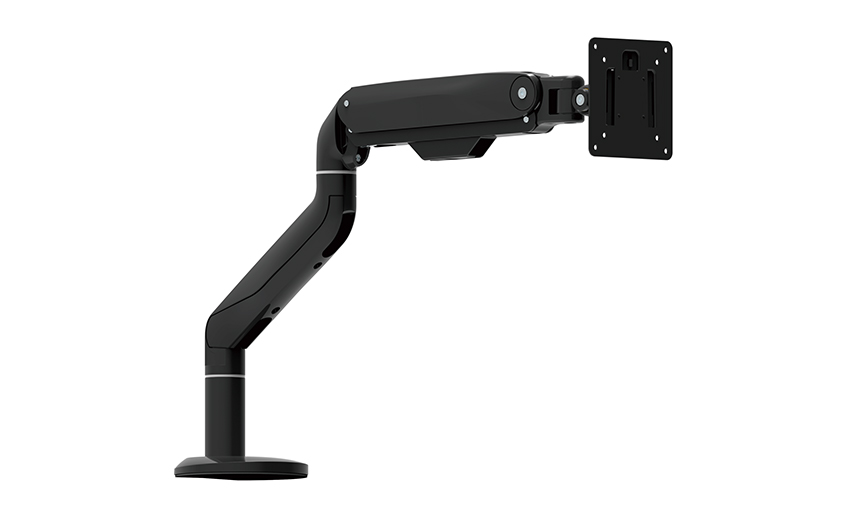 Aluminum and Steel Curved Single Monitor Arm with 360 Degree RotationThis curved monitor arm uses aluminum and steel to reduce vibration and includes a stiff tilt mechanism, making it suitable for oversized panels. Its 360-degree rotation and in-line wire management support comfortable positioning for a 32-inch curved display.View Product →
Curved monitors deserve special attention because their shape shifts the center of gravity toward the front. A curved screen mounted on a light arm tends to drift downward over time, so a dedicated curved-screen arm with a stiffer tilt mechanism is a reasonable upgrade. The aluminum and steel construction in the curved single-arm model above also reduces vibration, which is useful for oversized panels.
Gas spring arms use a piston to counterbalance the display. This design makes height changes almost effortless, which is why most users prefer it for dual-purpose workstations. The catch is that the piston force has to match the monitor weight. If the spring is too weak, the arm sinks; if the spring is too strong, the screen floats up. Choose an arm with an adjustable spring mechanism that can be tuned after the monitor is attached.
Mechanical friction arms hold the monitor with tightened joints and friction washers. They do not rely on a sealed gas charge, so there is less to fail over time, and they behave predictably in environments where temperature changes are common. The trade-off is that making a large adjustment means loosening and re-tightening several screws. For a 32-inch monitor that stays in one position most of the day, a mechanical arm is a durable and honest design.
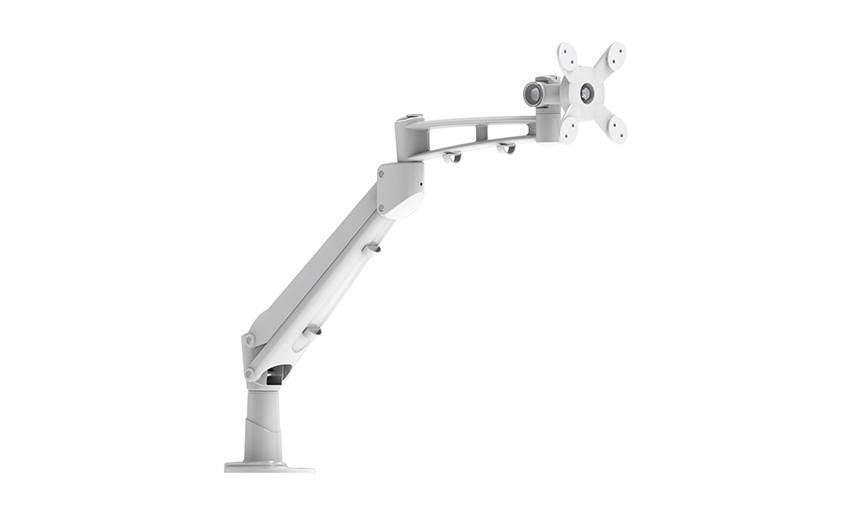 Gas Spring Fully Adjustable Single LCD Monitor ArmA full-motion gas spring arm supports typical 32-inch monitor weights and allows tool-free tilt, swivel, and rotation. Its weight range of 6.6-17.6 lbs suits frequent adjustments, and customization options are available for specific needs.View Product →
If you adjust the monitor several times per day, buy the gas-spring type. The fully adjustable gas spring arm linked above is one example of a full-motion design that supports the typical weight range of a 32-inch screen while allowing tilt, swivel, and rotation without tools. The practical result is that the monitor follows the user instead of forcing the user to adapt to a fixed screen.
Two arms can look nearly identical in product photos and behave very differently after a few weeks. The stiffness of the aluminum extrusion, the accuracy of the die-cast joints, the quality of the bushings, and the uniformity of the surface finish all affect long-term reliability. A weak casting can develop hairline cracks around the clamp base, while thin steel parts may flex enough to make the monitor wobble when the user types.
Die-cast aluminum is a sensible material for this application because it can be produced with tight tolerances and then machined at the mating surfaces. As a die-casting manufacturer that has focused on ergonomic mounting products for more than 20 years, we treat this as a structural engineering problem, not simply a steel-and-plastic assembly. Our quality target is high requirements, high precision, and zero defects, which is why the main joints and VESA plates in our arms are evaluated for dimensional consistency before they go into production.
For a project that needs something beyond a standard single arm, custom engineering can be carried out on the same production line. Dual-screen setups for two 32-inch monitors require a stiffer column, wider joint spacing, and a clamp that spreads the load over a larger area. Using a pre-engineered dual-arm mount rated for 17-32 inch screens reduces the risk of sag and makes alignment easier during installation.
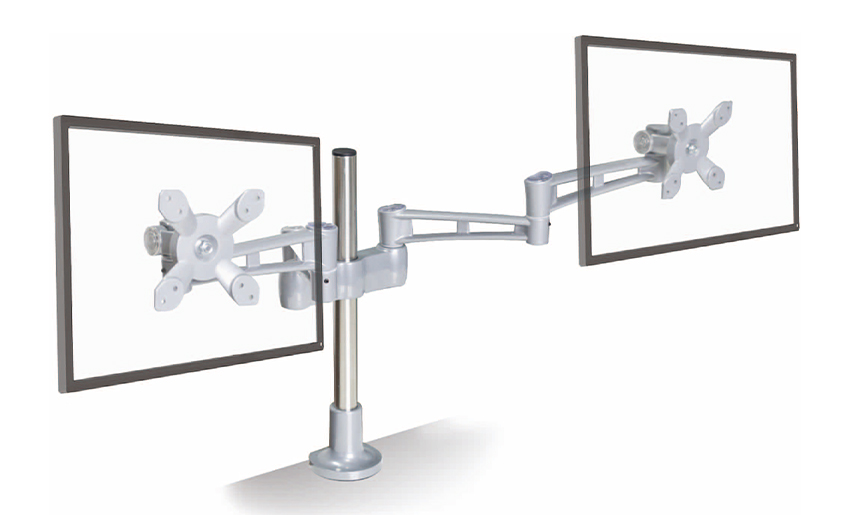 Aluminum Height Adjustable Desktop Dual Arm for 17-32 Inch MonitorsThis dual arm holds two monitors in the 17-32 inch range and provides vertical height adjustment to reduce neck strain. Its stiffer column and wider joint spacing help prevent sag, making it practical for permanent multi-screen setups.View Product →
A good example is the aluminum height-adjustable desktop dual arm, which is designed to carry two screens in the common 17-32 inch range and is adjustable in height without losing its clamping grip. That kind of configuration matters for financial work, design workflows, or any situation where a second screen is permanent rather than occasional.
Even a correctly sized arm can perform badly if the installation is wrong. Keep these three rules in mind.
For a step-by-step approach, see our complete monitor arm desk mount guide before finalizing the installation.
The practical summary for a 32 inch monitor arm is straightforward. Weigh your display, check its VESA pattern, and confirm three values before you buy: rated capacity, clamp opening, and horizontal reach. Once those line up, the arm will hold the screen securely and make it easier to maintain good posture through a long work session. That is the difference between an arm that works on paper and one that works on the desk.
Your email address will not be published. Required fields are marked *
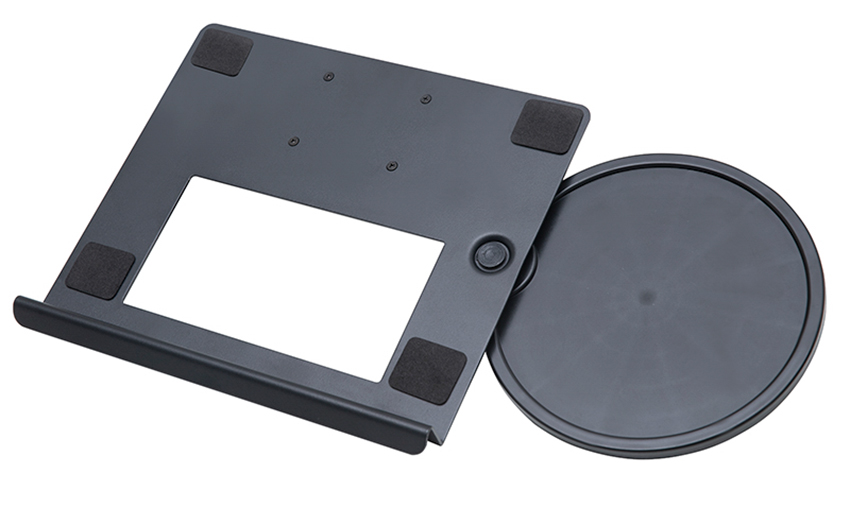
A Home Office Foldable Laptop Notebook Computer Tr...
See Details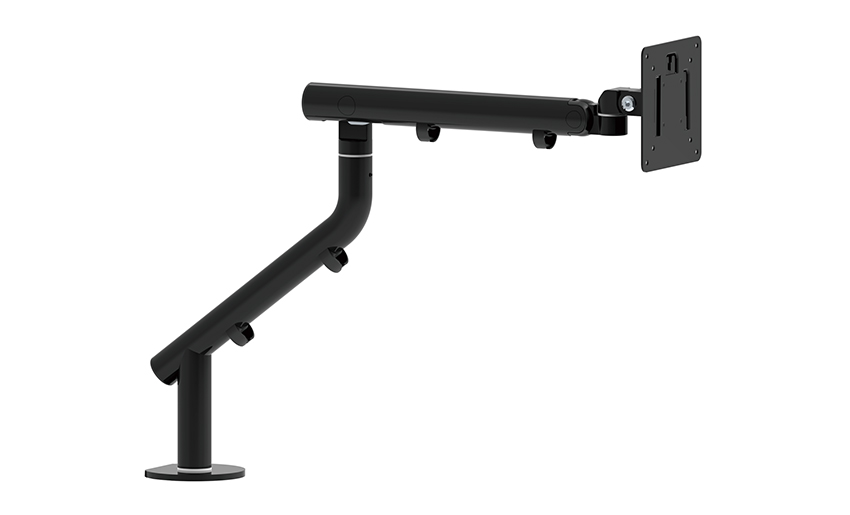
One of the key features of this monitor arm is its...
See Details
Revolutionize your work setup with the Aluminum &a...
See Details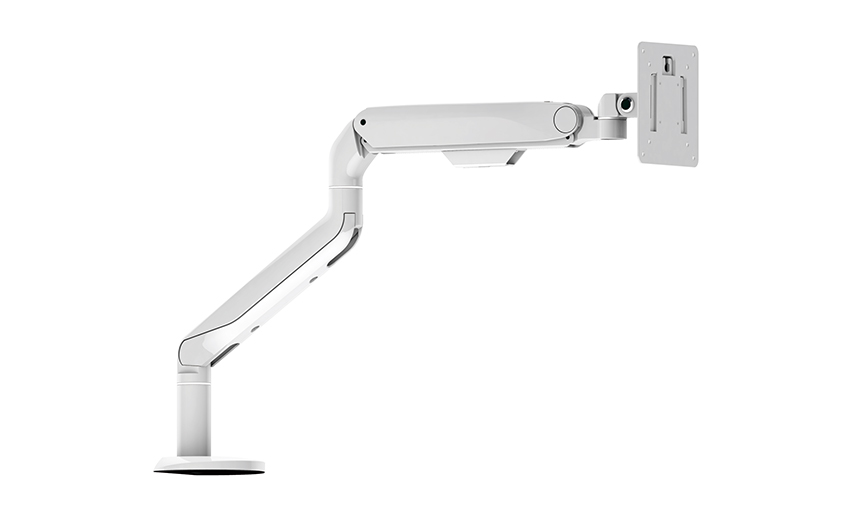
This sleek and sturdy arm is designed to securely ...
See Details
Address: No 3098 Shuanglong Rd, Daqiao Town 314006, Nanhu Area,Jiaxing city, Zhejiang Pro, China
Tel: +86-0573-83222192
Fax: +86-0573-83225688
URL: www.jxjmly.com
Email: [email protected]
Copyright © JIAXING JINMAO ALUMINUM INDUSTRY CO., LTD.All Rights Reserved. Monitor Arms Desk Mount Manufacturers Wholesale Monitor Brackets Suppliers
