

 EN
EN
 English
 Español
 عربى
عربىProduct Consultation
Your email address will not be published. Required fields are marked *
Your monitor is probably the center of your working day. If it sits too low, too far back, or just slightly off-center, you feel it in your neck and shoulders by mid-afternoon. A computer monitor arm desk mount is a simple piece of hardware that changes that relationship: it lifts the screen off the desk, holds it on an articulated arm, and lets you move it into the right position for your body and your task. At Jinmao Aluminium, we have spent more than 20 years making ergonomic mounting products, and we have seen how a small change in screen position can make a workspace feel calmer and more comfortable.
Content
A desk mount usually attaches in one of two ways: a C-clamp on the edge of the desk or a grommet mount through a cable hole. The arm rises from that base, carries your monitor on a VESA plate, and uses joints or a gas spring to hold the screen at the height and angle you choose. The VESA plate is the standard mounting pattern on the back of most monitors. The common sizes are 75 x 75 mm and 100 x 100 mm, and that pattern is one of the first things to check before buying.
The arm does more than raise the screen. It moves the monitor closer when you need detail, pushes it back when you are reading, and lets you share the screen with a colleague without dragging the whole desk. For a classic single-screen setup, a fully adjustable single monitor arm is often the most practical starting point.
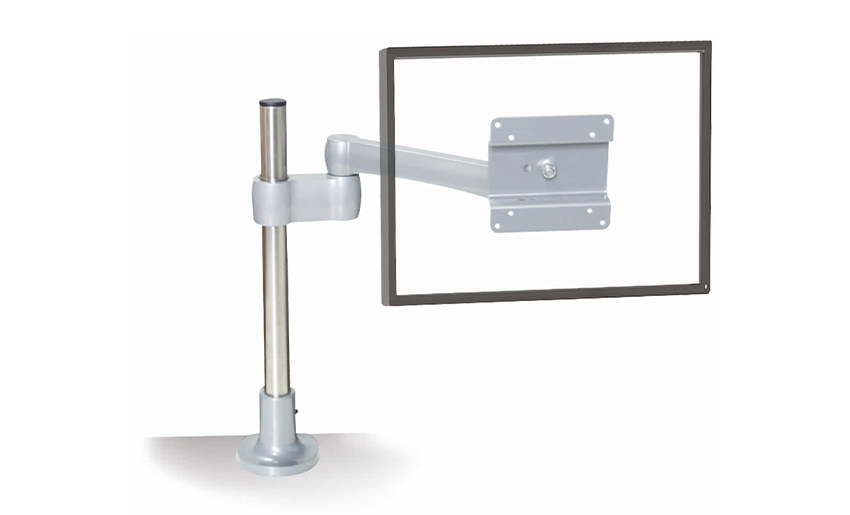 Adjustable Full Motion Single Monitor Arm for Office DesksA fully adjustable arm that raises and repositions one screen, helping free desk space and keep a classic single-monitor setup comfortable.View Product →
The benefits are practical rather than dramatic. Most people notice them in small ways: the screen is finally at a comfortable height, the desk has room for a notebook again, and the monitor no longer drifts out of position during the day.
If you are still weighing up the options, our guide to choosing a monitor arm desk mount walks through the trade-offs in more detail.
Most mounts fall into a few broad families. The right one depends on the number of screens, their weight, and how often you move them.
| Type | Best for | What to check |
|---|---|---|
| Single arm | One screen, everyday office work | Weight range, reach, VESA size |
| Dual arm | Two screens used side by side | Total width, desk clearance, independent movement |
| Triple or multi-screen | Trading, design, monitoring, video work | Column height, load capacity, alignment |
| Gas spring | Frequent repositioning | Tension adjustment, screen weight compatibility |
| Heavy-duty | Large or heavier displays | Rated load, joint stiffness, desk strength |
| With keyboard tray | Compact or shared workstations | Keyboard height, arm travel, knee clearance |
For a two-screen desk, a gas spring ergonomic dual monitor arm can make light work of daily repositioning.
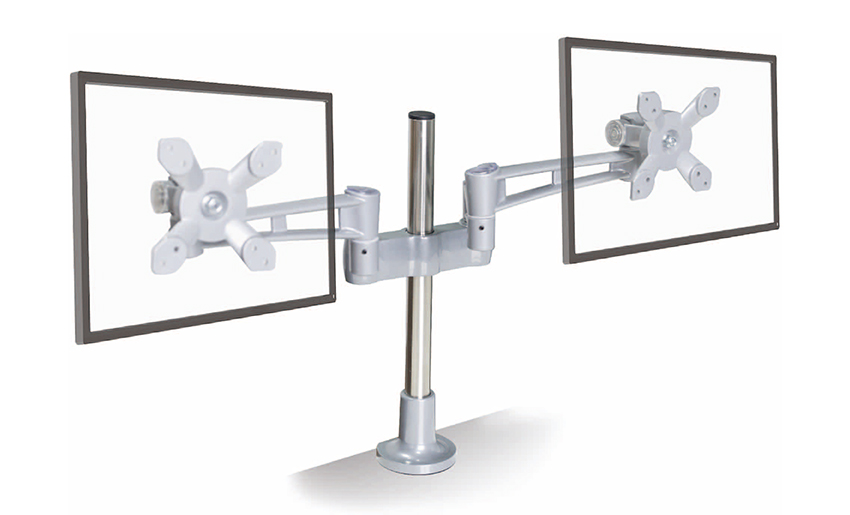 Gas Spring Ergonomic Dual Monitor ArmDesigned for two-screen desks, this gas-spring arm makes height, tilt, and rotation adjustments easy for more comfortable daily repositioning.View Product →
Screen size is a useful guide, but weight matters more. A 27-inch monitor from one generation may weigh noticeably more than a newer model with a different backlight and housing. Include any accessories that add weight, such as a webcam or an adapter. Stay within the arm's stated range, and leave a little margin if you plan to change screens later.
Look at the back of your monitor. If it has a 75 x 75 mm or 100 x 100 mm hole pattern, a standard VESA plate should fit. Some displays need an adapter, and some all-in-one computers are not designed for VESA mounting at all. Also check the desk itself: a clamp needs a solid, flat edge with enough room to tighten underneath. A grommet mount needs a cable hole in a suitable position.
A fixed-height pole mount is simple and stable. An articulated arm offers more freedom, but it needs enough space to swing without hitting a wall, a shelf, or a colleague's desk. If you use several screens, plan the layout before you buy so the arms do not fight for the same space. For three larger displays, a heavy-duty triple monitor mount with a 400 mm column gives extra reach and stability.
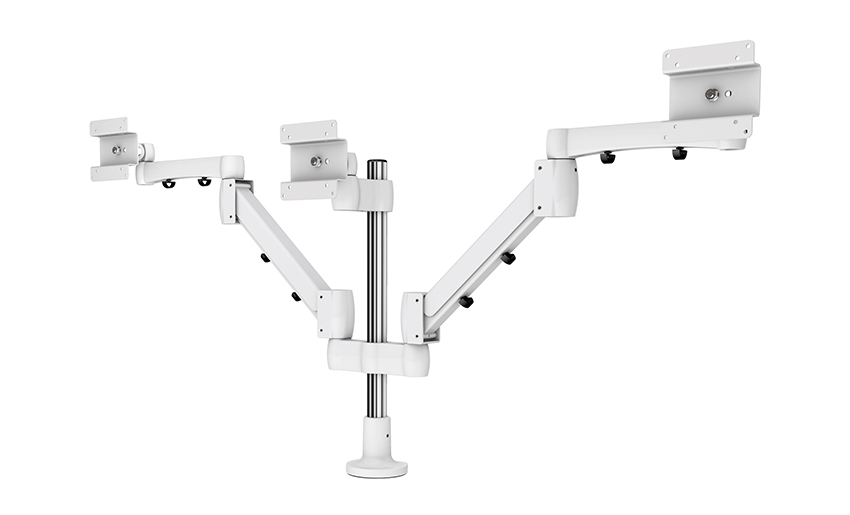 Heavy Duty Triple Monitor Mount with 400 mm ColumnA stable triple-screen mount with adjustable column height, suited to multi-monitor layouts where reach, organization, and reduced desk clutter matter.View Product →
Cables have a habit of undoing the tidy look of a new mount. Look for integrated clips, removable covers, or a channel through the arm. Leave enough slack for the full range of movement, and route display cables away from joints where they might be pinched.
Most installations follow a similar sequence. Set aside an hour, clear the desk, and keep the monitor on a soft surface while you work.
If you want a step-by-step walk-through, our monitor arm desk mount installation guide covers the sequence and the tools you will need.
It is also worth checking whether the arm can be locked or limited in rotation. In a shared office, a mount that stays within its own space is easier to live with.
Not every desk suits a clamp. Glass tops, very thin panels, heavily rounded edges, or desks with a nearby drawer bank can leave too little room for a secure fix. In those cases, a wall mount, a floor stand, or a monitor stand with a weighted base may be the safer choice. Very heavy or unusually shaped displays may also need a purpose-built mount rather than a general-purpose arm. A good supplier will tell you when a product is not suitable, and that honesty is part of a useful buying conversation.
Choosing a computer monitor arm desk mount is mostly a matter of matching three things: the screen, the desk, and the way you work. Start with weight and VESA compatibility, then look at reach, adjustment, and cable routing. A mount that moves smoothly and stays where you put it will quickly feel less like an accessory and more like part of a comfortable daily routine.
At Jinmao Aluminium, we make monitor arms, laptop trays, CPU holders, and other die-cast components with a focus on practical ergonomics and flexible production. If you are working through a custom project, we are always happy to talk through the details and help you find a sensible way forward.
Your email address will not be published. Required fields are marked *
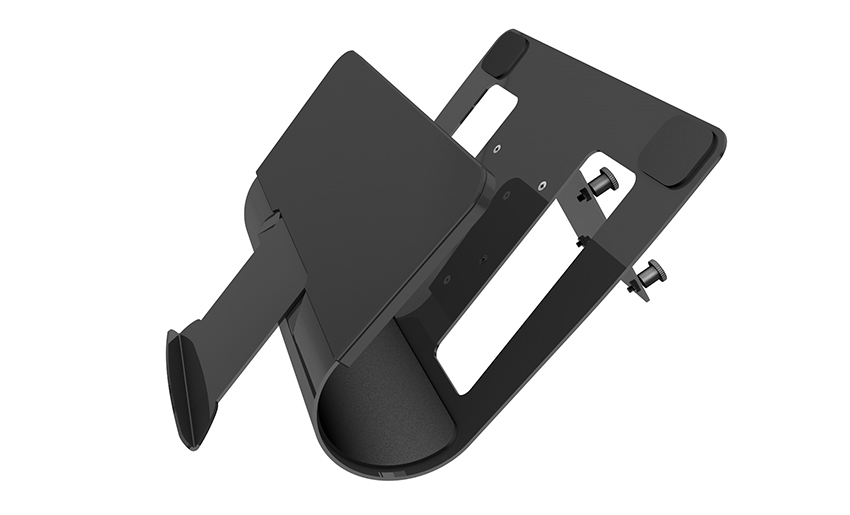
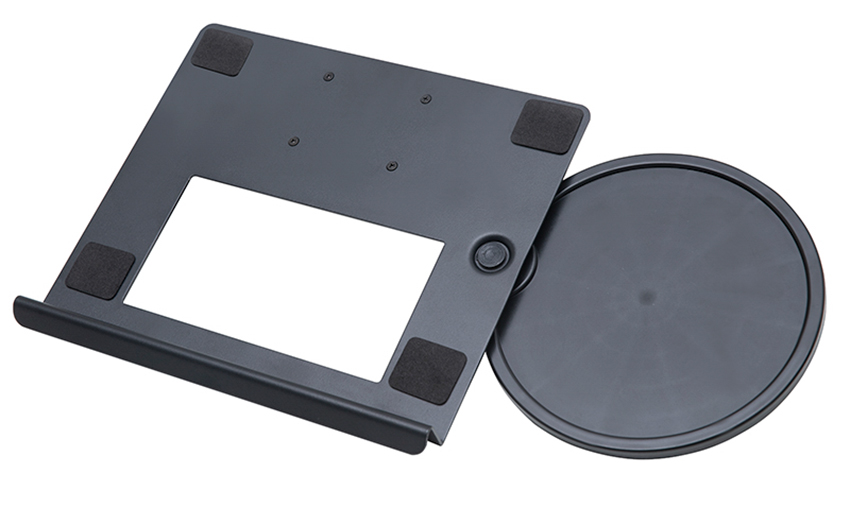
A Home Office Foldable Laptop Notebook Computer Tr...
See Details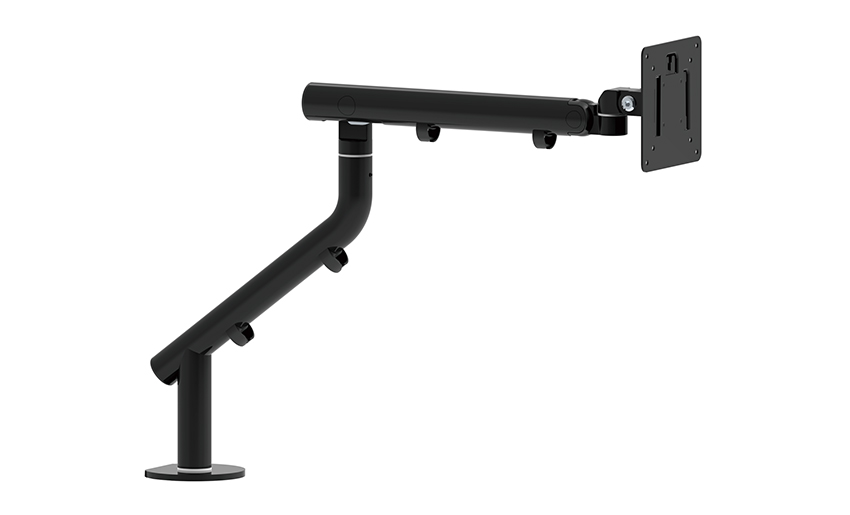
One of the key features of this monitor arm is its...
See Details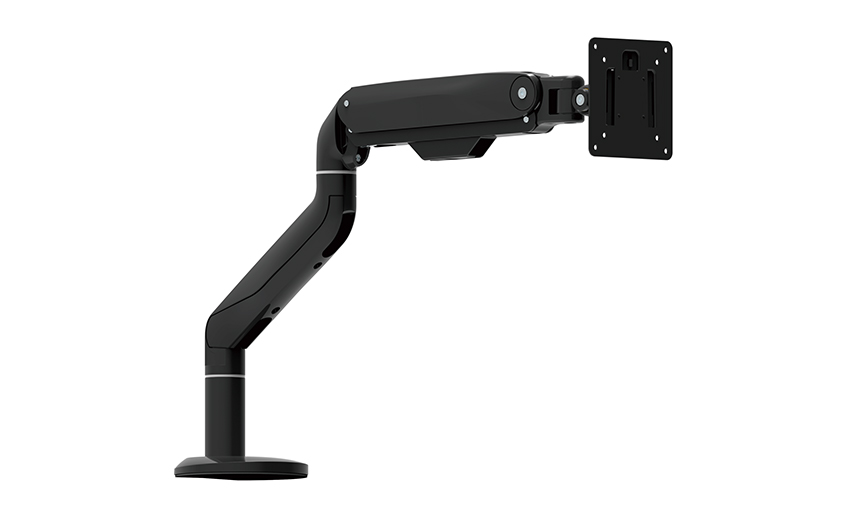
Revolutionize your work setup with the Aluminum &a...
See Details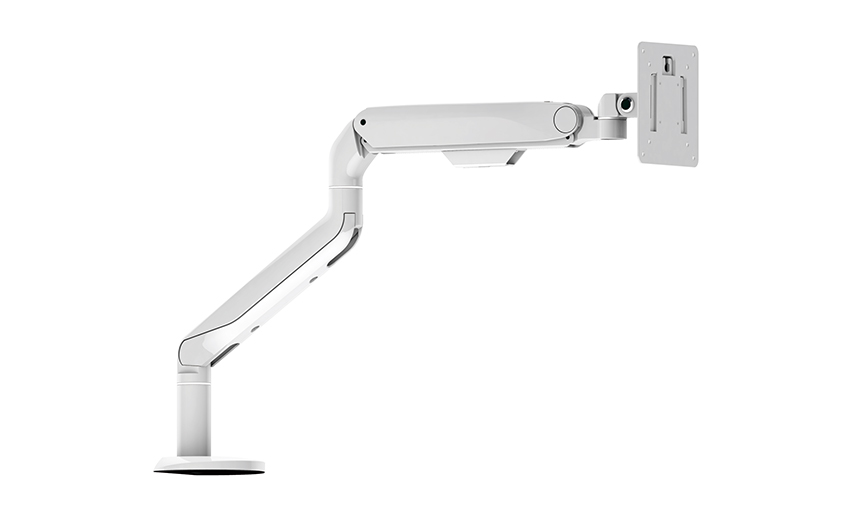
This sleek and sturdy arm is designed to securely ...
See Details
Address: No 3098 Shuanglong Rd, Daqiao Town 314006, Nanhu Area,Jiaxing city, Zhejiang Pro, China
Tel: +86-0573-83222192
Fax: +86-0573-83225688
URL: www.jxjmly.com
Email: [email protected]
Copyright © JIAXING JINMAO ALUMINUM INDUSTRY CO., LTD.All Rights Reserved. Monitor Arms Desk Mount Manufacturers Wholesale Monitor Brackets Suppliers
