

 EN
EN
 English
 Español
 عربى
عربىProduct Consultation
Your email address will not be published. Required fields are marked *
An adjustable arm monitor mount is one of those upgrades that quietly changes how a workstation feels. Instead of stacking books under a screen or leaning toward a fixed stand, you can pull the display to exactly where your eyes rest, tilt it a few degrees, and push it aside when the desk surface is needed for something else. The appeal is simple: the screen adapts to you rather than the other way around.
We have been building monitor arms for more than twenty years, so we tend to look at them from the inside out. What matters is rarely the color of the finish. It is the hinge geometry, the spring tension, the weight rating, and whether the arm still holds its position after two years of daily use. This guide walks through those details so you can judge an adjustable arm monitor on the things that actually decide whether it works.
Content
A monitor arm is truly adjustable when it moves in more than one direction. A well-designed one offers five: height, reach toward or away from the user, tilt, pan or swivel, and rotation between landscape and portrait. Products that move in a single direction are usually described as stands or brackets rather than arms, and they solve a much narrower problem.
The base matters as much as the joints. Desk-clamp models grip the edge of a table and suit most offices. Grommet mounts pass through an existing cable hole and leave a cleaner desktop. Wall mounts free the desk entirely but fix the horizontal position for good. A quick-release VESA plate has become the standard connector, letting you bolt the plate to the screen first and then hang the whole panel on the arm with one hand.
Weight rating is the quiet specification that decides everything else. Every arm is designed around a range, not a single number. A screen far below that range will drift upward because the spring has too little to counterbalance, while a screen above it will sink no matter how hard you turn the tension screw.
The mechanism hidden inside the arm decides what the product feels like to live with. Four designs cover almost every office product on the market today.
| Mechanism | How It Holds Position | Best Suited To | What to Watch |
|---|---|---|---|
| Mechanical spring | A coil spring inside the joint counterbalances the screen; tension is set with a screw. | Light to medium screens and occasional height changes. | May need re-tensioning after months of use. |
| Gas spring | A sealed gas cylinder assists the lift, so the screen glides smoothly. | Single or dual screens that are repositioned often. | Tension must be matched to the exact screen weight. |
| Friction joint | Bolts at each joint are tightened until friction alone holds the angle. | Small screens and setups that rarely move. | Friction loosens over time and needs re-tightening. |
| Height-adjustable column | A vertical pole sets the height, with an articulated arm for reach and tilt. | Multi-screen arrays and heavy duty single panels. | Height is set once, so plan the pole length first. |
Most office users are best served by a gas spring or a mechanical spring arm, because both allow the screen to be moved several times a day without tools. Friction joints are cheaper and perfectly adequate for a screen that stays where it is put. Columns win whenever the load is shared across two, three, or four displays.
Before comparing prices, work through the practical questions that eliminate unsuitable products quickly:
For a standard single-screen desk, a full-motion arm in the 17 to 32 inch class covers the widest range of users, because tilt, swivel, and rotation are all independent. Our full-motion single monitor arm for office desks is built for exactly that situation.
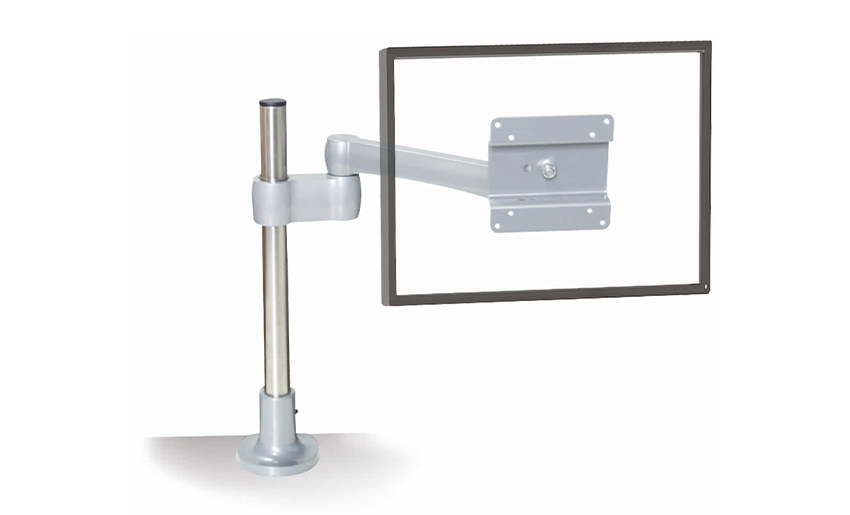 Adjust Full Motion Single Monitor Arm for Office DeskThe Adjustable Full Motion Single Monitor Arm for Office Desk offers a versatile solution to optimize your workspace, providing comfort, flexibility, and improved prod...View Product →
Nearly every complaint about an adjustable monitor arm traces back to tension rather than to the arm itself. A screen that slowly sinks, a joint that creeps upward, or a panel that will not stay level is usually a setup issue that takes two minutes to correct.
Tilt is controlled by a separate friction bolt behind the VESA plate. If the panel tips forward under its own weight, tighten that bolt a quarter turn at a time, because over-tightening makes fine adjustment stiff and awkward. A screen that sags at the elbow joint, not the tilt head, points to a spring that is set too loose for the load.
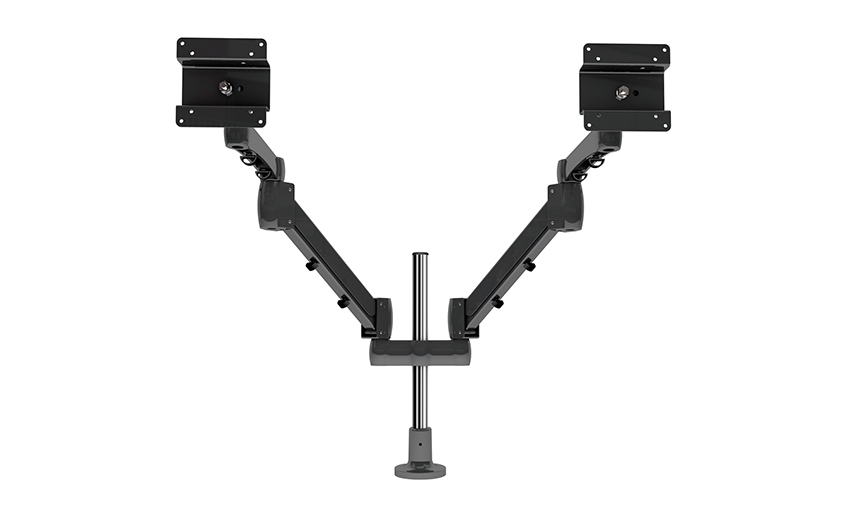 Height Adjustable Monitor Arm with Gas SpringThe Height Adjustable Monitor Arm with Gas Spring offers ergonomic flexibility for viewing comfort in any workspace. Designed with a sturdy gas spring mechanism, this ...View Product →
If you would like to understand the ergonomic reasoning behind these settings, our article on how monitor arms affect neck, shoulder, and eye strain covers the posture side in more depth.
Adding screens changes the physics of the whole setup. A dual arm needs a stiffer pole and independent tilt heads, so one panel can be angled slightly downward while the other stays vertical. A triple arrangement usually needs a taller column, often around 400 mm, to keep the centre screen at eye level while the outer two angle inward.
For trading desks, editing suites, and control rooms, a heavy duty mount rated well above the combined screen weight is the safer choice, because the arm spends its life holding a static load rather than being lifted constantly. Our heavy duty triple monitor mount with a 400 mm column is designed for that kind of array.
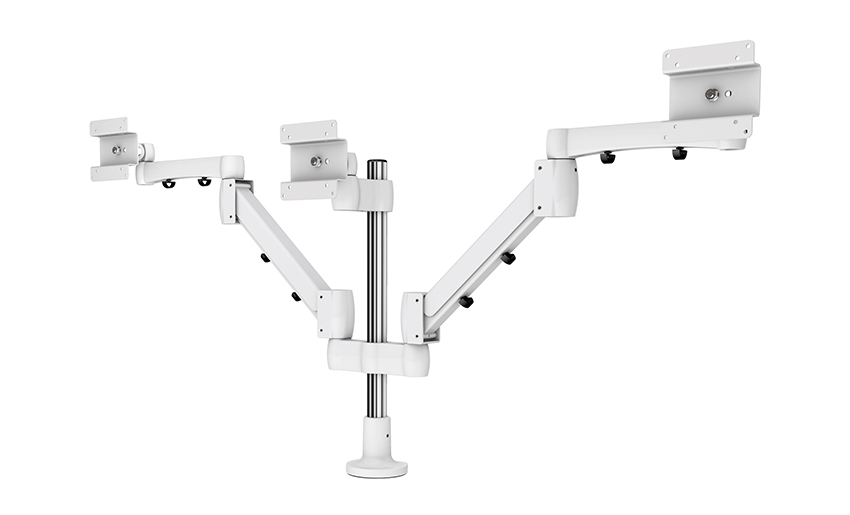 Heavy Duty Triple Monitor Mount, Column height 400mmThe mount is designed to hold three monitors simultaneously, offering a space-saving solution for multi-monitor setups.View Product →
One variation worth knowing about is the arm that carries a keyboard tray as well as the screen. Keyboard tray arms keep the input device and the display moving together, which suits compact workstations where the whole desktop needs to be repositioned through the day.
An adjustable arm looks simple in a product photograph. In production it is a chain of decisions: alloy selection, wall thickness, draft angles, machining, surface finishing, and spring calibration. As a die casting manufacturer, we handle that chain ourselves, which is why we can adapt a joint, a plate, or an entire arm to a customer's concept rather than only shipping catalogue items.
Two decades in ergonomic mounting hardware have taught us that the useful innovations are rarely dramatic. They are small: a locking function that keeps a screen steady during cleaning, a VESA plate that releases in seconds, a clamp that fits a thicker desk. We back that work with a straightforward promise to our customers, namely that they bring the idea and we take responsibility for making it real, whether the order is a single model or a complete set of equipment. You are welcome to browse the full range of monitor arms, laptop trays, and CPU holders on our site.
That same manufacturing discipline extends beyond the office. The aluminium castings, springs, and mechanism assemblies we produce also go into furniture hardware, which is why the tooling, inspection, and finishing standards behind our arms are shared with everything else we make.
Choosing an adjustable arm monitor comes down to four questions: what does the screen weigh, how often will it move, how many panels must it carry, and how thick is the desk. Answer those and the mechanism almost selects itself. Buy within the stated weight range, expect to spend a few minutes tuning the tension screw after installation, and route the cables before the arm goes up rather than after.
Do that, and the arm stops being a piece of furniture. It simply becomes the reason your screen sits where it should, and the reason your desk finally has room for the work itself. If you are unsure which configuration suits your space, our team is always glad to talk through the details with you.
Your email address will not be published. Required fields are marked *
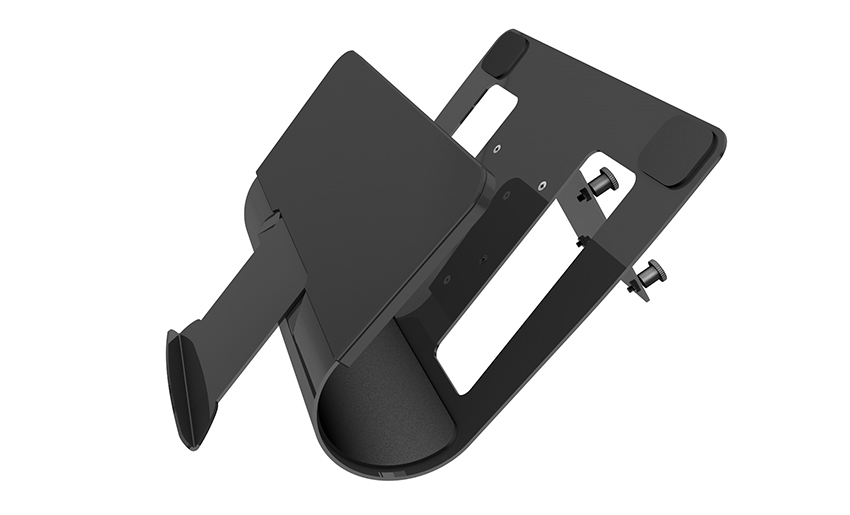
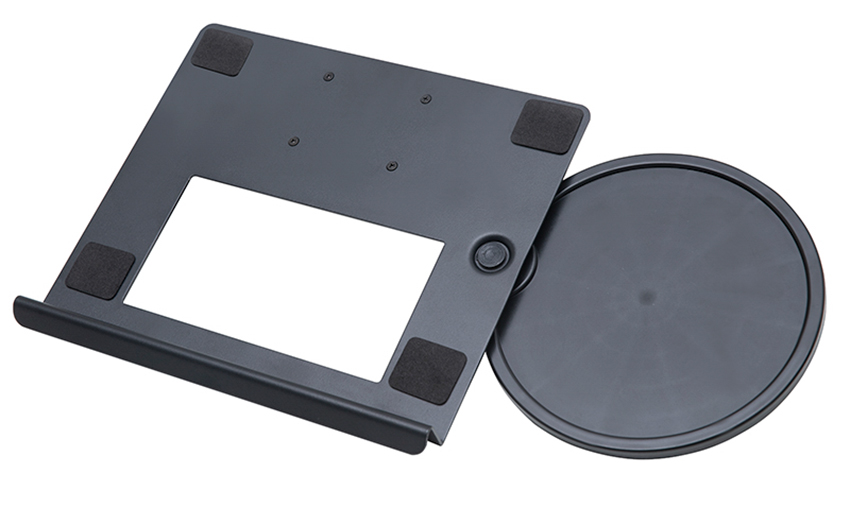
A Home Office Foldable Laptop Notebook Computer Tr...
See Details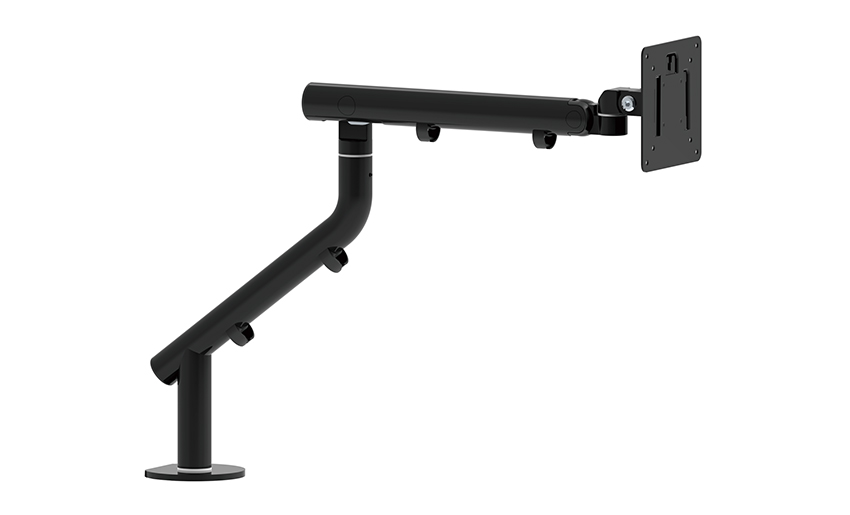
One of the key features of this monitor arm is its...
See Details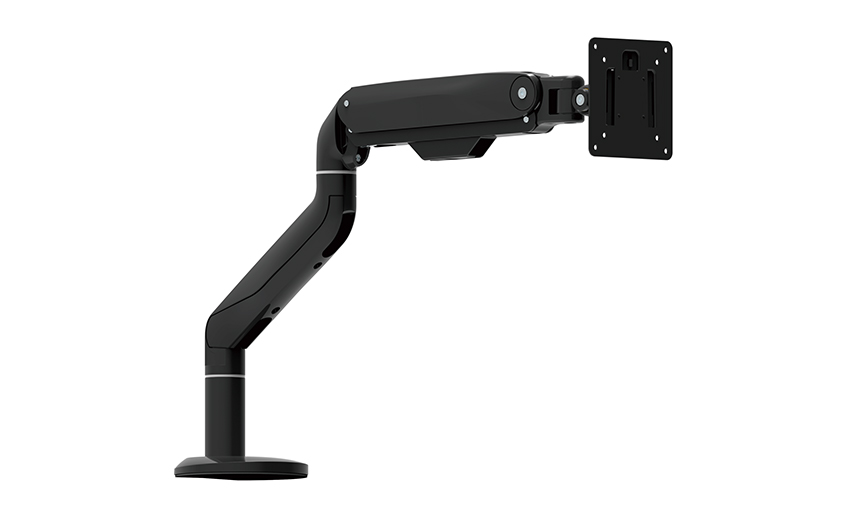
Revolutionize your work setup with the Aluminum &a...
See Details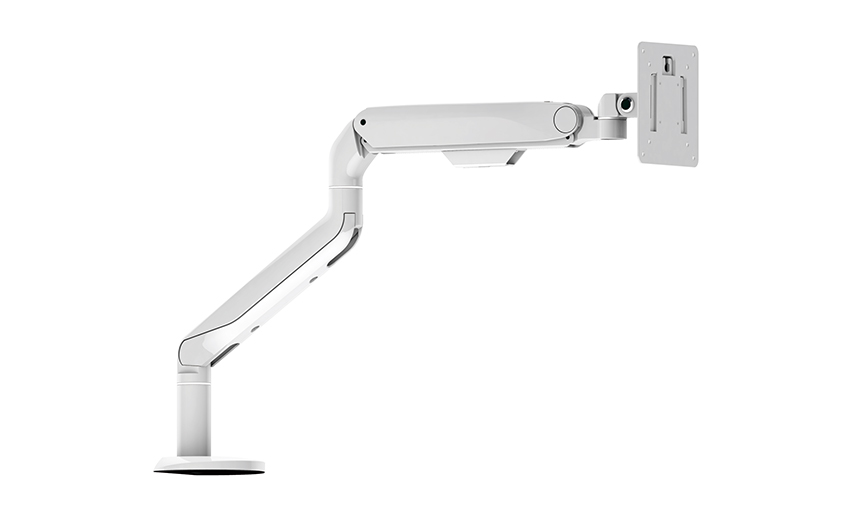
This sleek and sturdy arm is designed to securely ...
See Details
Address: No 3098 Shuanglong Rd, Daqiao Town 314006, Nanhu Area,Jiaxing city, Zhejiang Pro, China
Tel: +86-0573-83222192
Fax: +86-0573-83225688
URL: www.jxjmly.com
Email: [email protected]
Copyright © JIAXING JINMAO ALUMINUM INDUSTRY CO., LTD.All Rights Reserved. Monitor Arms Desk Mount Manufacturers Wholesale Monitor Brackets Suppliers
