

 EN
 English
 Español
 عربى
Product Consultation
Your email address will not be published. Required fields are marked *
A desk mounted monitor arm is one of those upgrades that looks modest in a product photo and then changes the way a whole workday feels. The monitor no longer sits on a fixed pedestal. It floats on an articulated arm that clamps to the desk edge, so the screen can come forward, swing aside, rise to eye level, or move out of the way when the desk needs to become something else.
We have worked in ergonomic mounting for more than two decades, and the questions we hear are rarely about fashion. People want to know whether an arm will hold their screen safely, whether it will fit the desk, and whether it will make daily work more comfortable. This guide answers those practical questions.
Content
The biggest gain is space. A monitor base eats into the area where you would rather put a keyboard, notebook, coffee cup, or paperwork. Once the screen is on an arm, that footprint disappears. The second gain is positioning. A fixed stand gives you a few inches of tilt at best. A well-chosen arm lets you set height, distance, and angle for your body rather than for the furniture.
A monitor arm is not a cure for every uncomfortable desk, but it solves a very common mismatch: the desk stays where it is while the person using it changes position throughout the day.
The first decision is how many screens the arm must carry. That choice affects the clamp, the column, the reach, and the amount of adjustment you can expect from each screen.
A single arm is the most straightforward place to start. It suits one screen in the 17 to 32 inch range, depending on the model, and gives the user independent tilt, swivel, height, and rotation. For a compact desk, a home office, or a hot-desking setup, a full-motion single arm is often enough to transform the workspace.
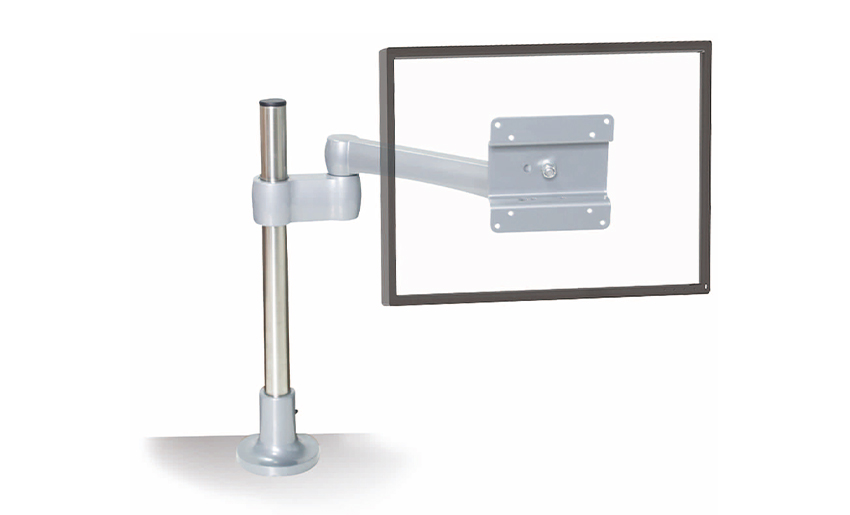 Full-Motion Single Monitor Arm for Office DesksA space-saving clamp or grommet mount with independent tilt, swivel, height, and rotation for compact desks and hot-desking setups.View Product →
A dual arm adds a second screen without adding a second footprint. It is useful for design reviews, customer support, finance, programming, or any task where reference material and working material need to sit side by side. Gas-spring models make height changes easier, while mechanical arms tend to offer a simpler, very stable feel.
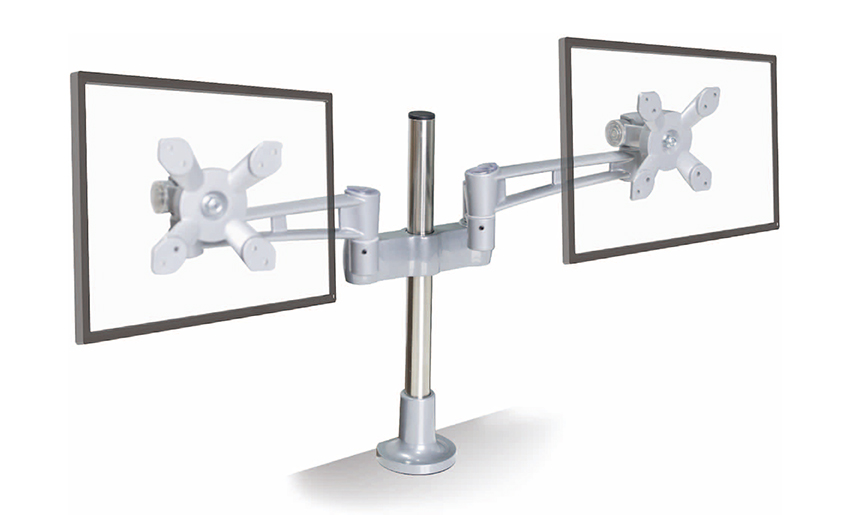 Gas Spring Dual Monitor Arm with Ergonomic AdjustmentAdds a second screen without a second footprint, with gas-spring height, tilt, and rotation adjustment for side-by-side reference and work.View Product →
Once a setup moves to three screens or a large display, stability becomes the main story. A heavy-duty arm needs a stronger clamp, a taller column, and pivots that hold their position without constant retightening. These models are common in control rooms, trading desks, video editing, and security monitoring.
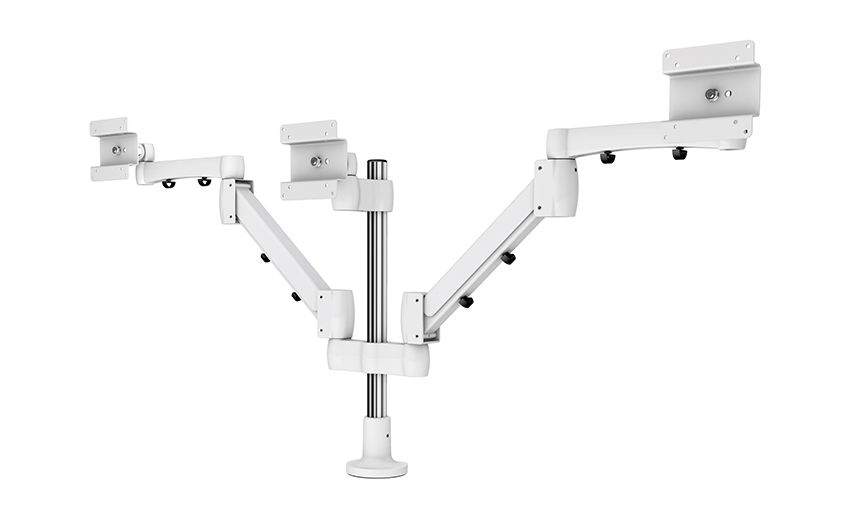 Heavy-Duty Triple Monitor Mount with 400mm ColumnA three-screen mount with adjustable 400mm column height for multi-monitor work, gaming, or creative setups; review specifications before comparing finishes.View Product →
Most unsatisfactory purchases come from one or two overlooked specifications rather than poor quality. Check these details before comparing finishes or prices.
It also helps to think about the desk material. A clamp spreads load over a small area, so a solid wood or metal desk usually handles it well. A hollow-core or veneered top may need a wider support plate to prevent crushing or marking.
| Configuration | Typical use | Main advantage | Watch point |
|---|---|---|---|
| Single arm | One 17 to 32 inch screen | Simple positioning and a clear desktop | Check weight and reach |
| Dual arm | Two 17 to 27 inch screens | Side-by-side work without two bases | Clamp strength and independent movement |
| Triple or heavy-duty arm | Three screens or one large display | Higher load capacity and a stable column | Desk reinforcement and cable weight |
| Keyboard-tray arm | Monitor plus keyboard in one structure | Compact footprint for shared spaces | Height range and wrist comfort |
Most desk mounted arms follow a similar sequence. The job usually takes between twenty minutes and an hour, depending on the number of screens and the amount of cable tidying you want to do. If you want a detailed walkthrough, our guide to installing a monitor arm desk mount covers the full process.
One small habit makes a big difference: adjust the tension before the screen is at its final height. A gas-spring arm that is set too light can rise on its own; one that is set too heavy can drift downward. A few minutes of fine tuning prevents weeks of annoyance.
An arm only improves comfort when it is set up for the person using it. Start with the chair and desk height, then bring the screen into a natural viewing position.
For dual or triple setups, angle the side screens slightly toward the user. A gentle curve is usually more comfortable than a flat wall of displays. Keep the most-used screen directly in front, and use the others for reference, chat, or monitoring.
Because we are a die-casting manufacturer, we look at a monitor arm differently from someone browsing a catalog. Quality is not only in the finish. It is in the thickness of the aluminum, the fit of the pivot, the consistency of the spring, and the clamp pad that protects the desk. A well-made arm should feel settled when you stop moving it and should still hold its position after months of daily use.
Our own experience in ergonomic mounting has taught us that the best designs are often the least dramatic. Joints should move smoothly without wobble. Cable covers should be easy to remove and refit. The VESA plate should align without forcing. These are small points, but they decide whether an arm becomes part of the furniture or a daily frustration.
A desk mounted monitor arm is a practical answer to a common workspace problem: the desk is fixed, but the person using it is not. Choose the right screen count, confirm VESA and weight limits, respect the desk edge, and set the tension with care. Done well, the result is a workspace that feels larger, calmer, and easier on the body, which is exactly what a good ergonomic upgrade should do.
Your email address will not be published. Required fields are marked *
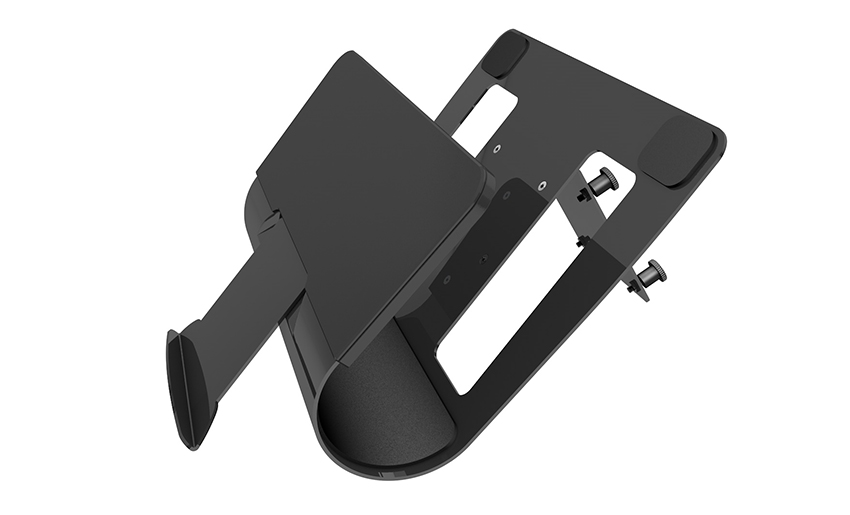
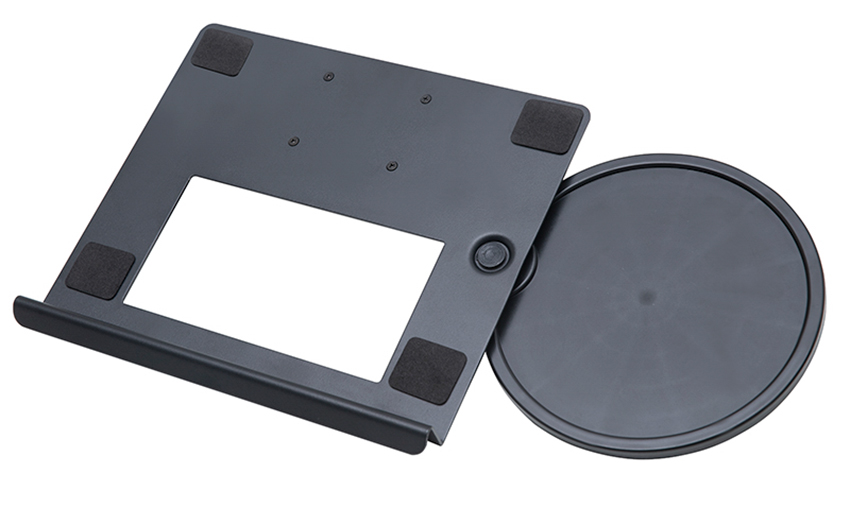
A Home Office Foldable Laptop Notebook Computer Tr...
See Details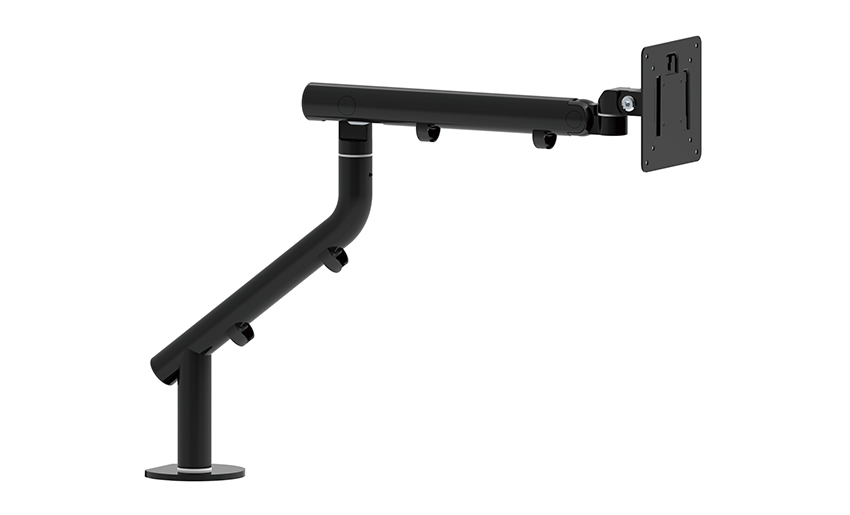
One of the key features of this monitor arm is its...
See Details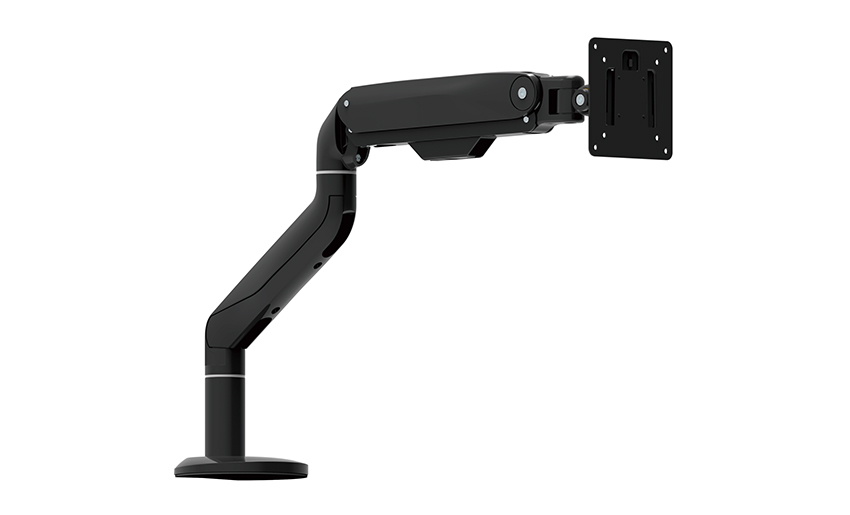
Revolutionize your work setup with the Aluminum &a...
See Details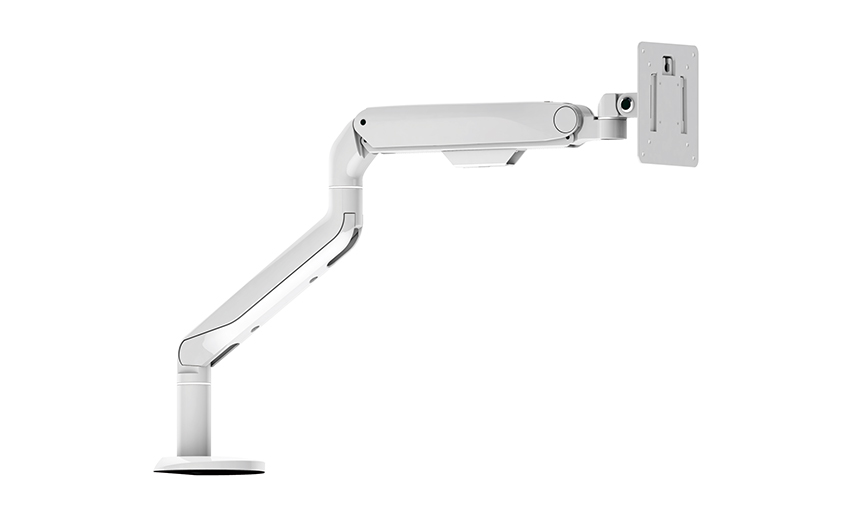
This sleek and sturdy arm is designed to securely ...
See Details
Address: No 3098 Shuanglong Rd, Daqiao Town 314006, Nanhu Area,Jiaxing city, Zhejiang Pro, China
Tel: +86-0573-83222192
Fax: +86-0573-83225688
URL: www.jxjmly.com
Email: [email protected]
Copyright © JIAXING JINMAO ALUMINUM INDUSTRY CO., LTD.All Rights Reserved. Monitor Arms Desk Mount Manufacturers Wholesale Monitor Brackets Suppliers
