

 EN
EN
 English
 Español
 عربى
عربىProduct Consultation
Your email address will not be published. Required fields are marked *
Over the years, we have built thousands of monitor arms in our die casting facility. Every day, we see how the right arm transforms a desk into a comfortable, productive workspace. If you are searching for the best desk mount monitor arm, this guide will walk you through the practical details that matter—from weight capacity and VESA patterns to arm count and installation.
Content
A fixed monitor stand gives you one viewing angle and eats up desk space. A desk mount arm, on the other hand, clamps to the edge or goes through a grommet, freeing the area under your screen for papers, a keyboard, or a cup of coffee. More importantly, it lets you adjust height, tilt, and swivel with a light touch. That means you can raise the screen to eye level, pull it closer for detailed work, or push it back when you need to spread out.
In our experience, the shift from a fixed stand to an arm is one of the simplest ergonomic upgrades. It reduces neck strain and shoulder tension because you are no longer craning forward or looking down. And once you try a well-tuned gas spring arm, you will wonder why you waited so long.
Not all arms are created equal. Before you buy, check these five points. They are the same ones we discuss with clients every week.
Start with your monitor's weight without the stand. Most 24-inch screens weigh between 3 and 5 kg, while a 32-inch display can reach 8 kg or more. The arm's rated capacity must exceed that weight. If the arm is too weak, it will sag; if it is too strong, the screen may float upward. Also consider the screen size range—many arms fit 17 to 32 inches, but curved or ultrawide models need special attention.
Nearly every monitor has a VESA pattern on the back, usually 75 x 75 mm or 100 x 100 mm. Check the arm's VESA plate. A quick-release VESA mount makes installation much easier, especially when you need to attach or remove the screen alone. If your monitor does not have VESA holes, you may need an adapter bracket.
Gas spring arms use a pressurized cylinder to counterbalance the monitor. They feel smooth and allow one-finger height adjustment. Mechanical spring arms use a coiled spring and are often more budget-friendly, but they may require more force to move. For daily use, a gas spring is usually the more comfortable choice.
Most desk mount arms come with a C-clamp that grips the desk edge. This works on desks up to about 5 cm thick. If your desk has a grommet hole, a grommet mount gives a cleaner look and a more secure hold. Measure your desk thickness and edge shape before ordering.
Built-in cable channels keep power and display cables tidy. Good arms also offer 360-degree rotation, which lets you switch between landscape and portrait orientation. That is handy for coding, reading long documents, or showing a portrait to a client.
The number of arms you need depends on how many screens you use and how you use them. A single arm is best for a focused setup. A dual arm suits multitaskers who keep email on one screen and their main project on another. A triple arm is for traders, designers, or anyone who needs three displays side by side.
If you want a single screen that moves freely, a full-motion single arm is a solid starting point. It clamps to the desk and gives you full motion without taking up much space.
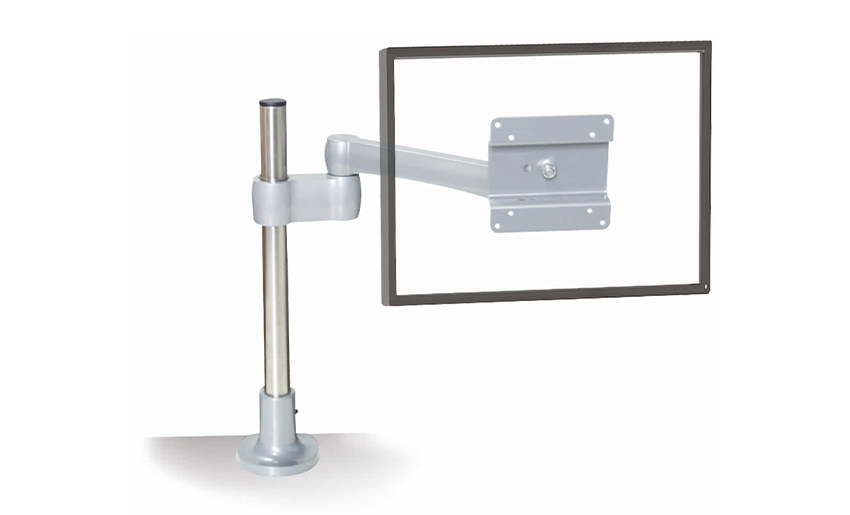 Adjust Full Motion Single Monitor Arm for Office DeskFull-motion single monitor arm for office desks, with secure desk-clamp mounting and a space-saving design for a flexible single-screen workspace.View Product →
For two screens, a gas spring dual arm keeps both displays perfectly balanced and easy to reposition.
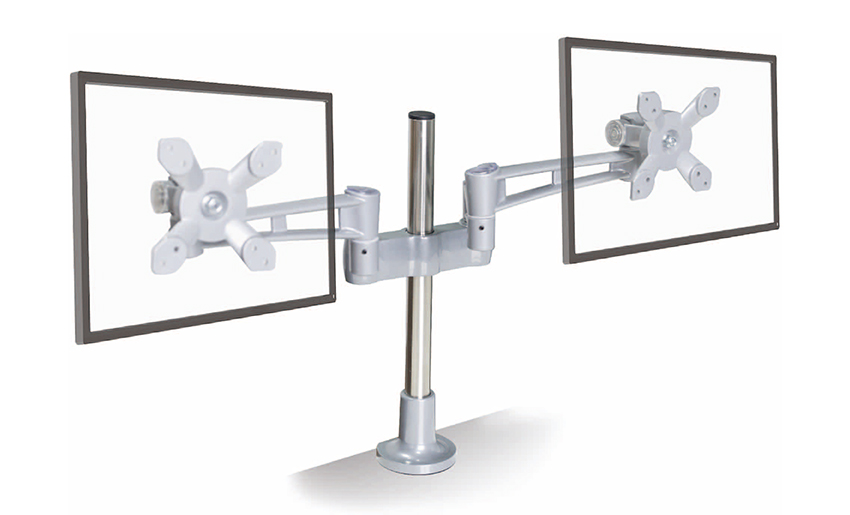 Gas Spring Ergonomic Dual Monitor Arm XE-B23Gas-spring dual monitor arm for smooth height, tilt, and rotation adjustment, supporting ergonomic comfort and reduced strain in two-screen desk setups.View Product →
What if you also need your keyboard to move with the screen? A monitor arm with a keyboard tray combines both into one compact workstation. That is especially useful in small home offices or shared spaces.
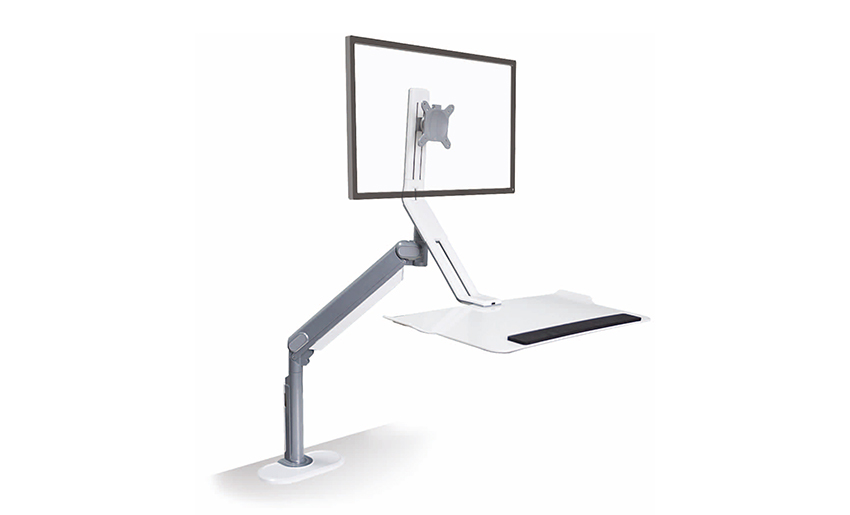 Monitor Arm with Keyboard Tray XE-G20/XE-G21Adjustable monitor arm with keyboard tray for compact workstations, helping dual-screen users multitask comfortably in home offices, corporate spaces, or gaming setups.View Product →
| Arm Type | Best For | Typical Screen Count | Desk Space Needed |
|---|---|---|---|
| Single arm | Focused work, laptop plus one monitor | 1 | Minimal; clamp at edge |
| Dual arm | Multitasking, coding, design | 2 | Moderate; two screens side by side |
| Triple arm | Trading, video editing, control rooms | 3 | More; heavy-duty column or long crossbar |
Remember that adding arms increases the load on the desk clamp. A heavy-duty model with a sturdy column is a safer choice for three screens. If you are unsure which arm count fits your workflow, our detailed guide to choosing a monitor arm desk mount breaks it down step by step.
We have watched thousands of arms go from our production line to real desks. Here is what we tell our customers before they start.
If you prefer a visual walkthrough, our step-by-step installation guide covers each step with close-up photos. Take your time with the tension adjustment—it is the key to a smooth, stable feel.
A good monitor arm should last for years. Keep it that way with a few simple habits. Wipe the arm with a dry cloth to remove dust. Check the clamp and VESA screws every few months, especially if you move the screen often. If the gas spring starts to feel loose, adjust the tension. Do not overload the arm; if you upgrade to a heavier monitor, confirm the capacity first. And if you ever need replacement parts, we can help—our factory has been making die-cast aluminum components for more than two decades.
The best desk mount monitor arm is the one that fits your monitor, your desk, and the way you work. Check weight capacity and VESA pattern first. Then decide between single, dual, or triple arms. Look for smooth gas spring adjustment, solid cable management, and a clamp that matches your desk thickness. If you keep those factors in mind, you will end up with a workspace that feels comfortable, organized, and ready for the long haul.
Your email address will not be published. Required fields are marked *
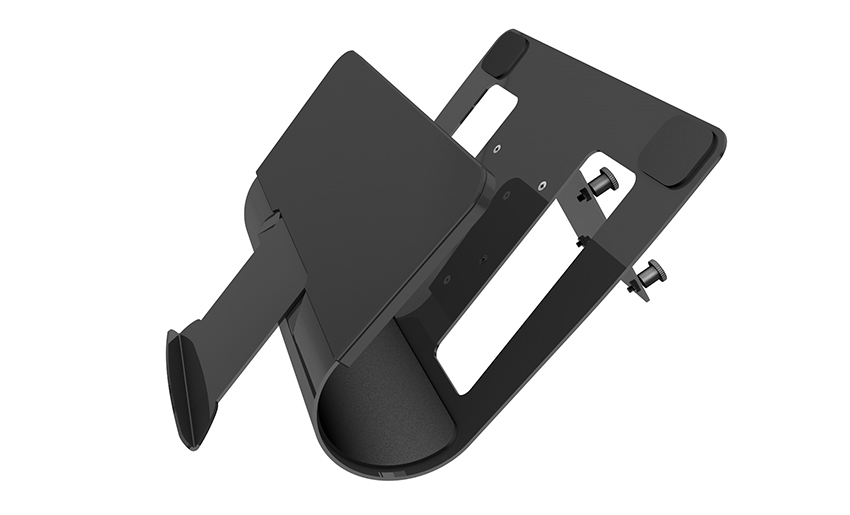
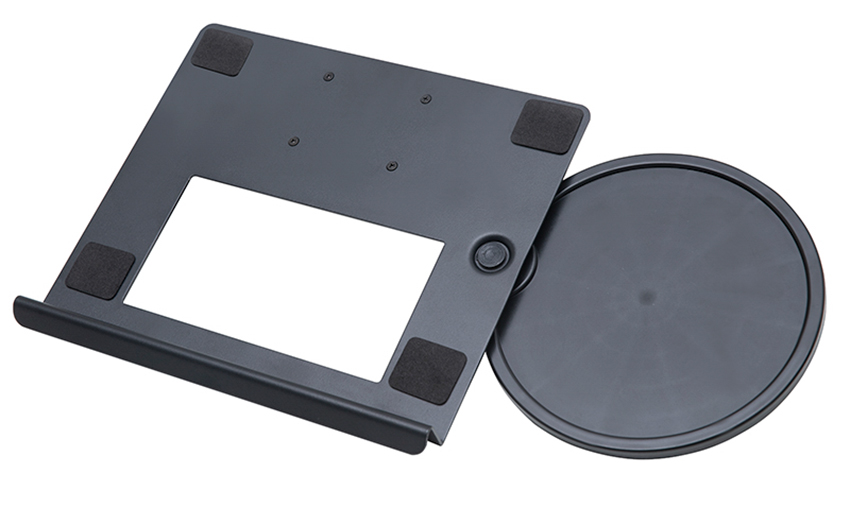
A Home Office Foldable Laptop Notebook Computer Tr...
See Details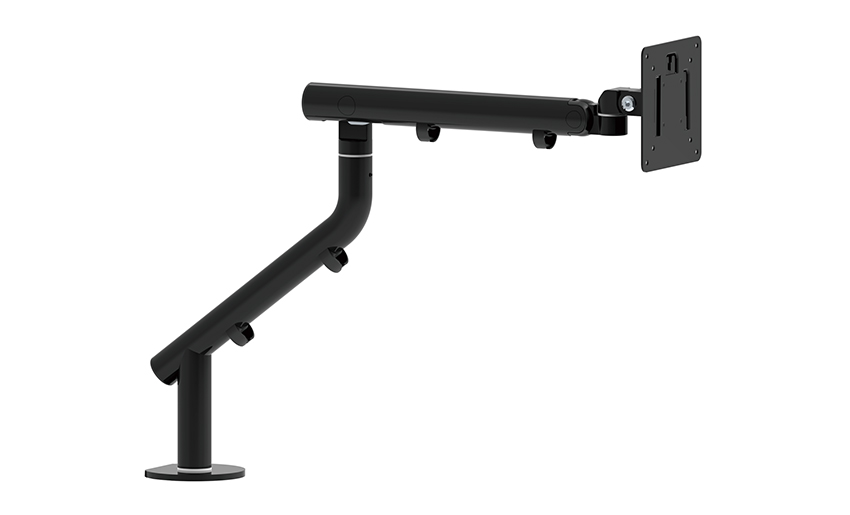
One of the key features of this monitor arm is its...
See Details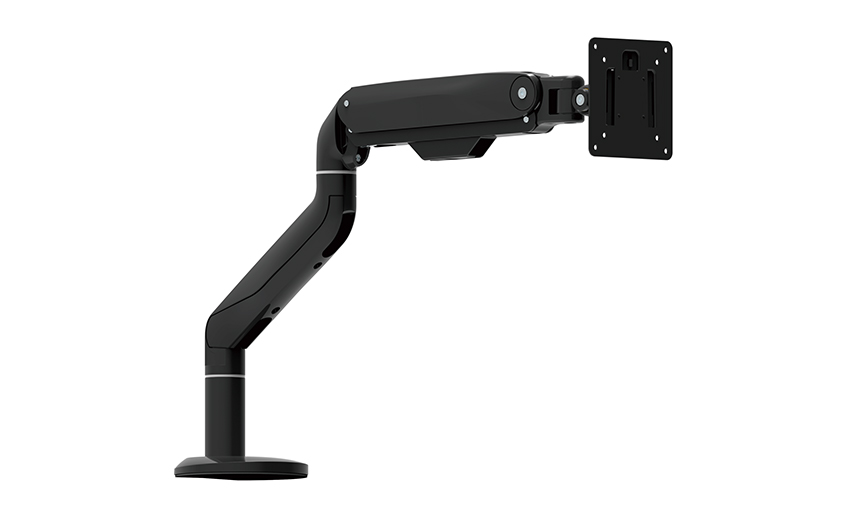
Revolutionize your work setup with the Aluminum &a...
See Details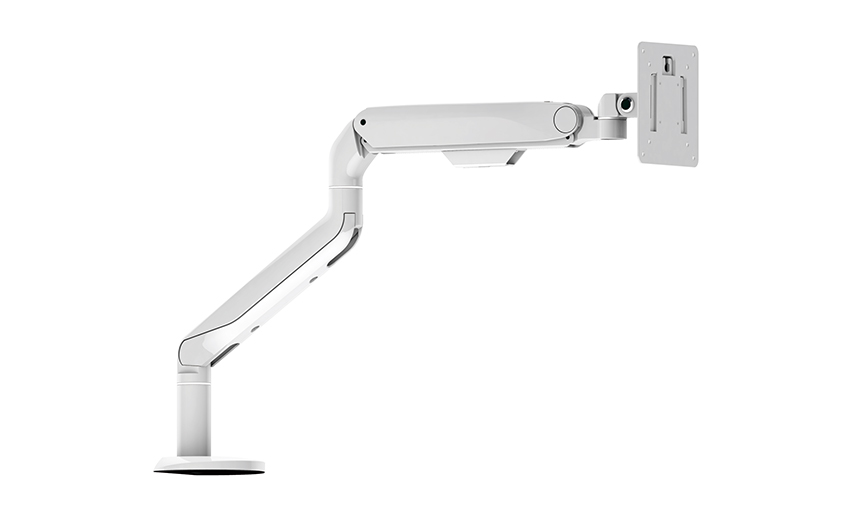
This sleek and sturdy arm is designed to securely ...
See Details
Address: No 3098 Shuanglong Rd, Daqiao Town 314006, Nanhu Area,Jiaxing city, Zhejiang Pro, China
Tel: +86-0573-83222192
Fax: +86-0573-83225688
URL: www.jxjmly.com
Email: [email protected]
Copyright © JIAXING JINMAO ALUMINUM INDUSTRY CO., LTD.All Rights Reserved. Monitor Arms Desk Mount Manufacturers Wholesale Monitor Brackets Suppliers
