

 EN
EN
 English
 Español
 عربى
عربىProduct Consultation
Your email address will not be published. Required fields are marked *
A computer screen arm mount is a small change that quietly improves a workspace. It lifts the display off the desk, brings the screen closer to eye level, and frees space for the keyboard and the everyday clutter around a computer. We have spent more than 20 years working with ergonomic mounting hardware, and the best mounts we see are rarely the most complicated. They fit the screen, fit the desk, and feel natural to move.
Content
A fixed monitor stand holds the screen at a height set by the desk and its own base. An arm mount adds choice. The screen can be pulled forward for detailed work, pushed back for reading, tilted to reduce glare, or turned to show a colleague. Because the mount clamps to the desk or passes through a grommet, the area under the screen stays clear.
That clear space matters. A monitor base can take up surprising desk depth. Once it is gone, the keyboard can sit closer, and the screen can sit farther away without being pushed to the back edge. The workspace feels less crowded and easier to reset.
An arm mount also changes how the screen moves. A good arm should hold its position after adjustment, without drifting or needing constant re-tightening. That comes down to joint design, spring tension, and clamp quality. These small engineering details decide whether the mount feels helpful or fussy.
Before comparing arm styles, check three numbers: monitor weight without its stand, VESA pattern on the back of the screen, and the arm's rated capacity. A mount may list a screen size range, but weight is the more honest limit. A 32-inch monitor with a slim panel can be lighter than a 27-inch model with a built-in speaker bar.
Most desktop monitors use a 75 x 75 mm or 100 x 100 mm VESA pattern. The arm's VESA plate should match, and the screws should be the right length for the monitor's mounting holes. Too long can damage the housing; too short will not hold the screen securely. Also check the arm's reach. A short arm may not bring a large screen close enough, while a long arm needs a sturdy desk and clearance behind the screen.
Measure the desk thickness and the distance from the mounting point to the front of the screen. A mount that looks right in a photo can still leave the screen too high, too low, or too far back in a real room. The table below is a starting point, not a substitute for the product page.
| Mount style | Best for | Typical screen fit | Key check |
|---|---|---|---|
| Single arm | Focused desk work | 17-32 in, one screen | Weight capacity and clamp depth |
| Dual arm | Multitasking or shared screens | Two screens, often 17-27 in each | Independent movement and total load |
| Heavy-duty arm | Large or curved displays | Larger panels and higher weights | Rated capacity, VESA size, column height |
| Arm with keyboard tray | Compact or sit-stand setups | Screen plus keyboard | Tray depth and clearance |
Most arm mounts attach in one of two ways. A desk clamp grips the edge of the desk, while a grommet mount passes through a hole in the desktop. Clamps are easier to fit later because they do not require drilling. Grommet mounts feel more permanent and can suit desks where the edge is not suitable for clamping.
Check the desk thickness range, clamp opening, and reinforcement plate. A thin desktop can flex under a heavy screen, especially when the arm is extended. Solid wood or metal is usually straightforward; a hollow or glass desk needs the desk maker's guidance before any clamp is fitted. Leave enough clearance behind the desk for the arm to fold back.
Installation is a two-person job for larger screens. Fit the VESA plate to the monitor first, then lift the screen onto the arm with the arm locked or held steady. Adjust spring tension only after the monitor is mounted. If the arm rises on its own, tension is too high; if it sinks, tension is too low. For a step-by-step view, see our guide to choosing a monitor arm desk mount.
Single-arm mounts are the simplest choice for a focused workstation. They free up desk space and let one screen move through a useful arc without overcomplicating the setup. For a home office or a hot-desk, a single arm with a quick-release VESA plate and sensible cable routing is often enough.
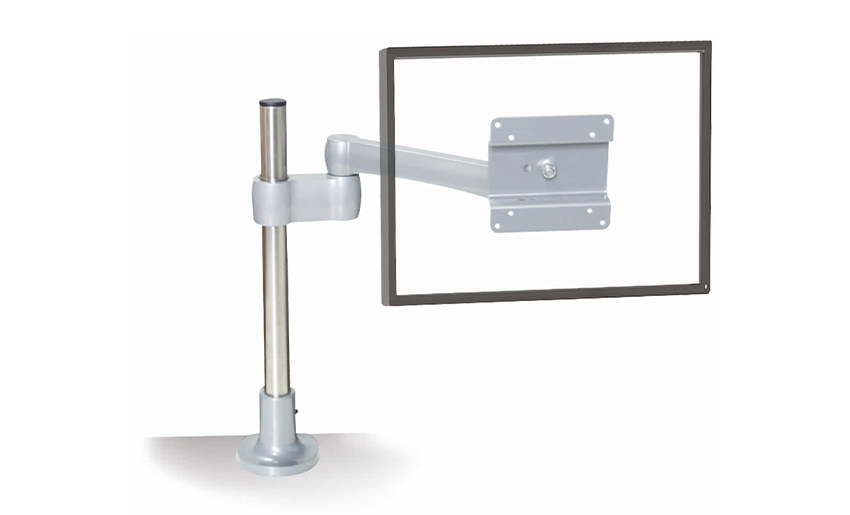 Adjustable Full Motion Single Monitor ArmA full-motion single arm for a focused desk setup, freeing space and allowing one screen to move through a useful arc.View Product →
Dual-arm mounts suit people who compare documents, monitor dashboards, or keep reference material open on a second screen. Independent arms are more flexible than a fixed crossbar because each screen can be set at its own height and angle. Check the total weight of both screens, not just one, and make sure the desk clamp is rated for the combined load.
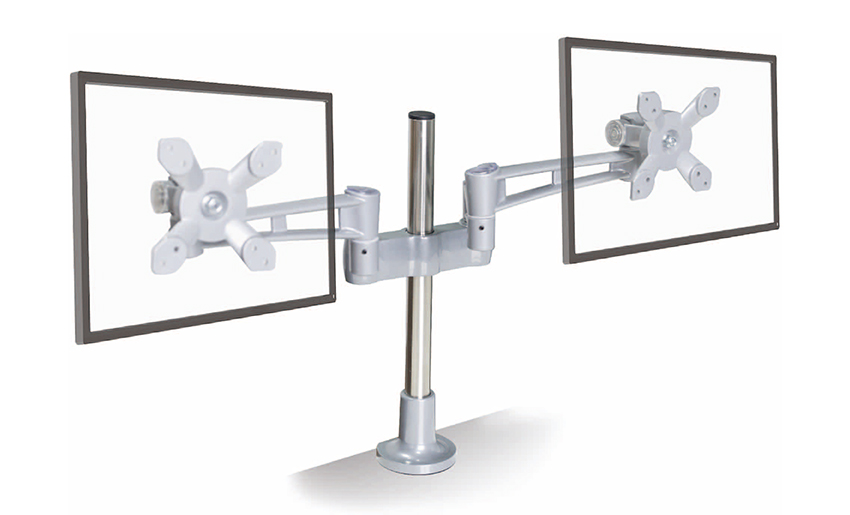 Gas Spring Ergonomic Dual Monitor ArmA dual monitor arm with gas spring adjustment for smooth height, tilt, and rotation, suited to side-by-side documents or dashboards.View Product →
Heavy-duty mounts are for large, curved, or unusually heavy displays. The phrase "heavy-duty" is not a specification, so look for a stated weight capacity, a strong VESA plate, and a column or arm that can handle the leverage of a bigger screen. If the screen is wider than the arm's recommended range, the mount may hold it but still feel awkward to position.
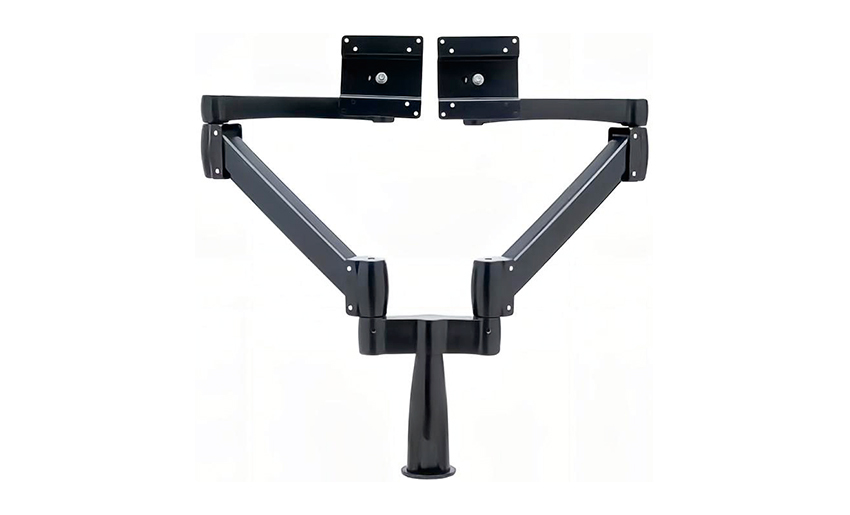 Heavy Duty Aluminum Monitor ArmA robust aluminum arm for heavier displays, with VESA compatibility and desk clamp, grommet, or wall mounting options.View Product →
Gas spring arms make daily movement easy. They use a pressurised cylinder to balance the screen, so a light touch is enough to raise or lower it. The trade-off is that the spring must be matched to the monitor weight. A gas spring arm set for a heavy screen may drift upward with a light one, and a light-duty spring may sag under a heavy panel.
Mechanical spring arms use a coiled spring or a similar tension system. They can be very durable and often cost less, but they may need more hand force to adjust. Fixed-position mounts are the simplest option: they hold the screen at a set height and angle, with less movement. They can be useful in reception areas or shared desks where the screen should stay put.
A 360-degree rotation joint is useful for switching between landscape and portrait, provided the monitor's size and cable clearance allow it. Tilt and swivel ranges matter too. A mount that cannot tilt far enough may leave the screen facing a window or a light source, which is a common reason people give up on an otherwise good setup.
Start with the chair and desk height, then set the screen. The top of the display should sit at or slightly below eye level when you are sitting upright. The screen should be about an arm's length away, though this varies with screen size and eyesight. If the screen is too low, the neck tends to drop; if it is too high, the shoulders may rise.
Use the arm to fine-tune rather than to force a posture. Bring the screen closer for reading, push it back for video calls, and tilt it slightly to reduce reflections. Keep the keyboard and mouse close enough that the arms are not stretched. An arm mount is not a cure for an awkward desk, but it makes a good desk easier to use.
Before drilling or clamping, clear the desk and check the underside for braces, drawers, or cables. A clamp needs a flat, solid surface. Tighten it firmly but do not crush the desktop. If a reinforcement plate is supplied, use it. Route cables with enough slack for the arm's full range of movement, and keep them away from joints where they could be pinched.
Maintenance is mostly about observation. If the arm starts to droop, the tension may need a small adjustment. If the clamp loosens, stop using the mount until it is secure. If the screen wobbles when the desk is bumped, check the VESA screws and joint covers before adding weight or extending the arm further.
A computer screen arm mount is not a luxury item. It is a practical piece of hardware that can make a desk feel larger, keep the screen in a better position, and reduce the small frustrations of a fixed stand. The right choice comes from matching the mount to the monitor's weight, the desk's construction, and the way you actually work. We build mounts with those details in mind, because a mount that fits properly is the one people keep using.
Your email address will not be published. Required fields are marked *
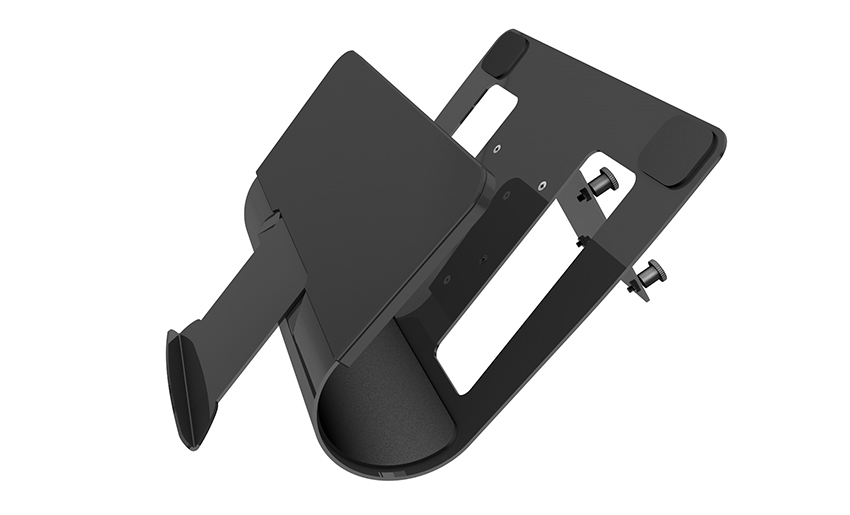
A Home Office Foldable Laptop Notebook Computer Tr...
See Details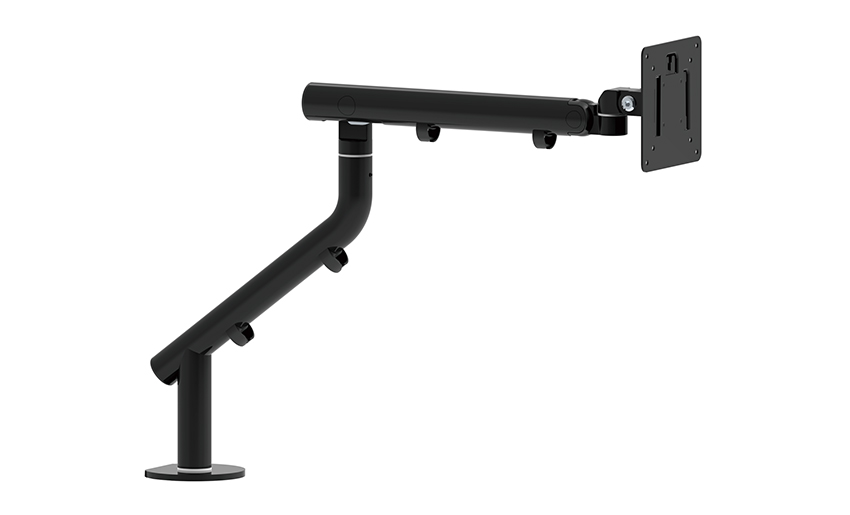
One of the key features of this monitor arm is its...
See Details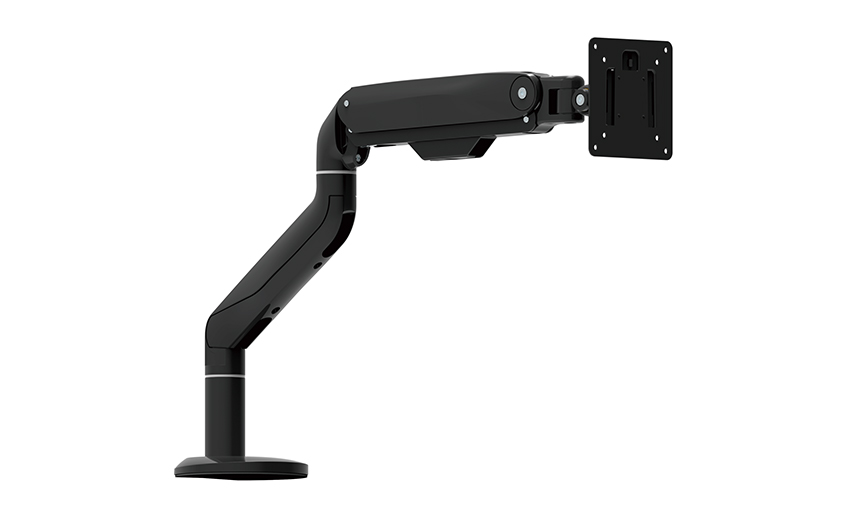
Revolutionize your work setup with the Aluminum &a...
See Details
This sleek and sturdy arm is designed to securely ...
See Details
Address: No 3098 Shuanglong Rd, Daqiao Town 314006, Nanhu Area,Jiaxing city, Zhejiang Pro, China
Tel: +86-0573-83222192
Fax: +86-0573-83225688
URL: www.jxjmly.com
Email: [email protected]
Copyright © JIAXING JINMAO ALUMINUM INDUSTRY CO., LTD.All Rights Reserved. Monitor Arms Desk Mount Manufacturers Wholesale Monitor Brackets Suppliers
