

 EN
EN
 English
 Español
 عربى
عربىProduct Consultation
Your email address will not be published. Required fields are marked *
If you have ever stared at a wall of monitor arms and wondered whether any of them would fit the screen currently sitting on your desk, you are in good company. The question of whether monitor mounts are universal comes up in almost every conversation we have with customers, and after more than twenty years of building mounting hardware, our honest answer is a qualified one: the joint between a mount and a monitor follows a universal standard, but the mount itself is not universal.
That distinction explains why one person can move a screen onto a new arm in five minutes while another ends up with a bracket that sags, tilts, or refuses to attach at all. Below we break down what is truly standardised, what varies from screen to screen, and how to confirm your own setup before you spend any money.
Content
Almost every monitor sold today carries four threaded holes on the back, arranged in a square or rectangle. That arrangement is defined by the VESA Flat Display Mounting Interface Standard, which is why a mount designed in one country can be bolted to a screen assembled in another.
In practice, four hole patterns cover the overwhelming majority of desktop displays:
When a manufacturer calls a mount universal, it normally means the mounting head accepts both 75 x 75 and 100 x 100 spacing, and sometimes a larger pattern with an adapter plate. That is a real standard, and it is genuinely interchangeable. It is also only half of the compatibility story.
Within the VESA system, several things really do work across brands and model years:
If your screen has a standard VESA interface and falls inside the arm's weight range, the arm will fit. That is why professionals treat the hole pattern as the universal part and everything else as a specification to be checked.
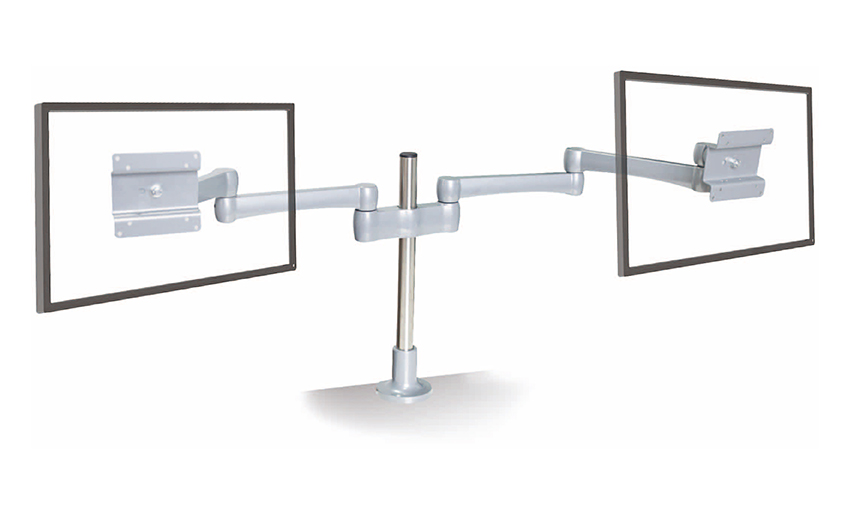 Universal Single LCD Computer Monitor ArmCompatibility: As a "universal" arm, it is designed to be compatible with a wide range of LCD monitors, regardless of brand or model. This versatility ensures that use...View Product →
Compatibility is less about the standard and more about the figures printed on your specific panel. Work through these four points before ordering anything.
| Checkpoint | Why it matters | Where to find it |
|---|---|---|
| VESA pattern | A 200 x 200 screen cannot bolt directly to a 100 x 100 head | Spec sheet or a tape measure across the holes |
| Panel weight | Arms sag or fail above their rated load, and gas springs need the right range | Manufacturer specification, plus any add-on hardware |
| Screen size and curve | Deep curved backs and ultrawide panels can touch the arm or the wall | Physical measurement of width, height and rear depth |
| Desk thickness and edge | A clamp needs enough lip to grip and enough clearance underneath | A ruler and a look under the desktop |
Notice that none of these is about brand. Two screens with identical VESA patterns can have completely different weights and rear profiles, which is exactly why "universal" in marketing copy never means "fits everything".
Two minutes of measuring prevents nearly every return we see.
A handful of designs are worth a closer look. If you can find your screen in the list below, treat compatibility as something to verify rather than assume.
None of these is a dead end. Adapter plates, spacers and heavier arms solve most of them, and that is often where a conversation with a manufacturer pays off. If you want to understand how the main families differ, our overview of the different types of monitor mounts is a useful next step.
People focus on the screen and forget the furniture. A monitor mount has two interfaces, one to the display and one to the desk, and the second is far less standardised than the first.
Three mounting methods dominate:
Check the underside before choosing. A drawer unit, a steel frame or a crossbar can rule out a clamp even when the thickness looks perfect from above.
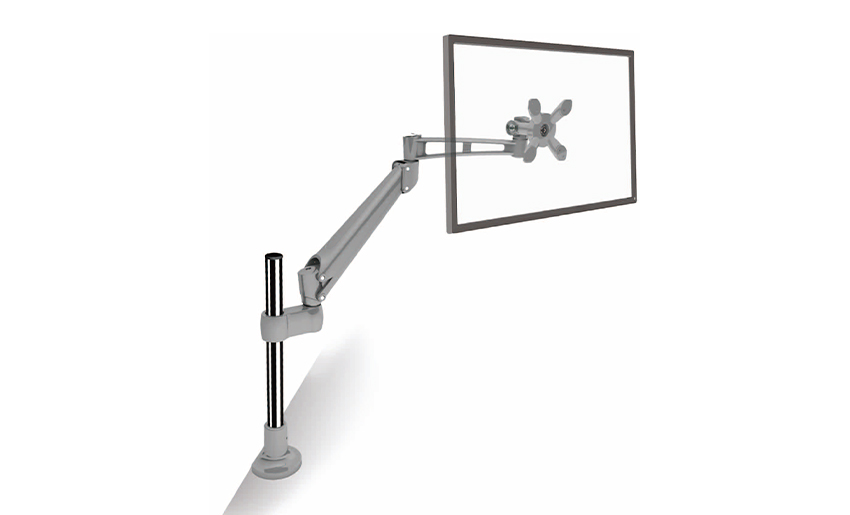 Desk Clamp Ergonomic Height Adjustable Lcd Monitor ArmA Desk Clamp Ergonomic Height Adjustable LCD Monitor Arm is a device designed to securely mount a computer monitor to a desk or workstation.View Product →
We build monitor arms from die-cast aluminium, which is one reason we discuss compatibility in numbers rather than adjectives. A cast head gives us tight control over hole positions, the wall thickness around the joint, and the way load travels down the arm. When a customer describes an unusual screen, we start with two questions: what is the hole pattern, and what does the panel weigh?
That is also why the weight rating is the number we refuse to exaggerate. Thin metal and weak springs look fine in a showroom and fail quietly on a real desk after a year of daily adjustment. If you are weighing up a custom build rather than an off-the-shelf arm, our team at Jinmao Aluminium is always happy to review your drawings and load figures.
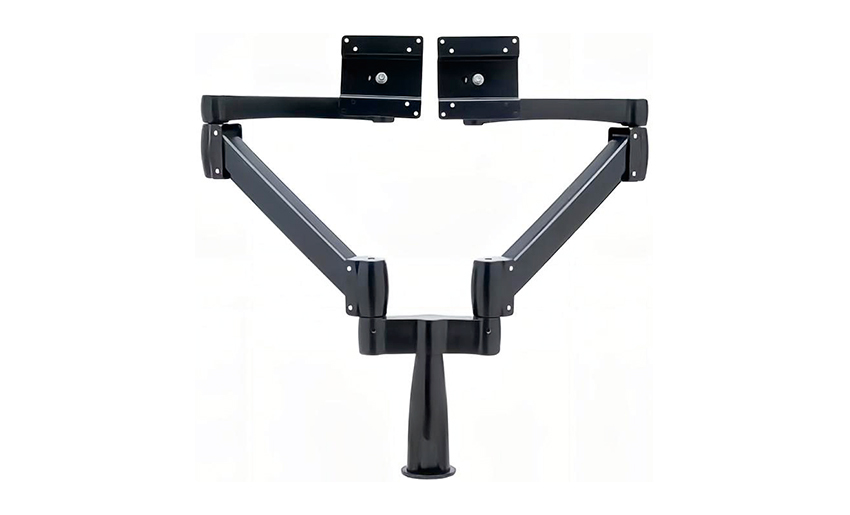 Heavy Duty Monitor Arm with Aluminum MaterialThe monitor arm is designed to support heavy monitors or displays securely. It typically features a robust construction with aluminum material, known for its strength ...View Product →
No. They fit every monitor that has a standard VESA interface, sits inside the arm's weight range, and leaves enough room for the arm to move. Those three conditions cover the large majority of desktop displays, but not all of them.
Usually yes, provided the panel has accessible mounting holes. Age is rarely the problem; missing or recessed holes are.
They use the same interface but often benefit from a heavier arm, because curved panels tend to be larger and the curve shifts the centre of gravity.
The joint drifts, the screen slowly droops, and the internal spring loses its setting. Staying inside the rated range is the single most effective way to keep an arm stable for years.
Monitor mounts are universal where it counts and specific everywhere else. The VESA interface means your screen is almost certainly compatible with something, but the weight, the panel geometry and the desk decide which mount that is. Measure the four numbers, inspect the underside of the desk, and treat the rated weight range as a limit rather than a suggestion.
Do that, and the answer becomes a practical one: your screen will fit a mount, and you will know exactly which one before it arrives.
Your email address will not be published. Required fields are marked *
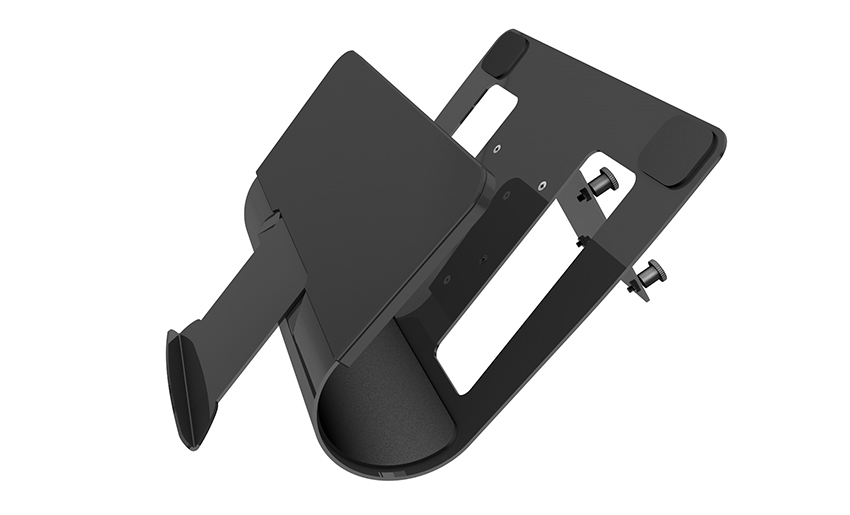
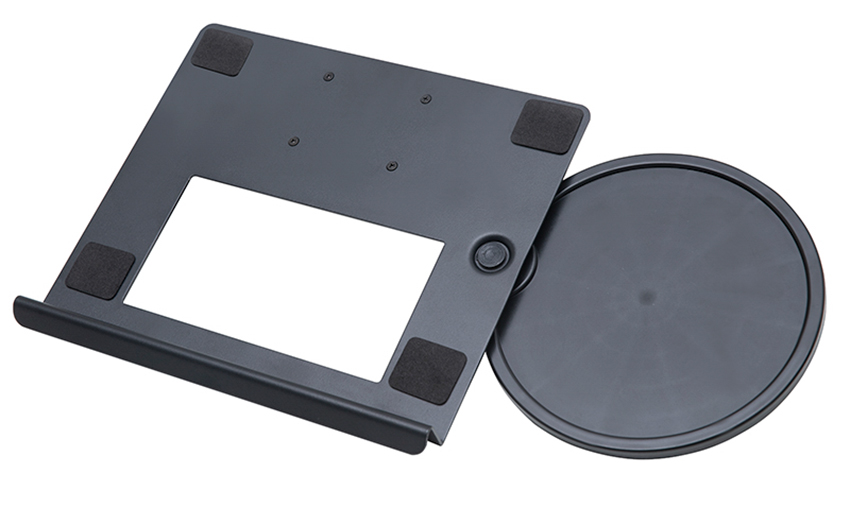
A Home Office Foldable Laptop Notebook Computer Tr...
See Details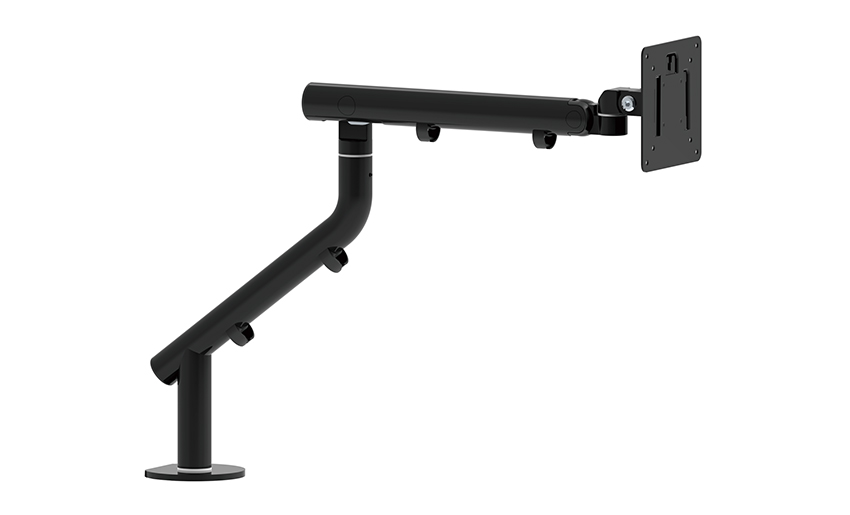
One of the key features of this monitor arm is its...
See Details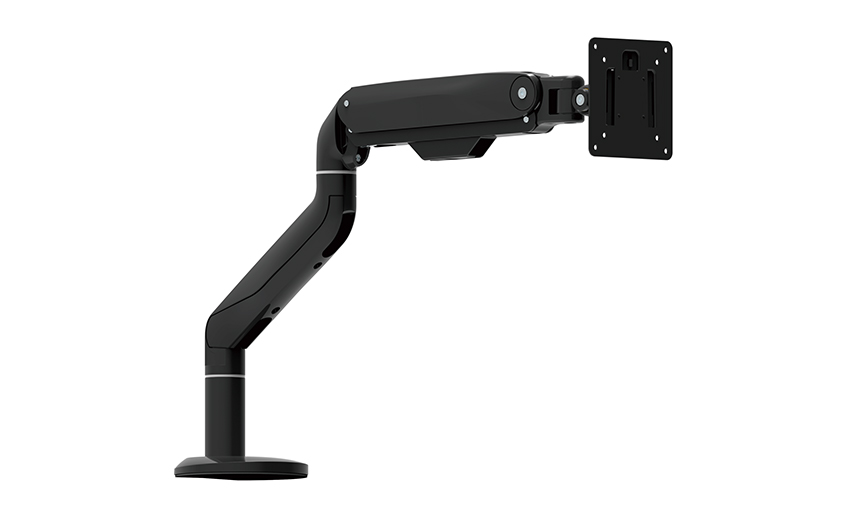
Revolutionize your work setup with the Aluminum &a...
See Details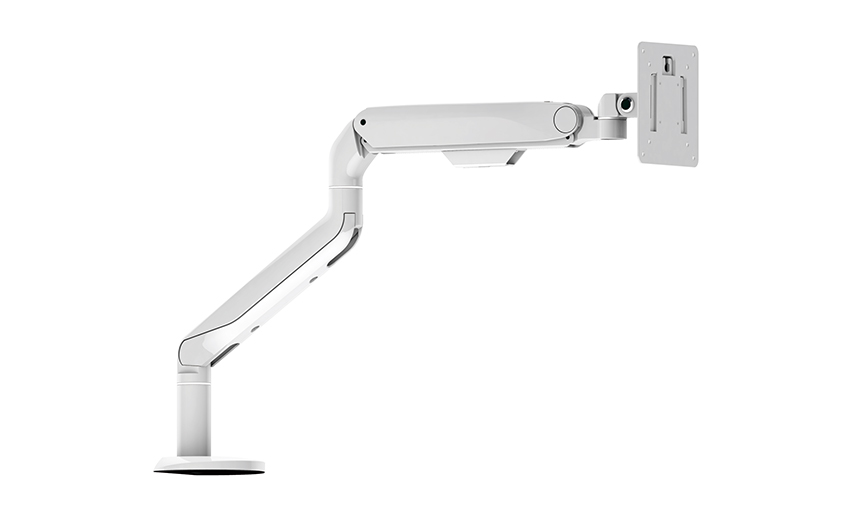
This sleek and sturdy arm is designed to securely ...
See Details
Address: No 3098 Shuanglong Rd, Daqiao Town 314006, Nanhu Area,Jiaxing city, Zhejiang Pro, China
Tel: +86-0573-83222192
Fax: +86-0573-83225688
URL: www.jxjmly.com
Email: [email protected]
Copyright © JIAXING JINMAO ALUMINUM INDUSTRY CO., LTD.All Rights Reserved. Monitor Arms Desk Mount Manufacturers Wholesale Monitor Brackets Suppliers
