

 EN
EN
 English
 Español
 عربى
عربىProduct Consultation
Your email address will not be published. Required fields are marked *
Your monitor sits on a stock stand that pushes your head forward, tucks your shoulders toward your keyboard, and still wobbles every time you type. A monitor arm replaces that stand and puts the screen exactly where your eyes want it. Before you buy one, the decision usually comes down to three questions: how much can it hold, how smoothly does it adjust, and how will it attach to your desk.
Content
Every monitor arm has a load range, and the safest move is to stay inside the middle of that range rather than at either edge. A 17-32 inch arm rated for 2-9 kg will handle a typical 24-inch display without strain, but a 32-inch ultrawide can easily hit 7-8 kg with its stand removed. The common mistake is buying based on screen size alone. VESA patterns and thickness vary, and the total weight includes any bracket or riser you keep on the monitor. Measure the display without its original stand and compare that number to the arm's middle range. If the monitor sits toward the upper limit, choose a heavy-duty model with an aluminum column. For ultrawides and dual-screen setups, the weight of every panel adds up, so a triple-monitor arm rated at 10 kg per arm is safer than a single 8 kg kit stretched across two screens. Avoid pushing the arm above 80% of its capacity, because the gas spring or friction joint becomes less predictable.
| Screen size | Typical weight range |
|---|---|
| 24 inch | 3.5-5.5 kg |
| 27 inch | 4.5-7 kg |
| 32 inch | 5.5-9 kg |
| Ultrawide 34 inch | 6-10 kg |
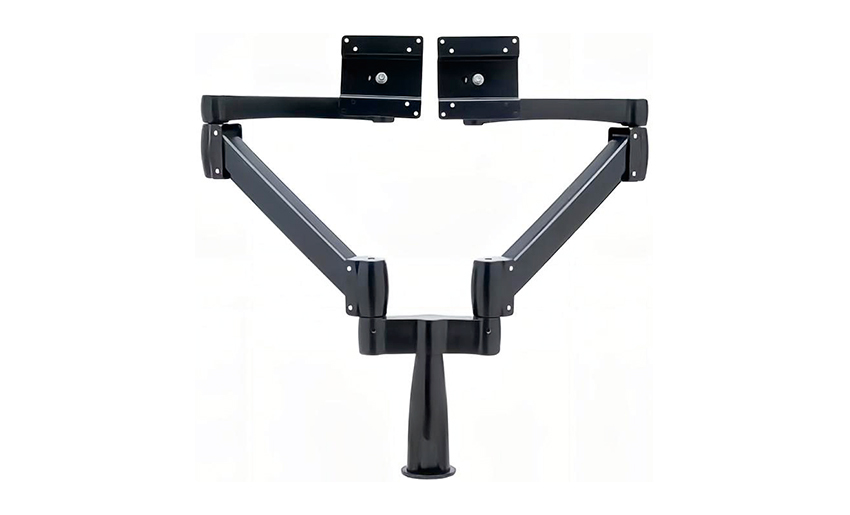 Aluminum Heavy Duty Monitor Arm for Large DisplaysThis aluminum arm supports montors up to 32 inches or larger, with a load capacity suited for heavy or ultrawide screens. Use within the mid-range load to ensure stable gas spring or friction joint performance.View Product →
Gas spring arms use a cylinder filled with pressurized gas to support the screen weight. You move the monitor with one hand, and the joint holds the angle without constant tightening. Mechanical arms rely on friction washers and bolts, which can slip after a period of normal use. If you adjust screen height more than once a week, gas spring is the practical choice. The best way to evaluate a model is to check the minimum and maximum load figures. Choose one that covers your monitor weight by at least 1 kg on each side. Undersized cylinders feel elastic at the top and stiff at the bottom, which signals that the internal diameter or gas charge does not match the spec sheet. You can test this without buying: lift the arm to the highest position, let go, and check if it drifts down. Good gas arms stay still; weaker ones sag slowly.
Some gas spring arms also include a 180-degree locking function that limits the swing when you use the arm near a wall or a partition. If your desk faces a file cabinet or you work close to a colleague, a locking feature prevents the monitor from drifting out of your field of view.
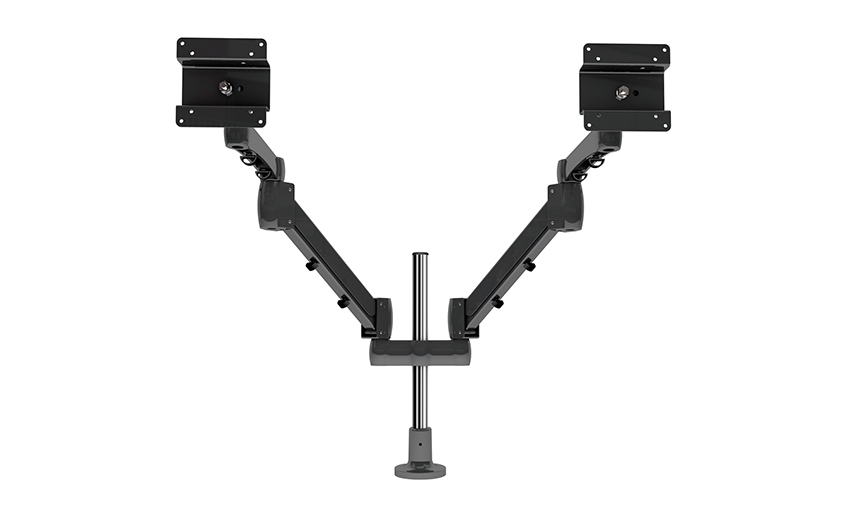 Gas Spring Monitor Arm with Locking Swivel FeatureFeaturing a gas spring for smooth height adjustment, this arm offers a 180-degree locking function to prevent unwanted swing. It installs via clamp or grommet, making it versatile for various desk setups.View Product →
Clamp mounts fit almost any flat desk edge up to 50 mm thick, while grommet mounts are better when you want the clamp hidden behind the desk surface. Wall mounts clear the desktop entirely but require drilling and are permanent. Most office desks work with a C-clamp, as long as the edge is straight and not curved or beveled. Before ordering, measure your desk thickness and the distance from the edge to any cables. A wide clamp can conflict with the desk frame or a cable tray, so check the clearance before choosing. If the desk has a very thin or hollow top, a grommet or a reinforced clamp plate provides more reliable force distribution than a standard C-clamp.
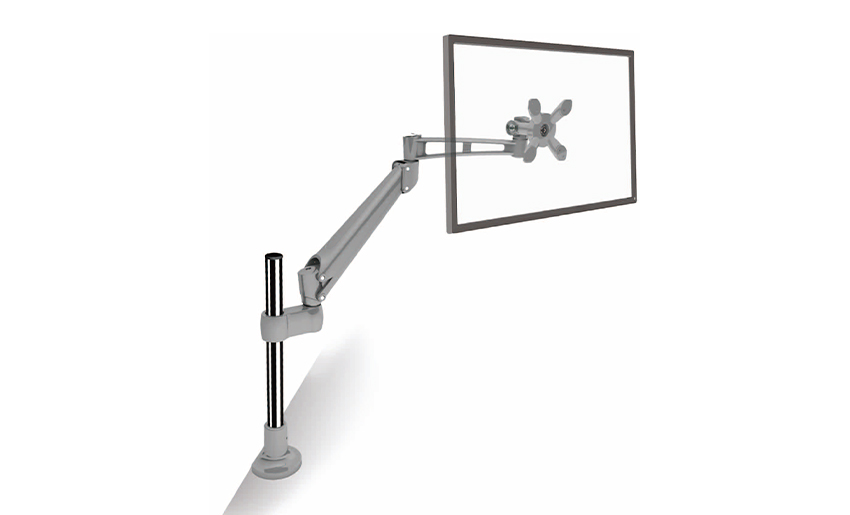 Ergonomic Desk Clamp LCD Monitor Arm with Adjustable HeightThis clamp-based arm provides ergonomic height, tilt, and swivel adjustments, reducing neck strain. Its sturdy construction and customizable tube height allow for modular pole systems, ideal for expanding multi-monitor setups.View Product →
Aluminium alloy arms with die-cast joints give consistent strength without the flex you feel on thin steel. The thickness of the column and the pivot bushing material matter more than the marketing height range. Cheaper arms use plastic inserts at the hinges, which degrade faster under a heavy monitor. For desks that stay in place for years, look for a complete kit with full tools, clear instructions, and hardware that already works with common desks. The base plates are often reusable across the same brand's arms, so if you plan to add a third monitor later, choose a modular pole system instead of a fixed one.
For dual-screen or triple-screen setups, the arm structure becomes a structural frame. A wide dual-arm with a gas spring supports two panels side by side, while a single-arm with a keyboard tray keeps the keyboard and the screen in one compact footprint. Check the column height for the max screen size: a 400 mm column is usually enough for 27-inch panels, but if you plan to upgrade to 32-inch monitors, choose a larger column and a heavier base.
Under-specifying the monitor weight and assuming universal VESA compatibility are the two biggest buying risks. Always verify the VESA pattern and the monitor's net weight, not just the screen size. The instruction manual and included mounting hardware also matter. If the manual is unclear or the hardware is generic, installing a heavy monitor becomes a frustrating exercise. Make sure the bolts fit the VESA holes; many arms use thumbscrews, but if your monitor has a recessed VESA pattern, you may need longer screws. Test the arm's full range immediately after mounting. A good arm should hold the screen at any angle without drifting, but the clamp may loosen over time. Re-tighten the clamp yearly to prevent fatigue at the mounting point.
One more practical check is the base footprint and the rotating range. If you often turn the screen toward a colleague, choose an arm with 360-degree rotation and a smooth joint. Locking angles between 90 and 180 degrees help keep the panel in a stable position when you adjust other equipment. For a complete buying guide that covers all these factors, see this monitor arm desk mount buying guide.
Choosing a computer monitor arm comes down to matching the weight range, choosing a gas spring if you adjust often, and picking the mounting style that fits your desk edge. Once those three boxes are checked, the arm becomes a quiet tool that keeps your screen in the right position all day and leaves your desktop clean. Understanding the benefits before you buy can also show why this small piece of hardware matters in this practical overview.
Your email address will not be published. Required fields are marked *
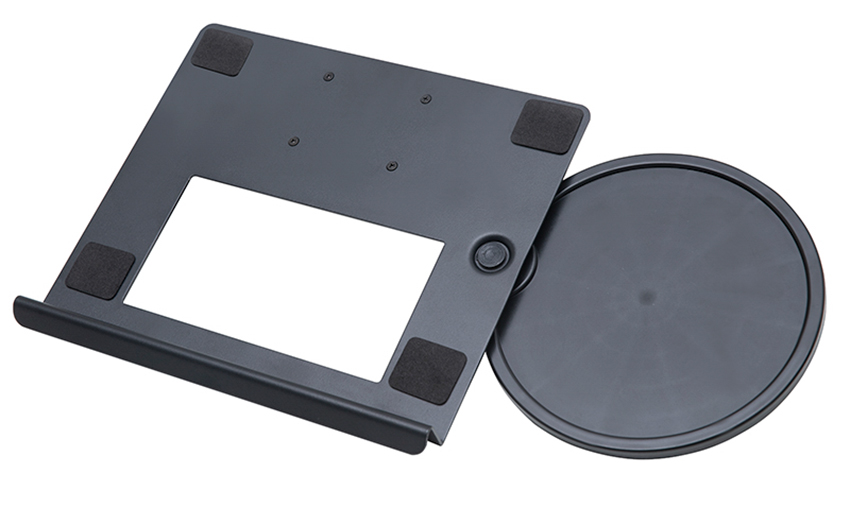
A Home Office Foldable Laptop Notebook Computer Tr...
See Details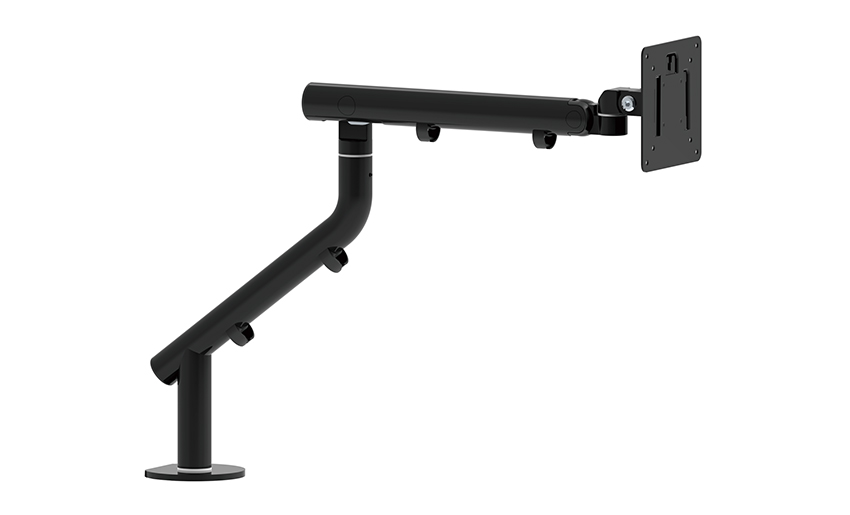
One of the key features of this monitor arm is its...
See Details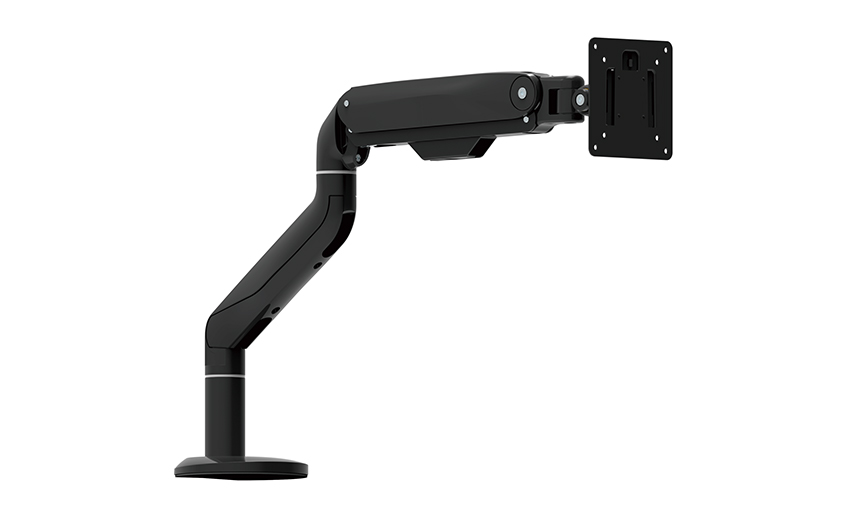
Revolutionize your work setup with the Aluminum &a...
See Details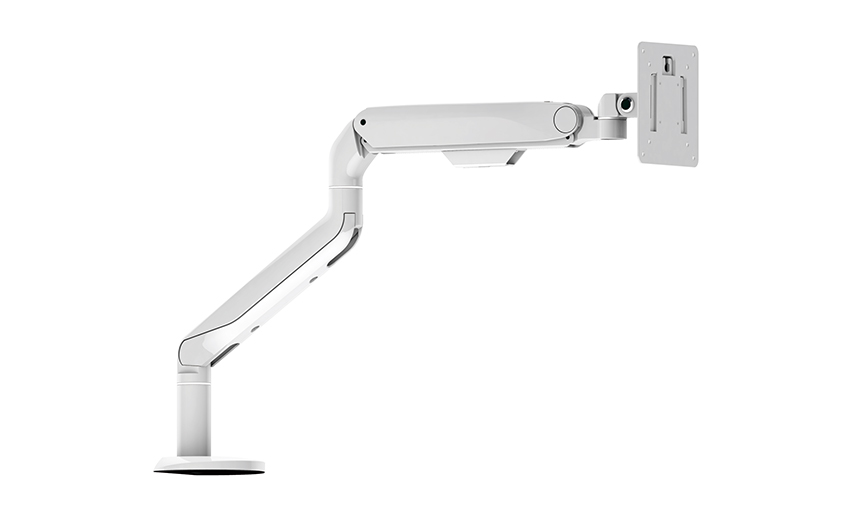
This sleek and sturdy arm is designed to securely ...
See Details
Address: No 3098 Shuanglong Rd, Daqiao Town 314006, Nanhu Area,Jiaxing city, Zhejiang Pro, China
Tel: +86-0573-83222192
Fax: +86-0573-83225688
URL: www.jxjmly.com
Email: [email protected]
Copyright © JIAXING JINMAO ALUMINUM INDUSTRY CO., LTD.All Rights Reserved. Monitor Arms Desk Mount Manufacturers Wholesale Monitor Brackets Suppliers
