

 EN
EN
 English
 Español
 عربى
عربىProduct Consultation
Your email address will not be published. Required fields are marked *
Content
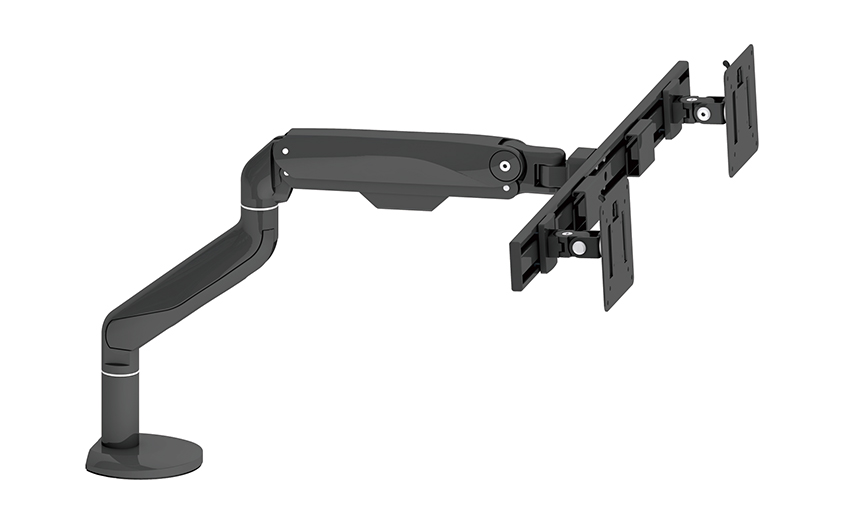
A single monitor arm is a mounting device that attaches one display to a desk, freeing up surface space and allowing for flexible height, tilt, and swivel adjustments that a standard monitor stand simply can't offer. Instead of resting on a fixed base, the monitor connects to an articulating arm that's secured to the desk edge with a clamp or grommet mount, letting users position the screen exactly where it's most comfortable to view.
Most single monitor arms use a gas spring or spring-tension mechanism inside the arm joints, which allows smooth height adjustment with minimal effort. This means users can push the screen up, pull it down, or angle it without needing tools or repeated manual tightening, making it easy to switch positions throughout the day.
Many people stick with the stand that came with their monitor simply because it's already there, but switching to a single monitor arm mount solves several common ergonomic and desk space problems.
For anyone spending long hours in front of a screen, these small adjustments add up to a noticeably more comfortable daily setup, especially for people working from home or in shared office spaces.
Not all single monitor arms are built the same way, and understanding a few core specifications helps avoid buying one that doesn't fit your monitor or desk setup properly.
Every monitor arm has a listed weight range it can support. Choosing an arm rated for your monitor's exact weight ensures smooth movement — an arm rated too high may feel stiff, while one rated too low may sag or drift downward over time.
Most monitor arms use the VESA mounting standard, but it's still worth confirming your monitor's VESA pattern matches the arm's compatible sizes, typically 75x75mm or 100x100mm, before purchasing.
Single monitor arms typically attach through either a clamp mount, which grips the edge of the desk, or a grommet mount, which goes through a pre-drilled hole in the desk surface. Clamp mounts are easier to install and remove, while grommet mounts offer a slightly more permanent, stable connection.
The type of adjustment mechanism inside the arm affects how smoothly it moves and how much maintenance it needs over time.
| Mechanism Type | Adjustment Feel | Best For |
| Gas Spring Arm | Smooth, effortless movement | Frequent height or angle changes |
| Spring-Tension Arm | Firm, adjustable resistance | Users who prefer a fixed position most of the day |
| Fixed or Static Arm | No dynamic movement | Budget setups with minimal adjustment needs |
Most people working at a desk daily tend to prefer gas spring arms since they allow quick repositioning throughout the day without needing to manually loosen or tighten any screws.
Simply installing a single monitor arm mount isn't enough on its own — proper positioning matters just as much as the hardware itself. The top of the screen should sit roughly at or slightly below eye level, so users aren't tilting their head up or down for extended periods. The screen should also be positioned about an arm's length away to reduce eye strain during long work sessions.
It's worth taking a few minutes after installation to fine-tune the height, tilt, and distance settings based on your actual sitting posture, rather than leaving the arm at whatever position it defaults to out of the box.
A few avoidable mistakes can lead to a wobbly or poorly performing monitor arm setup, even with quality hardware.
Taking a few extra minutes to double-check desk thickness and monitor specifications before purchase saves the hassle of returns or mismatched hardware later.
Price differences between monitor arms usually come down to build quality, adjustment smoothness, and cable management features. Budget options typically get the job done for basic height and tilt adjustments, but premium models often include better cable routing channels, sturdier metal construction, and smoother gas spring mechanisms that hold up better over years of daily use.
For anyone using their setup daily for work, investing in a mid-range or premium single monitor arm is generally worth it, since cheaper models can loosen or wobble after repeated adjustments over time, eventually requiring replacement sooner than a higher-quality option would.
Your email address will not be published. Required fields are marked *
A Home Office Foldable Laptop Notebook Computer Tr...
See Details
One of the key features of this monitor arm is its...
See Details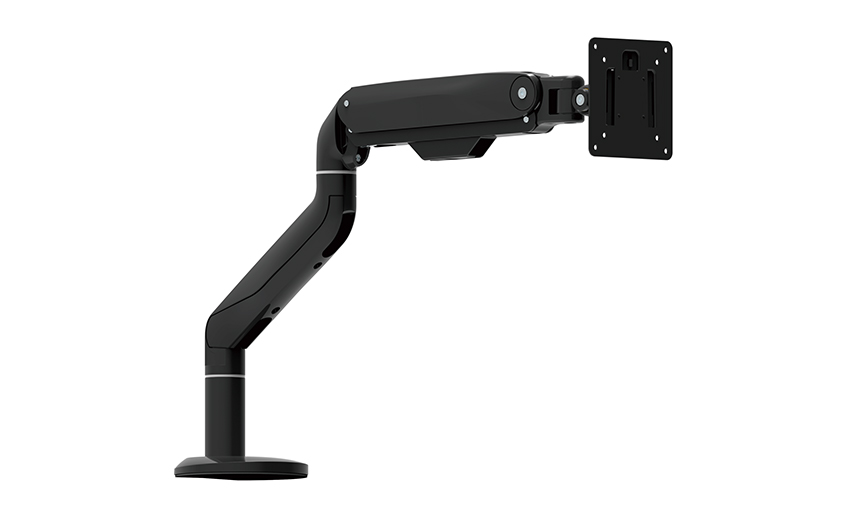
Revolutionize your work setup with the Aluminum &a...
See Details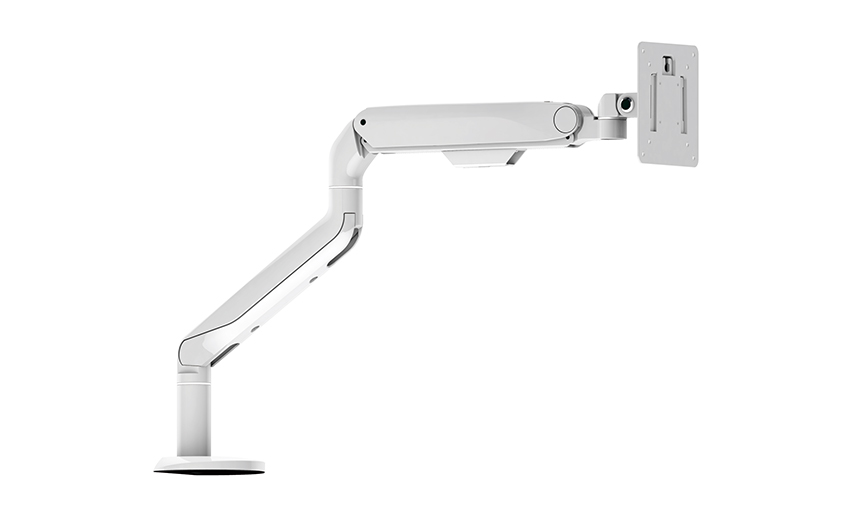
This sleek and sturdy arm is designed to securely ...
See Details
Address: No 3098 Shuanglong Rd, Daqiao Town 314006, Nanhu Area,Jiaxing city, Zhejiang Pro, China
Tel: +86-0573-83222192
Fax: +86-0573-83225688
URL: www.jxjmly.com
Email: [email protected]
Copyright © JIAXING JINMAO ALUMINUM INDUSTRY CO., LTD.All Rights Reserved. Monitor Arms Desk Mount Manufacturers Wholesale Monitor Brackets Suppliers
