

 EN
EN
 English
 Español
 عربى
عربىProduct Consultation
Your email address will not be published. Required fields are marked *
Content
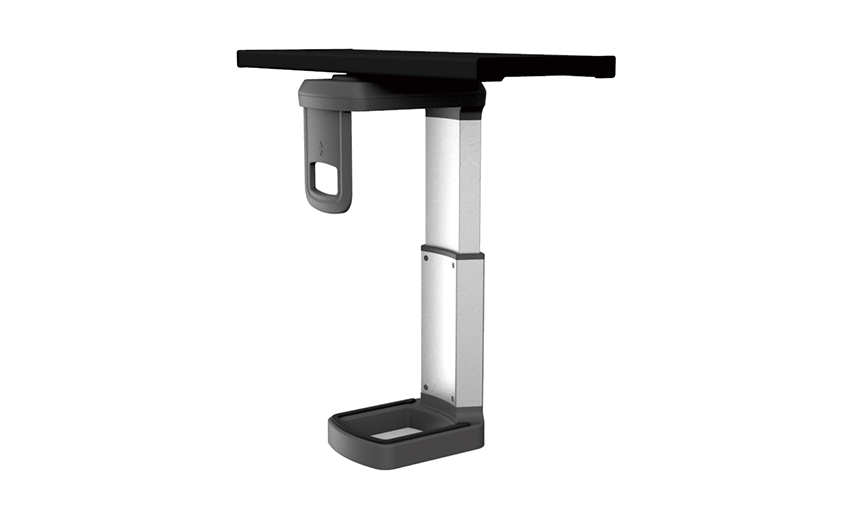
A CPU holder is a mounting accessory designed to securely support and position a desktop computer tower — the central processing unit (CPU) case — away from the floor or desktop surface. Rather than letting a tower sit directly on the floor where it collects dust, gets kicked, or blocks legroom, or placing it on the desk where it consumes valuable workspace, a CPU holder mounts the tower underneath the desk, on the wall beside a workstation, on a vertical panel, or on a dedicated floor stand, keeping it accessible, secure, and out of the way.
The practical benefits are more significant than they might first appear. A desktop tower sitting on the floor is vulnerable to being kicked, bumped, or knocked over — impacts that can damage internal components, corrupt data on spinning hard drives, or loosen cable connections. Floor-mounted towers also sit at ground level where dust, pet hair, and debris are most concentrated, which accelerates the clogging of cooling fans and intake vents and leads to overheating. Elevating the tower with a CPU holder keeps it off the floor, out of the direct dust zone, better ventilated, and fully accessible for port access, disc insertion, and routine maintenance without crawling under the desk.
For office designers and IT managers, CPU holders are also an ergonomic and space management tool. Reclaiming the area occupied by floor-standing towers under desks gives users more legroom and freedom of movement, creates a cleaner and less cluttered workspace, and simplifies cable management by keeping the tower at a consistent, predictable position relative to the monitor, keyboard, and peripheral connections. With a wide range of mounting types and sizes available, there is a computer tower holder to suit virtually any workstation configuration.
CPU holders are available in several distinct mounting configurations. The right type depends on your desk design, available space, the weight and dimensions of your tower, and whether you need the tower to be moveable or fixed in position.
Under-desk CPU holders mount directly to the underside of the desk surface, suspending the computer tower beneath the desktop. This configuration is the most popular choice in office environments because it completely removes the tower from both the floor and the desk surface, maximizing usable workspace and legroom simultaneously. Most under-desk CPU holders use a bracket or cradle system that clamps around the tower, with a sliding or rotating mechanism that allows the tower to be pulled out from under the desk for port access, disc insertion, or maintenance without unmounting the holder. The mounting hardware attaches to the desk underside with screws or clamps, and the holder typically slides along a track to extend outward when needed.
The key specification for an under-desk CPU holder is the available clearance between the desk underside and the floor — the holder plus the tower must fit within this vertical space, and the desk must be deep enough front-to-back to accommodate the tower's depth. Many under-desk holders are also adjustable in width, with sliding side panels that grip towers of different sizes. For sit-stand desks, ensure the under-desk holder is rated to handle the movement and vibration of the desk raising and lowering cycle without loosening over time.
Desktop CPU stands sit on the desk surface and elevate the tower slightly — typically 50–150mm — above the desk. These are simpler and less expensive than under-desk mounts and do not require any drilling or clamping to the desk. They are a practical choice when under-desk space is not available (due to desk apron height, drawer units, or pedestal placement), or when the user wants the tower within easy reach on the desk surface. Some desktop stands include rollers or swivel platforms that allow the tower to be rotated to face disc drives or USB ports more conveniently. The trade-off is that the tower remains on the desk surface, consuming workspace — though elevating it slightly does improve airflow around the base of the tower.
Wall-mounted CPU holders fix the tower to a wall or partition panel adjacent to the workstation, keeping it completely off both the desk and the floor. They are commonly used in space-constrained office environments, trading floors, reception desks, and technical workstations where floor and desk space is at a premium. Wall mounts secure the tower with a fixed bracket or an adjustable cradle that accommodates different tower widths. Installation requires the wall or panel to have sufficient structural strength to support the tower weight (typically 5–15kg for a desktop tower), and the cable run to the desk must be managed carefully to keep cables tidy. Wall mounting provides excellent dust protection since the tower is elevated well above floor level, and it effectively prevents accidental contact with the tower during normal desk use.
Floor-standing CPU holders are freestanding units that elevate the tower off the floor by 100–300mm using a low-profile stand with castors or a raised platform. They are the simplest installation option — no mounting hardware required — and are well-suited for home offices where drilling into a desk or wall is undesirable, or for corporate hot-desk environments where towers need to be easily moved between workstations. Castor-equipped floor stands allow the tower to be rolled out for access and rolled back under the desk when not needed. The main limitation compared to under-desk or wall mounts is that the tower still occupies floor space under the desk, though elevating it off the floor does significantly reduce dust intake and eliminates the risk of it being kicked.
Mobile CPU caddies are wheeled platforms specifically designed for moving heavy towers between locations in an office or facility. They are used by IT support teams, facilities managers, and in environments where computers are regularly relocated, hot-desked, or brought to repair benches. A CPU caddy typically has four lockable castors, a cradle that accommodates a range of tower sizes, and a tilting mechanism that allows the tower to be laid flat for transport in corridors and doorways. They are not permanent workstation accessories but functional tools for IT logistics and workspace flexibility.
Here is a direct comparison of the main CPU holder configurations to help identify the best fit for your specific situation:
| Type | Space Saved | Installation | Portability | Best For |
| Under-Desk Mount | Desk + Floor | Moderate (screws/clamp) | Fixed | Office workstations, hot desks |
| Desktop Stand | Floor only | None needed | Easy to move | Home offices, shallow desks |
| Wall Mount | Desk + Floor | Higher (wall fixing) | Fixed | Space-critical offices, receptions |
| Floor Stand | Desk only | None needed | Good (castors) | Home offices, flexible spaces |
| Mobile Caddy | Desk only | None needed | Excellent | IT teams, hot desking, repairs |
Beyond the obvious tidiness improvement, using a desktop computer tower holder delivers several practical benefits that have a direct impact on your computer's longevity and your daily working experience:
The single most common CPU holder purchase mistake is buying a holder that doesn't fit the specific tower or the specific desk. These are the measurements and specifications to verify before ordering:
Desktop tower cases vary enormously in size — from compact mini-ITX cases (as small as 200mm wide and 250mm tall) to full tower ATX cases (180mm wide, 500mm+ tall). Measure your tower's width, depth, and height before selecting a holder. Most adjustable CPU holders specify a width range they accommodate — typically 100mm to 200mm width — and a maximum tower weight, usually expressed in kilograms. Thin clients and small form factor PCs may be too narrow for standard CPU holders designed for full and mid-tower cases, and may require a dedicated compact holder. Always verify your tower's actual dimensions against the holder's stated adjustment range before purchasing.
For under-desk CPU holders, the desk must have sufficient depth to accommodate the tower's depth (the front-to-back dimension of the case), and the vertical clearance between the desk underside and the floor must exceed the combined height of the holder bracket and the tower's width (since the tower typically sits on its side in an under-desk mount). Measure the clear vertical space under your desk and compare it to the holder's hanging depth plus the tower's width. Also confirm that the desk underside material is suitable for the mounting hardware — thin veneered panel desks may not hold the screw fixings securely under a heavy tower load.
Some desks have structural elements along the underside — cable trays, cross-braces, drawer units, or integrated power modules — that prevent an under-desk mount from attaching to the flat underside surface. Glass, curved, or thin-top desks may also be incompatible with under-desk mounting systems that require screw fixings. In these cases, a desktop stand or floor stand is the more practical alternative. For sit-stand height-adjustable desks, verify that the CPU holder manufacturer specifically rates the product for use with sit-stand desks — the repeated mechanical cycling of the desk creates different stress on the mounting hardware than a static installation.
At first glance, many CPU holders look similar — a metal bracket with adjustable arms. The differences in quality, functionality, and long-term performance are in the details. Here is what to look for:
For IT managers and office administrators deploying CPU holders across a large number of workstations, a few additional considerations apply beyond individual product selection:
Your email address will not be published. Required fields are marked *
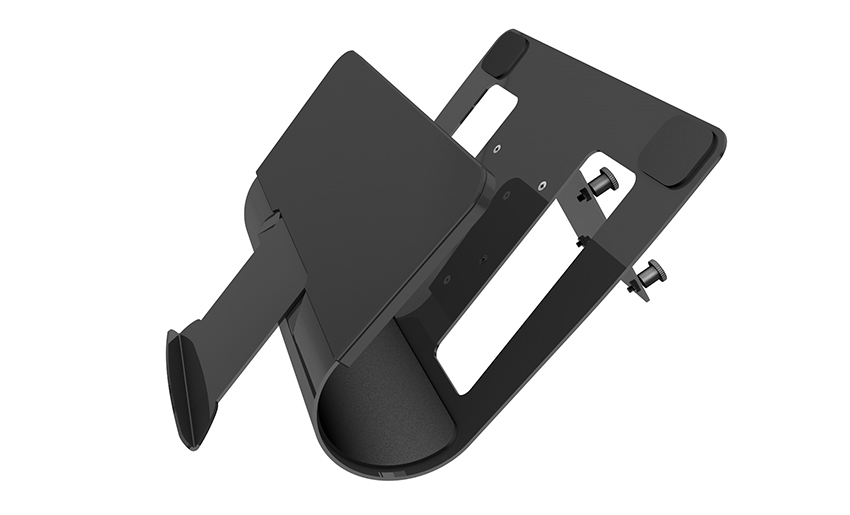
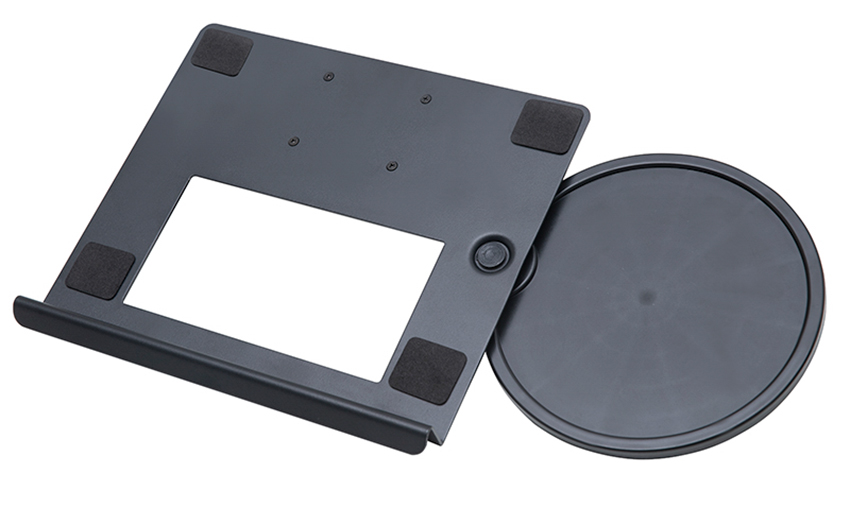
A Home Office Foldable Laptop Notebook Computer Tr...
See Details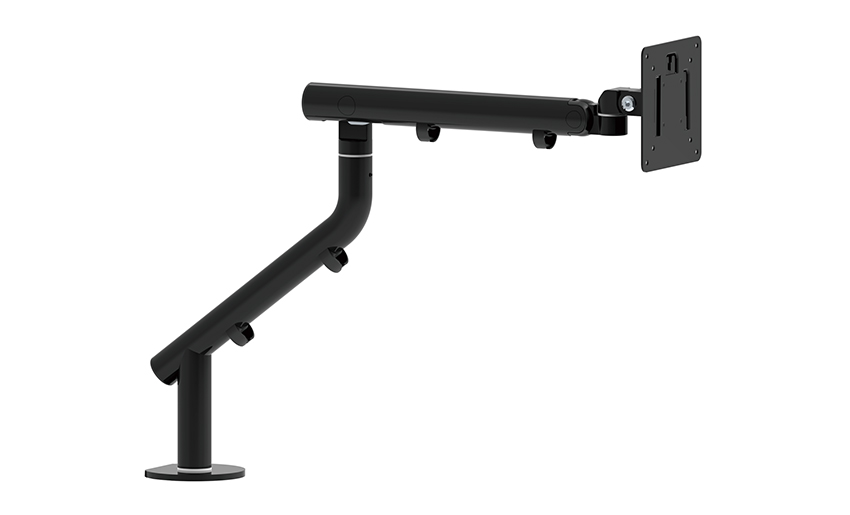
One of the key features of this monitor arm is its...
See Details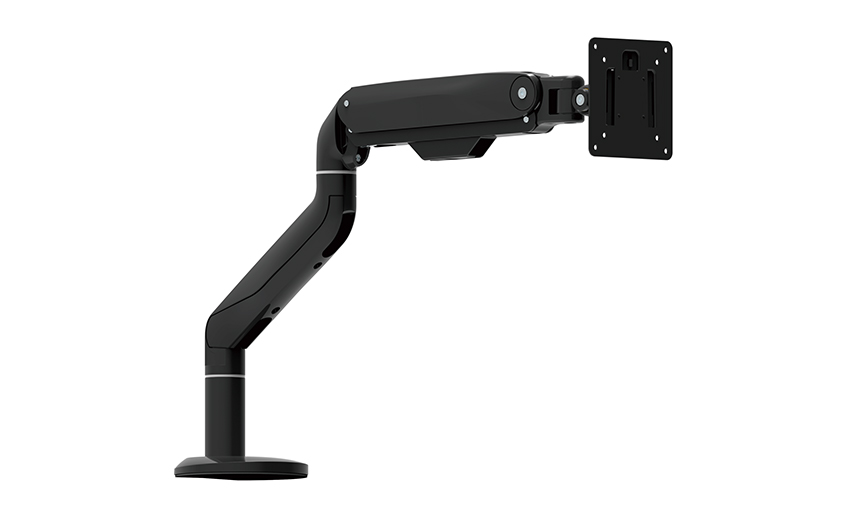
Revolutionize your work setup with the Aluminum &a...
See Details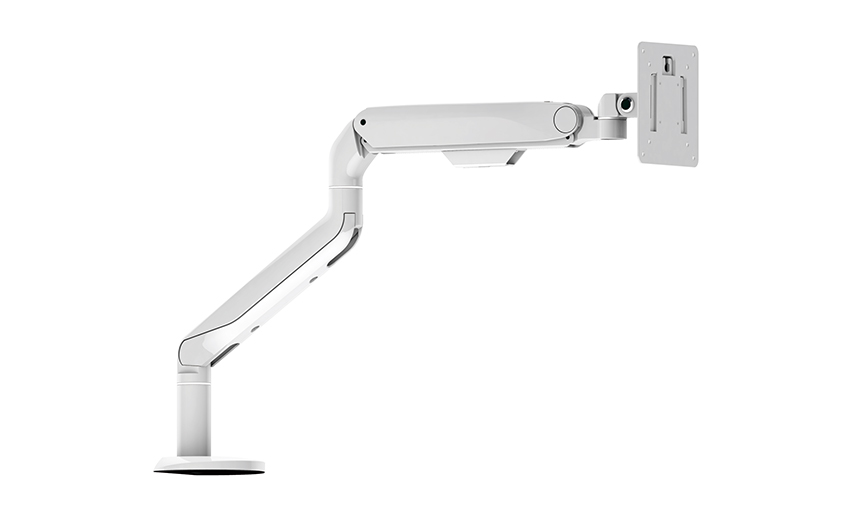
This sleek and sturdy arm is designed to securely ...
See Details
Address: No 3098 Shuanglong Rd, Daqiao Town 314006, Nanhu Area,Jiaxing city, Zhejiang Pro, China
Tel: +86-0573-83222192
Fax: +86-0573-83225688
URL: www.jxjmly.com
Email: [email protected]
Copyright © JIAXING JINMAO ALUMINUM INDUSTRY CO., LTD.All Rights Reserved. Monitor Arms Desk Mount Manufacturers Wholesale Monitor Brackets Suppliers
