

 EN
EN
 English
 Español
 عربى
عربىProduct Consultation
Your email address will not be published. Required fields are marked *
If your monitor sits below eye level, you already know the result: a sore neck by lunch, a headache by mid-afternoon, and a constant urge to lean forward into the screen. The fix is not a bigger desk or a better chair. It is an adjustable monitor stand that raises the display to the height your posture actually needs. Here is what to check before you buy one, based on how these stands actually behave in a real workspace.
Content
An adjustable monitor stand does one job better than any other piece of office hardware: it places the top third of your screen at eye level while you sit with a straight back. That single change removes the most common ergonomic mistake in a home or office setup - looking down at a screen that sits too low.
When you look down, the muscles in the back of your neck work overtime. After an hour, the strain becomes a dull ache. After a full workday, it lingers in your shoulders. Adjusting the monitor height removes that strain without requiring you to change how you sit or discipline your posture.
The second benefit is desk space. A monitor base takes up a square area of the desktop that could hold a notebook, a phone, or a cup of coffee. An adjustable stand mounts to the desk edge or through a grommet hole, so the surface remains clear. This is especially useful in compact home offices and shared workspaces.
If you have never owned one, the difference is noticeable within a day. If you have multiple monitors, the benefit compounds: a dual-arm stand aligns two screens at the same height, which prevents the head from tilting sideways. For a closer look at how this affects posture, the guide on picking and using an adjustable monitor stand that actually fixes posture covers the practical side of positioning and adjustment.
Not every adjustable monitor stand fits every monitor or every desk. Three specifications decide whether a stand will work for you before you even open the box.
The VESA pattern is the set of screw holes on the back of your monitor. The two most common patterns are 75 by 75 and 100 by 100 millimeters. A larger or curved monitor may use 100 by 200 or a heavier four-hole pattern. Check the back of your display or its spec sheet before choosing a stand.
Every stand lists a maximum weight. A single-arm stand may carry 3 to 10 kilograms; a dual-arm stand may carry 3 kilograms per arm. Going over the limit causes sagging, slow drift in the tilt position, and eventually a failed joint. If you have a heavy 27-inch display, confirm the rated load covers its weight plus a little margin.
Height range matters more than you might think. A standard desk is about 73 to 76 centimeters high. Sitting at that desk puts your eye line around 100 to 110 centimeters. Your monitor needs to reach that height for a neutral neck position. Look for a stand that offers at least 30 centimeters of vertical travel. Tilt range matters for shared desks where different people use the same workstation at different angles.
| VESA Pattern | Typical Monitor Size | Typical Weight Range |
|---|---|---|
| 75 x 75 mm | 17 - 24 inch | 2 - 6 kg |
| 100 x 100 mm | 22 - 32 inch | 4 - 10 kg |
| 100 x 200 mm | Curved or ultrawide | 6 - 14 kg |
For a deeper rundown of the filtering process, the guide to choosing a monitor stand walks through the decision tree in the order you would actually apply it.
The right type depends on how many screens you use and how often you change the height.
A single-arm stand is the simplest solution for one monitor. It clamps or bolts to the desk, supports VESA-mounted displays, and usually offers tilt, swivel, and vertical height adjustment. It is a small investment that solves the most common posture problem with minimal complexity.
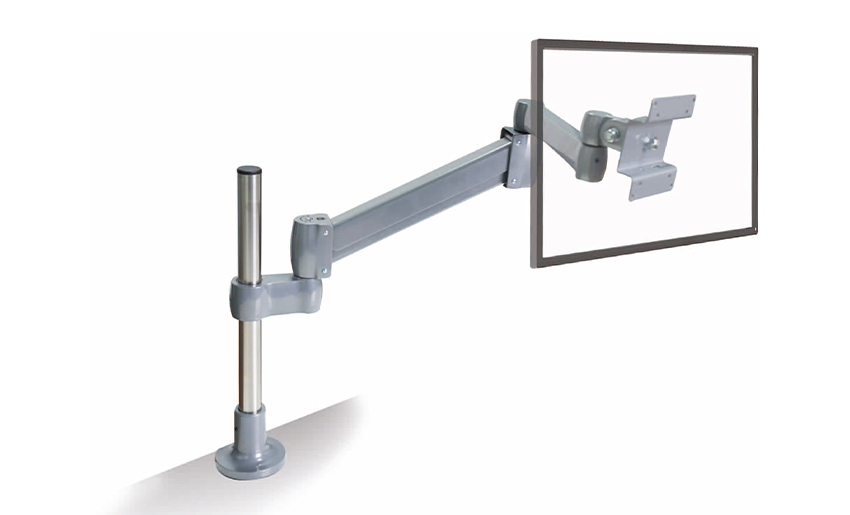 Height Adjustable Single LCD Monitor ArmThis monitor arm supports one screen with tilt, swivel, and height adjustment, freeing desk space and promoting ergonomic posture. It is a straightforward solution for reducing neck strain.View Product →
If you work with two screens, a dual-arm stand keeps both displays at the same height and angle. This cuts down on the sideways head turns that cause neck and shoulder fatigue. Multitaskers who watch charts, emails, and code windows at the same time tend to benefit most.
A gas spring stand uses a pressurized cylinder to counterbalance the monitor weight. You can change the height with one hand, and the arm holds position without tools. A manual tension stand requires you to set the friction with a wrench or knob, then lock it. If you share a desk or switch between sitting and standing heights, a gas spring is worth the extra cost because adjustment stays easy every time.
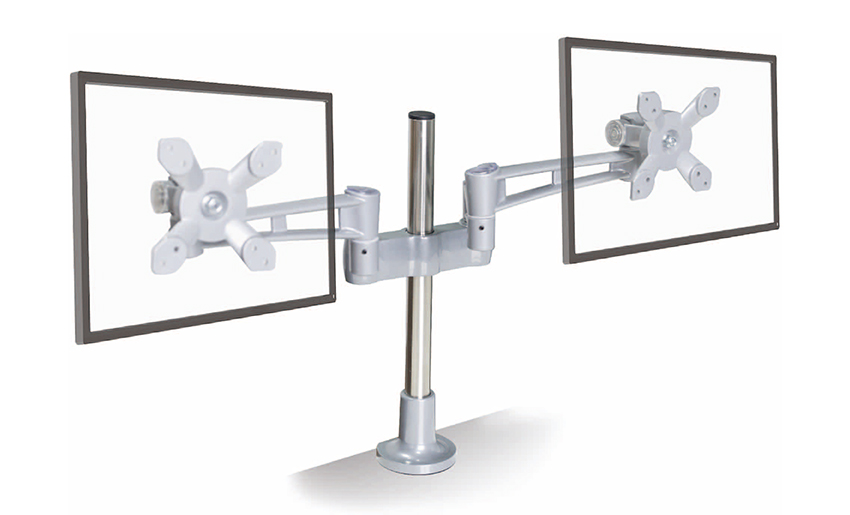 Gas Spring Ergonomic Dual Monitor ArmWith a gas spring mechanism, this dual monitor arm enables effortless one-handed height and angle adjustments. Ideal for shared desks or sit-stand setups, it helps maintain comfort when changing positions.View Product →
Before you buy, measure your desk edge. Clamp-style stands fit edges of about 10 to 80 millimeters thick, depending on the model. Grommet-style stands require a hole, usually 8 to 10 centimeters in diameter, and are the better choice if you cannot clamp because of a drawer or under-desk panel.
Also look at the mounting plate. A quick-release plate lets you remove the monitor from the arm when you need to work on the desk or move the display. Some stands include built-in cable management channels that keep power and video cables off the surface.
If your desk is glass or particle board, confirm the clamp pressure is not the only thing holding the weight. A solid wood surface or a metal frame handles the load much better. Sit-stand desks pair especially well with an adjustable monitor arm, because the arm changes height easily and you can keep the screen at eye level whether you sit or stand.
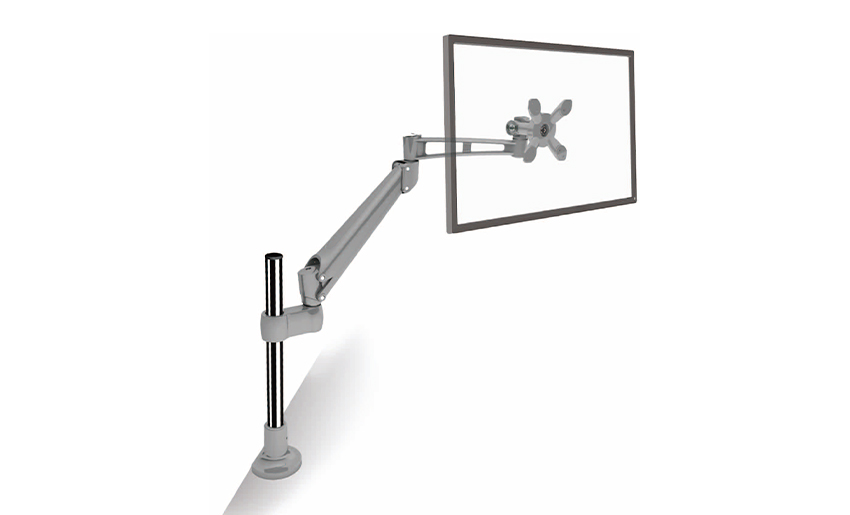 Desk Clamp Ergonomic Height Adjustable LCD Monitor ArmThis desk clamp monitor arm offers secure mounting and flexible positioning. Its robust build, often die-cast aluminum, resists flexing and wobbling, ensuring long-term stability and tension.View Product →
The difference between a cheap stand and a well-made stand shows up over time. A die-cast aluminum arm resists flexing under load, holds its tension longer, and does not wobble when you type. A steel-and-plastic construction may pass the weight test on day one but develops play in the joints after a few months.
Tolerances matter. If the hinge fits loosely, the arm drifts down after you set the height. If it is too tight, hand adjustment becomes tiring. A manufacturer that controls the die-casting process can produce consistent parts with the right fit - the kind of consistency that makes the difference between a stand that stays put for years and one that needs constant re-tightening.
Aluminum is the preferred material for a reason: it is light, strong, and corrosion-resistant. For monitor arms, the weight of the stand itself matters because the mounting hardware carries it on the desk edge. A lighter head means less stress on the clamp, plus simpler installation.
The surface finish also affects the look of your setup. A matte powder-coated aluminum hides fingerprints and reflects less light than polished steel, which makes it a better match for an office or home workspace. The better the finishing process, the longer the arm keeps its appearance.
The best adjustable monitor stand is the one that fits your monitor, your desk, and the way you work. Check the VESA pattern and weight capacity first, then decide how much height adjustment and how many screens you need. A quality die-cast arm will pay for itself in the first week with less neck strain and a cleaner desk.
Your email address will not be published. Required fields are marked *
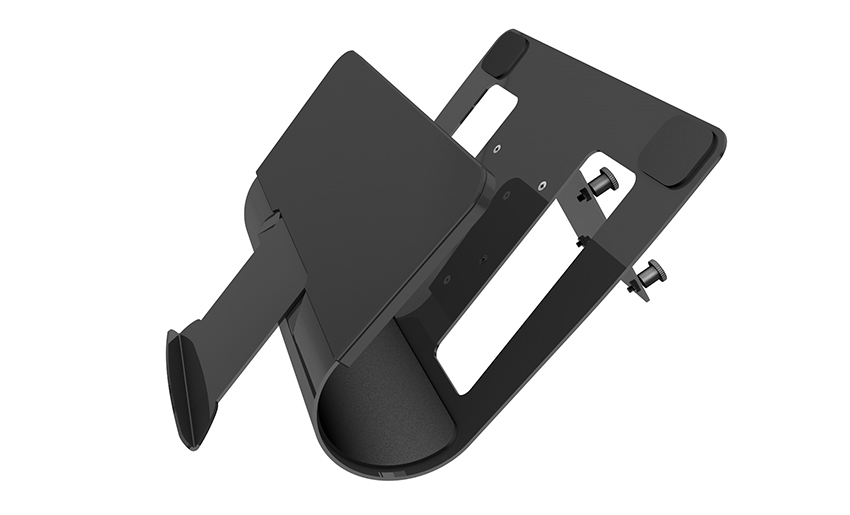
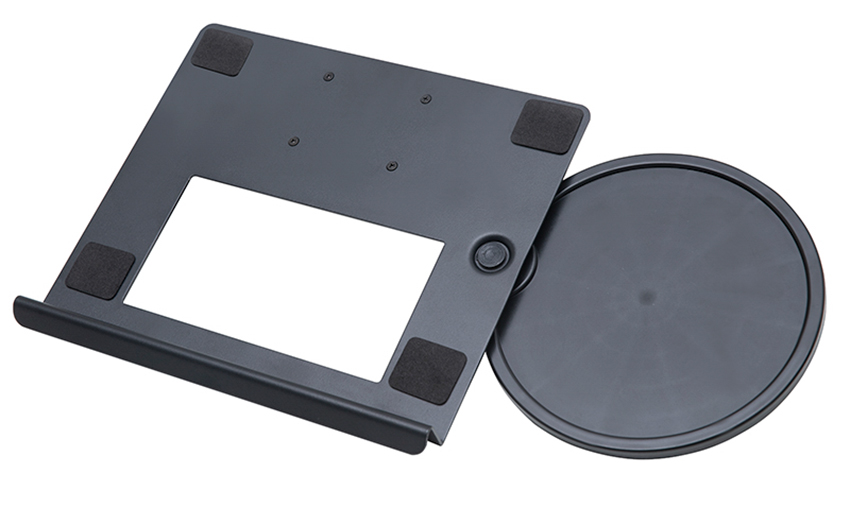
A Home Office Foldable Laptop Notebook Computer Tr...
See Details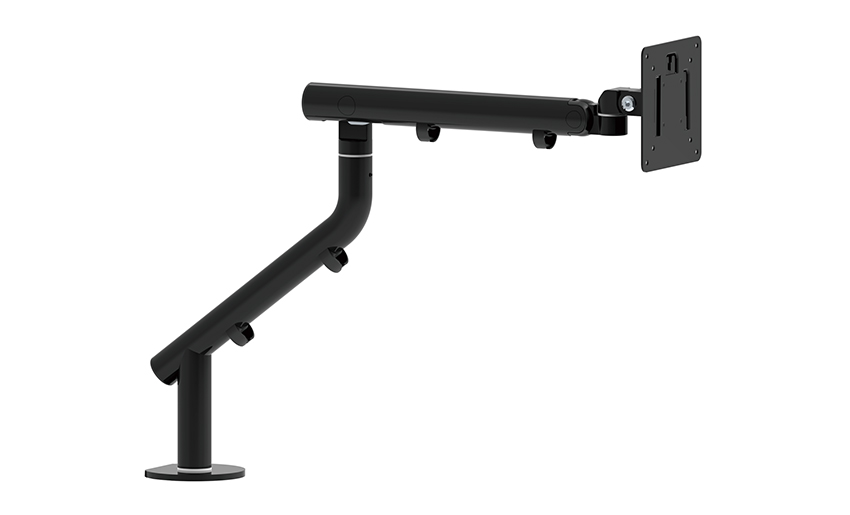
One of the key features of this monitor arm is its...
See Details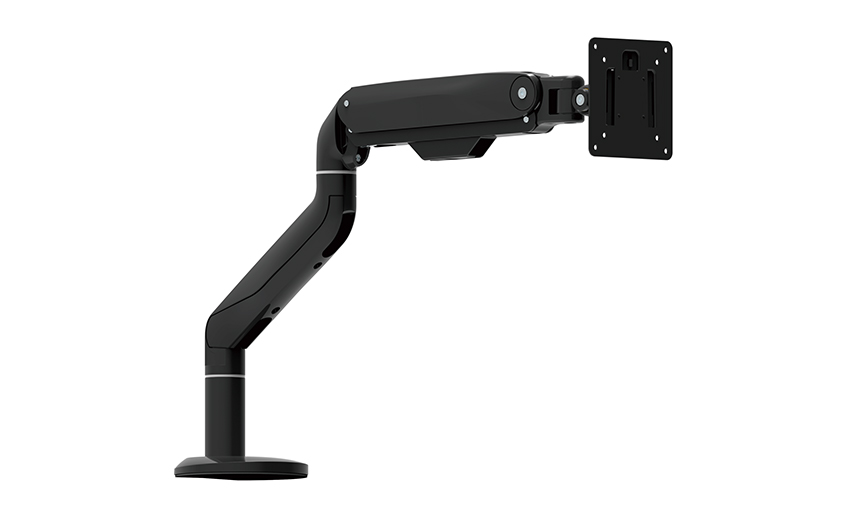
Revolutionize your work setup with the Aluminum &a...
See Details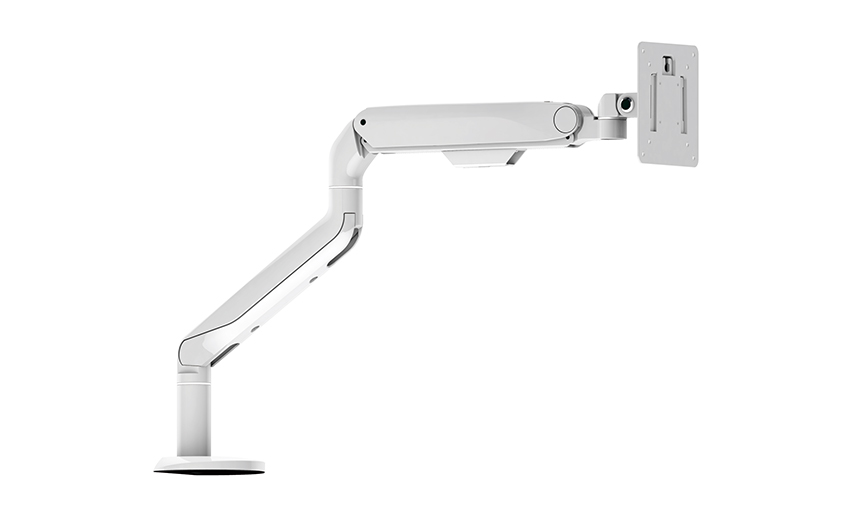
This sleek and sturdy arm is designed to securely ...
See Details
Address: No 3098 Shuanglong Rd, Daqiao Town 314006, Nanhu Area,Jiaxing city, Zhejiang Pro, China
Tel: +86-0573-83222192
Fax: +86-0573-83225688
URL: www.jxjmly.com
Email: [email protected]
Copyright © JIAXING JINMAO ALUMINUM INDUSTRY CO., LTD.All Rights Reserved. Monitor Arms Desk Mount Manufacturers Wholesale Monitor Brackets Suppliers
