

 EN
EN
 English
 Español
 عربى
عربىProduct Consultation
Your email address will not be published. Required fields are marked *
Content
An adjustable CPU holder is a mounting bracket that attaches to the underside of a desk and lets you suspend your computer tower off the floor. Instead of letting your CPU case sit directly on the ground where it collects dust, gets kicked, or blocks legroom, an adjustable CPU holder cradles the tower in a sliding tray or arm that can be moved side to side, raised, lowered, or rotated depending on the model. This makes it easier to access ports, cables, and drive bays without having to crawl under the desk every time.
Most adjustable CPU holders are made from steel or heavy-duty aluminum and use a track-and-clamp system. The tray adjusts to fit different tower widths and heights, so the same holder can often work with a slim office PC or a larger gaming tower. Because the unit stays connected to the desk frame rather than the floor, it also frees up space for cable management, foot rests, or storage bins underneath.
The biggest reason people switch to adjustable CPU holders is floor protection and airflow. A tower sitting directly on carpet or hardwood tends to pull in dust, pet hair, and moisture, all of which can clog fans and shorten the life of internal components. Lifting the case off the ground with an adjustable CPU holder keeps intake vents clearer and reduces how often you need to open the case for cleaning.
Not every adjustable CPU holder is built the same way, and picking the wrong one can mean a wobbly tower or a mount that simply doesn't fit your case. Before buying, look closely at weight capacity, adjustability range, and mounting hardware.
Gaming towers with multiple graphics cards and extra drives can weigh well over 25 pounds. Check the stated weight limit of any adjustable CPU holder before mounting a heavy build, since exceeding it can cause the tray to sag or the clamp to loosen over time.
A good adjustable CPU holder should slide horizontally along a track so you can pull the tower out from under the desk without unscrewing anything. Some models also rotate 360 degrees, which is useful if your desk sits against a wall and you need to access the back panel from an angle.
Most adjustable CPU holders clamp onto the desk frame using a C-clamp or bolt-through system. Thin desktops, glass desks, or desks with unusual frame shapes may need a specific bracket style, so it helps to measure your desk's thickness and frame depth before ordering.
Adjustable CPU holders generally fall into a few categories based on how they move and mount. The table below breaks down the most common types and what they're best suited for.
| Type | Movement | Best For |
| Sliding Track Holder | Side to side only | Fixed desks with regular tower access needs |
| Swivel Arm Holder | Rotates and slides | Corner desks or setups needing rear panel access |
| Height-Adjustable Holder | Raises and lowers | Standing desks that change height throughout the day |
| Fixed Width Holder | Stationary | Small office towers that rarely need to move |
Start by measuring your tower's height, width, and depth, then compare those numbers against the adjustable range listed by the manufacturer. A holder with too narrow a range will either squeeze the case or leave it loose enough to shift while sliding.
Next, think about how often you need access to the tower. If you swap drives or clean dust filters weekly, a sliding track or swivel arm adjustable CPU holder will save time compared to a fixed model. If the desk is height-adjustable, pair it with a CPU holder rated for standing desk movement so the cables don't stretch or snag when the desk rises.
Finally, check clearance underneath the desk. Measure from the floor to the bottom of the desk frame and compare it to your tower's full height plus the holder's hardware, so the case doesn't drag on the floor when it's mounted.
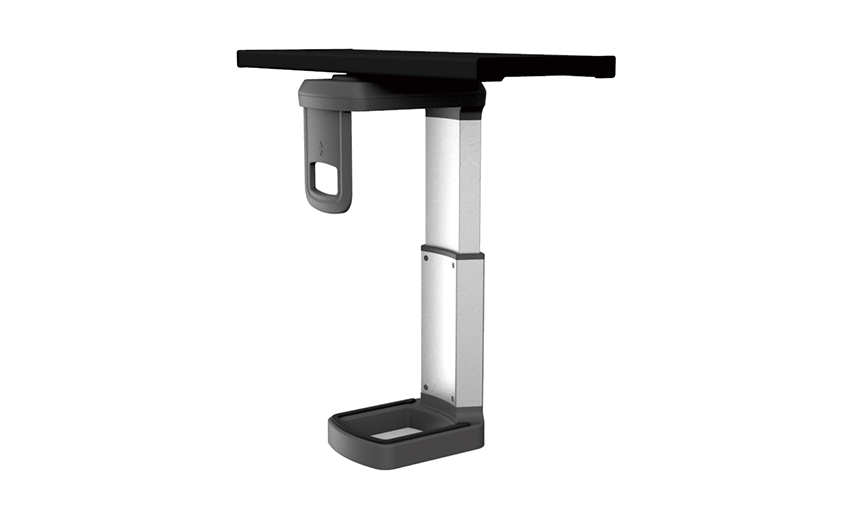
Installation usually takes under 30 minutes with basic tools. Following a consistent process helps avoid a crooked mount or stripped screws.
Even a well-built adjustable CPU holder needs occasional attention. Check the mounting bolts every few months, since vibration from fans and drives can gradually loosen them. If the tray starts to tilt, it's usually a sign the clamp needs retightening rather than a defect in the holder itself.
One common mistake is ignoring cable slack. If cords are pulled tight when the tower is mounted, sliding it out for maintenance can strain connectors or yank cables loose. Leave a few extra inches of slack on power and data cables so the tower can move freely along the track.
Another mistake is choosing a holder based on price alone without checking weight capacity. An overloaded adjustable CPU holder can bend the tray over time, eventually causing the tower to sit unevenly or scrape against the desk frame. Matching the holder's rated capacity to your actual tower weight, with a bit of buffer room, keeps the setup stable for years.
Your email address will not be published. Required fields are marked *
A Home Office Foldable Laptop Notebook Computer Tr...
See Details
One of the key features of this monitor arm is its...
See Details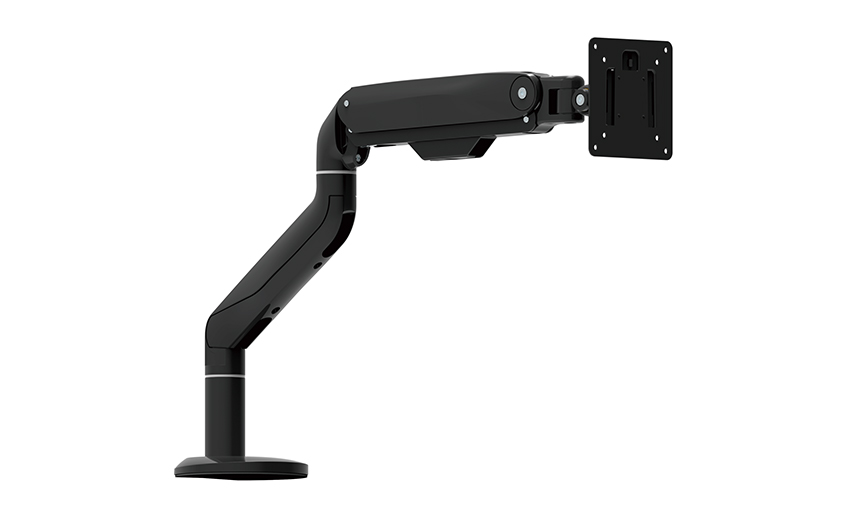
Revolutionize your work setup with the Aluminum &a...
See Details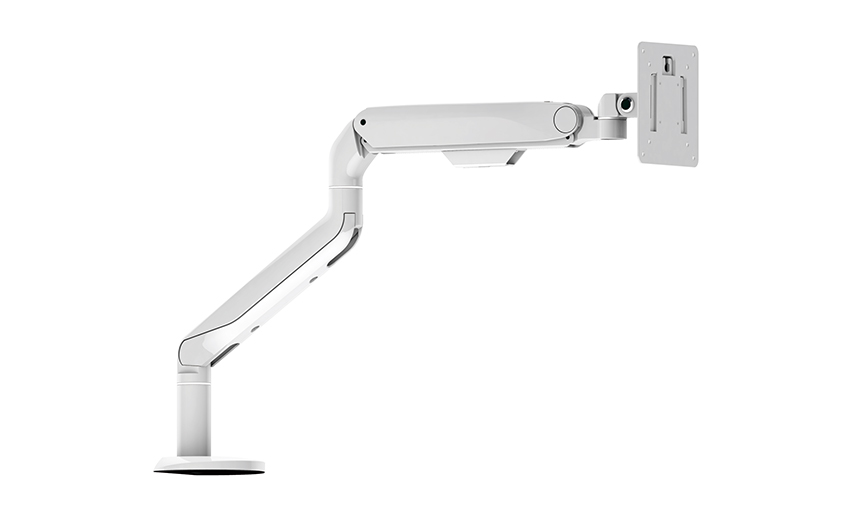
This sleek and sturdy arm is designed to securely ...
See Details
Address: No 3098 Shuanglong Rd, Daqiao Town 314006, Nanhu Area,Jiaxing city, Zhejiang Pro, China
Tel: +86-0573-83222192
Fax: +86-0573-83225688
URL: www.jxjmly.com
Email: [email protected]
Copyright © JIAXING JINMAO ALUMINUM INDUSTRY CO., LTD.All Rights Reserved. Monitor Arms Desk Mount Manufacturers Wholesale Monitor Brackets Suppliers
