

 EN
EN
 English
 Español
 عربى
عربىProduct Consultation
Your email address will not be published. Required fields are marked *
A monitor bracket is one of the most impactful and underappreciated upgrades you can make to a workstation, home office, or professional setup. By lifting your display off the desk surface and mounting it on an articulating or fixed arm, a quality monitor mount transforms the ergonomics of your workspace, frees up valuable desk real estate, and allows you to position your screen at the precise height, angle, and depth your body needs to work comfortably for hours on end. Whether you are setting up a single display for productivity, a dual-screen trading station, or a multi-monitor video editing suite, understanding the full landscape of monitor bracket types, specifications, and installation requirements is essential to making the right choice for your specific situation.
A monitor bracket — also commonly called a monitor arm, monitor mount, or screen mount — is a mechanical support structure that attaches a computer monitor to a desk, wall, pole, or ceiling instead of resting it on its original stand. Most monitors ship with a fixed plastic stand that offers minimal height adjustment and no forward/backward reach adjustment, forcing users into suboptimal postures that contribute to neck strain, eye fatigue, and back pain over time.
The ergonomic case for a monitor mounting bracket is well-supported by occupational health research. The ideal monitor position places the top of the screen at or slightly below eye level, with the screen at approximately arm's length from the user's seated position. A standard desk stand almost never achieves this for users of varying heights or those using large monitors. A fully adjustable monitor arm delivers precise positioning that a fixed stand physically cannot match.
Beyond ergonomics, a monitor bracket reclaims the footprint occupied by the original stand — typically a wide, heavy base — returning that desk surface area to productive use. For users with limited desk space, this alone justifies the investment. For multi-monitor setups, a bracket is essentially a prerequisite, as aligning multiple screens at consistent heights and angles without purpose-built mounting hardware is nearly impossible.
The market for monitor brackets spans a wide range of designs, each engineered for specific use cases, monitor sizes, and installation environments. Selecting the right type starts with understanding what each category offers and where it excels.
The desk clamp monitor arm is the most popular category for home and office use. A C-clamp or desk grommet attachment secures the arm's vertical post to the edge or surface of a desk, and an articulating arm extends outward to support the monitor. These arms typically offer full adjustment in height, tilt, pan (left-right rotation), and swivel, making them the most versatile option for users who need to reposition their screen frequently. Gas spring arms — which use a pressurized cylinder to counterbalance the monitor's weight — allow nearly effortless repositioning with one hand and are the preferred choice for professional and premium setups. Desk clamp arms are available in single-monitor and dual-monitor configurations, with dual arms either sharing a single post or using independent posts side by side.
A wall mount monitor bracket attaches directly to a wall stud or masonry surface, permanently fixing the mounting point to the structure of the room. Wall mounts are available in fixed (flat), tilting, and full-motion (articulating) variants. Fixed wall mounts hold the monitor flush against the wall at a set position and are the most affordable option, suitable for conference rooms, reception areas, and any installation where the viewing angle never needs to change. Tilting wall mounts allow the screen to angle downward or upward by 5–15 degrees to address glare or elevated installation positions. Full-motion wall mounts — the most capable wall-based option — extend, retract, swivel, and tilt, combining wall-mounted stability with desk-arm-level flexibility.
Freestanding monitor brackets rest on the desk surface with a weighted base rather than clamping to the desk edge. This makes them ideal for glass desks, thin tabletops, or solid-surface desks where clamping is not possible. While they do not offer the same clean cable routing or completely stand-free aesthetic of a clamp arm, modern freestanding arms deliver comparable adjustment range and are significantly more portable — useful for shared workspaces or users who move their setup between locations.
For multi-monitor setups with three or more screens, a vertical pole system mounted to the desk (either via clamp or grommet) provides a central post to which multiple monitor arms attach at independently adjustable heights. Pole systems are highly scalable — most support two to six monitors on a single pole — and allow each screen to be positioned independently in a full 360-degree configuration around the pole. This format is standard in trading floors, control rooms, video production suites, and any professional environment requiring simultaneous visibility of multiple screens.
Specialty mounting solutions include under-desk brackets that flip monitors upward for use in standing positions, and ceiling-suspended mounts used in medical environments, industrial facilities, and hospitality settings where desk or wall mounting is impractical. These are niche products with specific structural and compliance requirements and are generally specified by facilities managers or systems integrators rather than end consumers.
Before purchasing any monitor arm bracket, the single most important compatibility check is the VESA mounting pattern of your monitor. VESA (Video Electronics Standards Association) defines the standardized bolt hole pattern on the rear of monitors used to attach mounting hardware. The VESA pattern is expressed as the horizontal and vertical distance between the four mounting holes in millimeters — for example, VESA 75×75 or VESA 100×100.
The vast majority of monitors sold today use one of the following VESA patterns:
| VESA Pattern | Common Screen Size Range | Typical Use |
| 75×75 mm | 17–24 inches | Compact monitors, older displays |
| 100×100 mm | 19–32 inches | Most common; standard office and home monitors |
| 200×100 mm | 27–34 inches | Ultrawide and larger displays |
| 200×200 mm | 32–55 inches | Large format displays, TVs |
| 400×200 mm / 400×400 mm | 40+ inches | Large TVs, commercial displays |
Always confirm the VESA pattern listed in your monitor's specifications before purchasing a bracket. Some monitors — particularly ultra-slim designs from Apple, Dell, and LG — use proprietary non-VESA mounting systems that require manufacturer-specific adapters. A small number of budget monitors have no VESA mount at all. VESA adapters are available for many non-standard monitors, but verifying compatibility before purchase prevents an avoidable return.
Beyond VESA compatibility, several technical specifications determine whether a monitor mounting bracket will perform reliably and comfortably for your specific monitor and workspace.
Every monitor arm specifies a maximum weight capacity, typically ranging from 3 kg (6.6 lbs) for lightweight entry-level arms to 15+ kg (33+ lbs) for heavy-duty professional arms. Your monitor's weight is listed in its specifications and must fall within the bracket's rated range. Exceeding the rated weight causes the arm to drift downward under load, strains the mechanical joints, and creates a safety risk. For large monitors (32 inches and above) or curved ultrawide panels, confirm weight carefully — these displays can weigh 8–12 kg or more.
The adjustment range of a monitor arm defines how far it can move in each axis. Key parameters to evaluate include vertical height range (typically 30–50 cm of travel), horizontal reach (how far the monitor extends from the mounting post), tilt angle (forward and backward), and pan/swivel angle (left-right rotation). For users who alternate between sitting and standing at a height-adjustable desk, a wide vertical range is essential — the monitor must be repositionable through the full range of desk heights without manual readjustment of the arm mechanism itself.
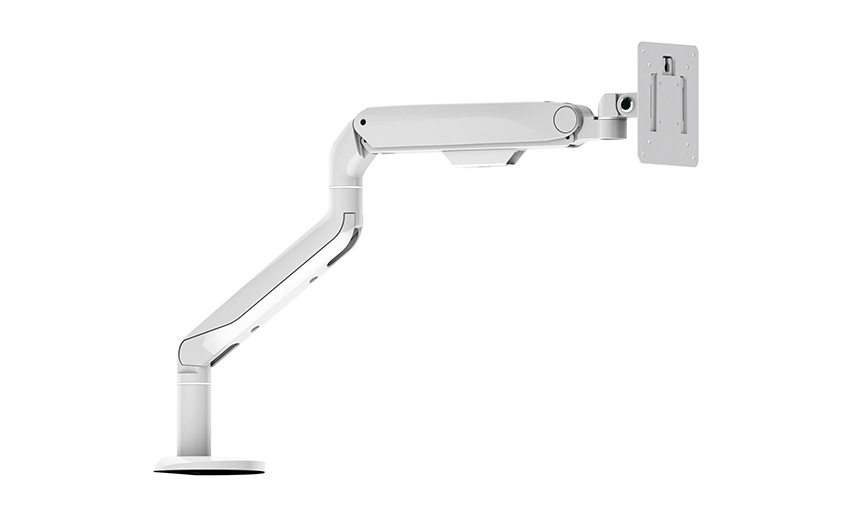
The internal mechanism of the arm affects how easily the monitor can be repositioned. Gas spring arms use a sealed nitrogen cylinder to counterbalance the monitor's weight, allowing smooth, effortless movement at a touch. Most gas spring arms have an adjustment screw to calibrate the spring tension to match the specific monitor weight. Mechanical spring arms use a coil spring and require more deliberate force to move but are more affordable. Fixed arms hold the monitor in a set position with no articulation once adjusted and are suitable for installations where repositioning is never needed — such as reception desks or conference room wall mounts.
Desk clamp monitor arms specify a maximum desk thickness they can accommodate, typically 20–80 mm. Measure the thickness of your desk surface — including any edge banding or overhangs — before purchasing. Desks with unusual profiles, integrated cable trays, or reinforced edges may not be compatible with standard C-clamps, in which case a grommet mount (which passes a bolt through a hole in the desk surface) or a freestanding base is the better option.
Quality monitor arm brackets route cables — power, video, and USB — through channels within the arm structure, keeping the workspace visually clean and preventing cables from binding or snagging during repositioning. Entry-level arms route cables externally via plastic clips; mid-range and premium arms use internal channels integrated into each arm segment. If cable routing aesthetics matter for your setup, verify that the arm provides full internal cable management before purchasing.
One of the most common decision points when buying a monitor bracket is whether to choose a single or dual arm configuration. The answer depends on your current setup, future expansion plans, and the specific monitors involved.
| Factor | Single Monitor Bracket | Dual Monitor Bracket |
| Cost | Lower initial cost | More economical per monitor for two displays |
| Flexibility | Full independent positioning | Independent arms on shared post; slight constraints |
| Desk footprint | Single clamp point | Single clamp point for both screens |
| Mixed monitor sizes | Buy two single arms for full flexibility | Dual arms can handle mixed sizes if weight specs allow |
| Scalability | Add a second single arm later | Fixed at two displays per unit |
| Best for | Single display or mixed-size setups | Matched dual-display workstations |
For users planning a three-monitor setup or larger, two independent single arms plus a third, or a dedicated pole-based multi-monitor system, generally provides more flexibility than stacking multiple dual arms on a single post. Confirm that your desk can structurally support the combined weight load before committing to a large multi-arm configuration using a single clamp point.
Installing a monitor desk bracket is a straightforward process that most users can complete without professional assistance. The following steps apply to the most common desk clamp arm installation:
Different working environments and user needs call for meaningfully different monitor bracket configurations. Here is a practical guide to matching bracket type to use case:
For the typical home office user with a single 24–27 inch monitor, a gas-spring desk clamp arm from Ergotron, VIVO, or Amazon Basics delivers the best balance of functionality and value. Look for a model with full tilt, pan, and height adjustment, internal cable management, and a clamp rated for desks up to 80 mm thick. A budget of USD 50–150 covers a wide range of capable options at this screen size.
For side-by-side dual monitors used in software development, content creation, or financial analysis, a dual desk clamp arm or two independent single arms on the same desk provides the most ergonomic configuration. Ensure that both monitors share the same VESA pattern and fall within the combined weight rating. Positioning the primary monitor directly in front with the secondary slightly angled to the side — rather than both perfectly centered — reduces neck rotation and is more ergonomically correct for most workflows.
Ultrawide monitors (34–49 inches) present unique challenges due to their weight (often 8–12 kg) and unusual VESA patterns (frequently 100×100 mm despite the large physical size, or 200×100 mm). Verify both the VESA pattern and the weight carefully against the arm's specifications. Dedicated heavy-duty arms rated for 10–15 kg with reinforced joints are required for reliable ultrawide mounting. Ergotron's HX arm is specifically engineered for ultrawides and curved displays up to 49 inches.
For conference rooms, reception areas, and commercial display environments, a wall-mounted bracket — either fixed or full-motion depending on viewing angle requirements — is the standard solution. Commercial environments prioritize tamper resistance, cable concealment within the wall, and the ability to accommodate regular display swaps as technology upgrades. Heavy-duty commercial wall mounts rated for 40–85 inch displays and compliant with relevant building code requirements should be selected, and installation should be performed by qualified technicians who can locate and anchor into structural studs or use appropriate masonry anchors.
Even experienced buyers make avoidable errors when selecting and installing monitor brackets. Being aware of these pitfalls saves time, money, and frustration.
Your email address will not be published. Required fields are marked *
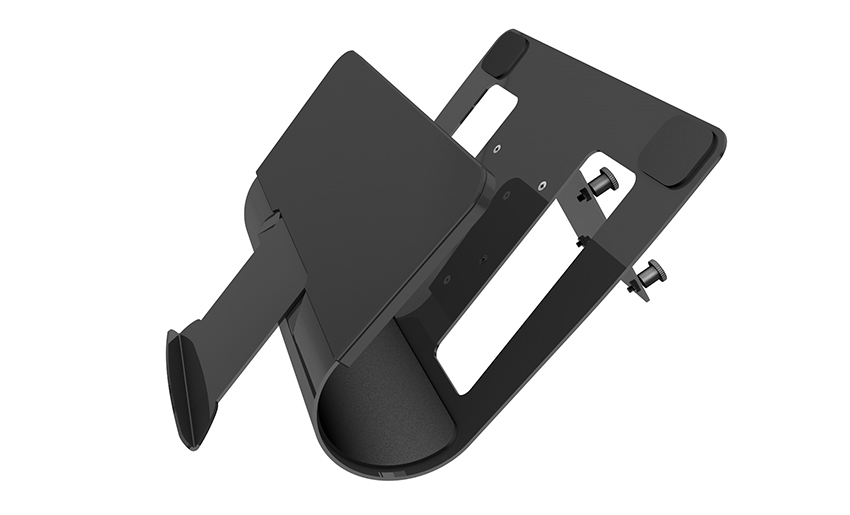
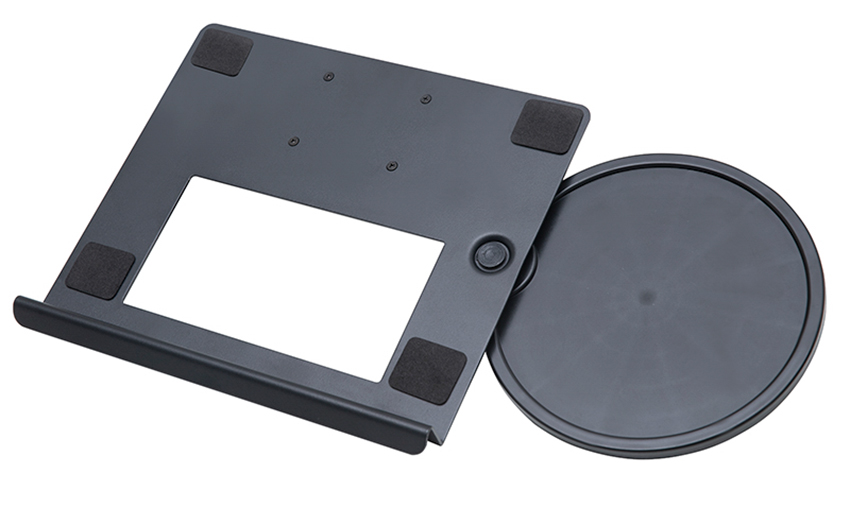
A Home Office Foldable Laptop Notebook Computer Tr...
See Details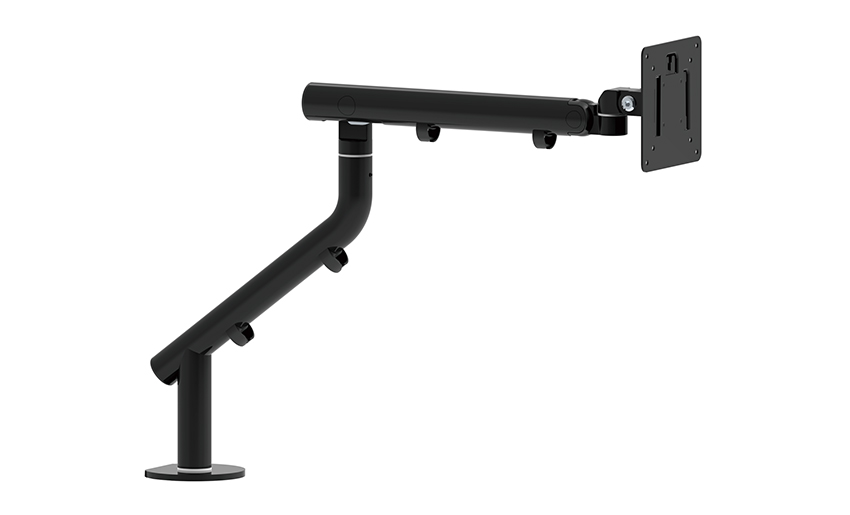
One of the key features of this monitor arm is its...
See Details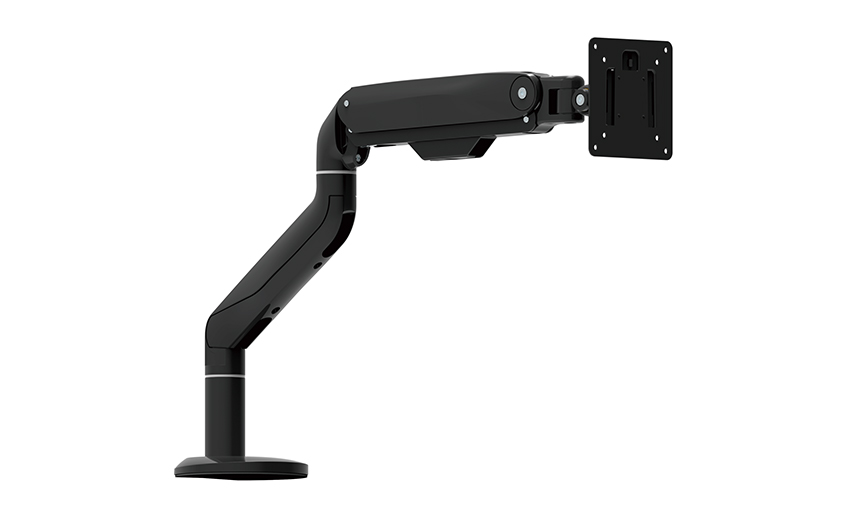
Revolutionize your work setup with the Aluminum &a...
See Details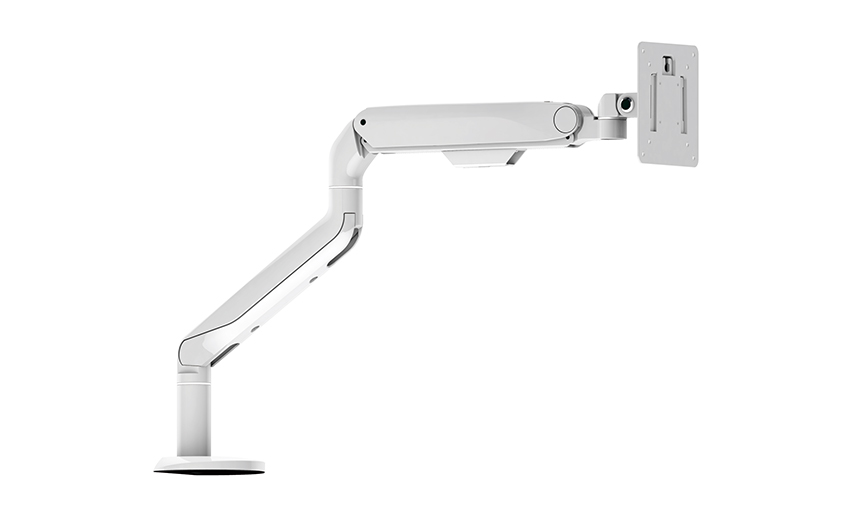
This sleek and sturdy arm is designed to securely ...
See Details
Address: No 3098 Shuanglong Rd, Daqiao Town 314006, Nanhu Area,Jiaxing city, Zhejiang Pro, China
Tel: +86-0573-83222192
Fax: +86-0573-83225688
URL: www.jxjmly.com
Email: [email protected]
Copyright © JIAXING JINMAO ALUMINUM INDUSTRY CO., LTD.All Rights Reserved. Monitor Arms Desk Mount Manufacturers Wholesale Monitor Brackets Suppliers
