

 EN
EN
 English
 Español
 عربى
عربىProduct Consultation
Your email address will not be published. Required fields are marked *
Content
A laptop computer tray is a portable, stable surface designed to hold your laptop comfortably on your lap, bed, couch, or any soft surface. Unlike balancing your device directly on pillows or blankets—which can block vents and cause overheating—a dedicated laptop tray provides ventilation, ergonomic positioning, and often extra features like mouse pads or cup holders. Whether you're working from home, studying in bed, or streaming movies on the couch, the right lap desk for laptop use can reduce neck strain, improve typing posture, and protect your device from heat damage. It's a simple upgrade that makes flexible workspaces actually work for you.
Not all portable laptop desks are created equal. When shopping for a laptop computer tray, prioritize features that match your usage habits. If you work long hours, look for adjustable height and angle settings to support healthy posture. For bed or couch use, a cushioned bottom prevents slipping and adds comfort. Built-in cooling fans or ventilation slots help prevent overheating during intensive tasks. And if you multitask, consider trays with mouse pads, phone slots, or storage drawers. Taking time to match features to your needs ensures your ergonomic laptop stand actually improves your daily routine.
| Feature | Why It Matters | Best For |
| Adjustable Angle/Height | Reduces neck/back strain during long sessions | Remote workers, students |
| Ventilation/Cooling | Prevents laptop overheating on soft surfaces | Gamers, video editors, heavy users |
| Non-Slip Cushion Base | Keeps tray stable on beds, couches, or laps | Casual users, media streaming |
| Integrated Mouse Pad | Creates a complete mobile workstation | Productivity tasks, design work |
| Foldable/Lightweight Design | Easy to store or carry between rooms | Small spaces, travelers |
Owning a laptop tray isn't enough—you need to use it correctly to reap ergonomic benefits. Start by positioning the tray so the top of your screen is at or slightly below eye level; this prevents "tech neck" from looking down constantly. Keep your elbows at about a 90-degree angle when typing, and use an external mouse if your tray includes a mouse pad to avoid awkward wrist angles. If you're working in bed, prop yourself up with pillows to maintain a neutral spine rather than slouching. Small adjustments like these turn a simple foldable laptop table into a powerful tool for long-term comfort and health.
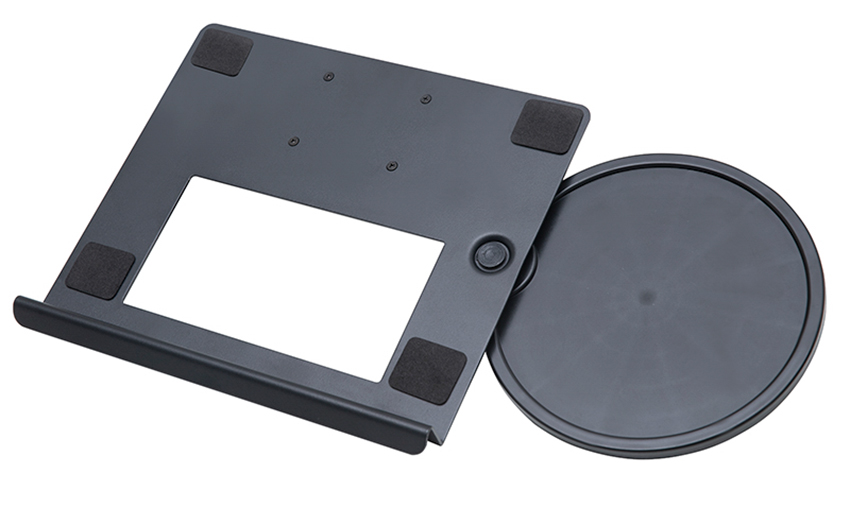
A versatile laptop computer tray isn't just for work—it adapts to many everyday scenarios. Use it as a bed desk for laptop browsing before sleep, a couch workstation for video calls, or a kitchen counter helper for following recipes while keeping your device safe from spills. Parents love them for kids' homework on the living room floor, and travelers appreciate compact trays for hotel room setups. Even hobbyists use them for crafting, drawing tablets, or controlling smart home devices. The key is choosing a tray with the right size and stability for your most common use cases.
Even the best portable laptop desk can cause problems if used incorrectly. One frequent error: placing the tray on an uneven surface without checking stability, which can lead to spills or dropped devices. Another mistake: ignoring ventilation needs—blocking your laptop's air vents with a solid tray (or soft bedding underneath) can cause overheating and reduced performance. Some users also skip posture adjustments, assuming the tray alone fixes ergonomics. And don't overload your tray with heavy items beyond its weight limit; most are designed for laptops plus a mouse, not stacks of books. Avoiding these pitfalls keeps your laptop computer tray safe, effective, and long-lasting.
A little care goes a long way in extending the life of your laptop computer tray. Wipe down surfaces weekly with a damp cloth to remove dust, crumbs, or oils that can degrade materials over time. For trays with cooling fans, use compressed air monthly to clear dust from vents and keep airflow efficient. Check adjustable joints or hinges periodically and tighten any loose screws to maintain stability. If your tray has a fabric cushion base, spot-clean spills immediately to prevent stains or odors. With these easy habits, your ergonomic laptop stand will stay comfortable, functional, and ready for wherever your day takes you.
Your email address will not be published. Required fields are marked *
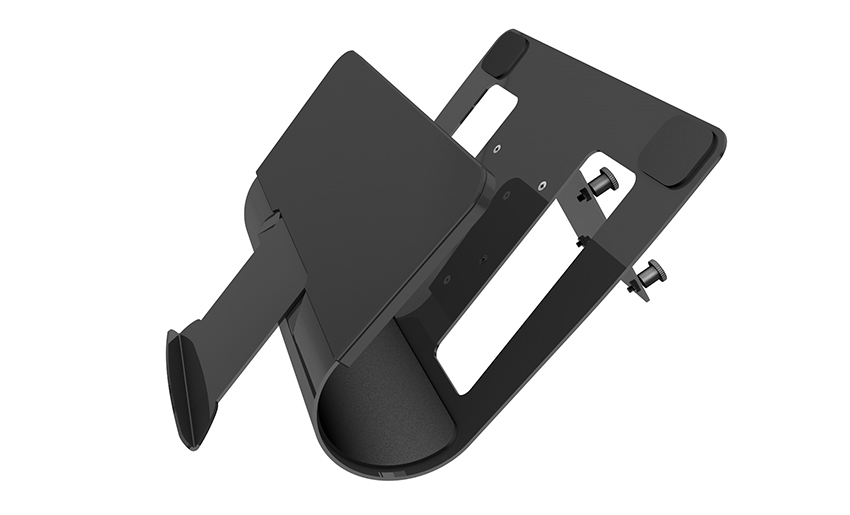

A Home Office Foldable Laptop Notebook Computer Tr...
See Details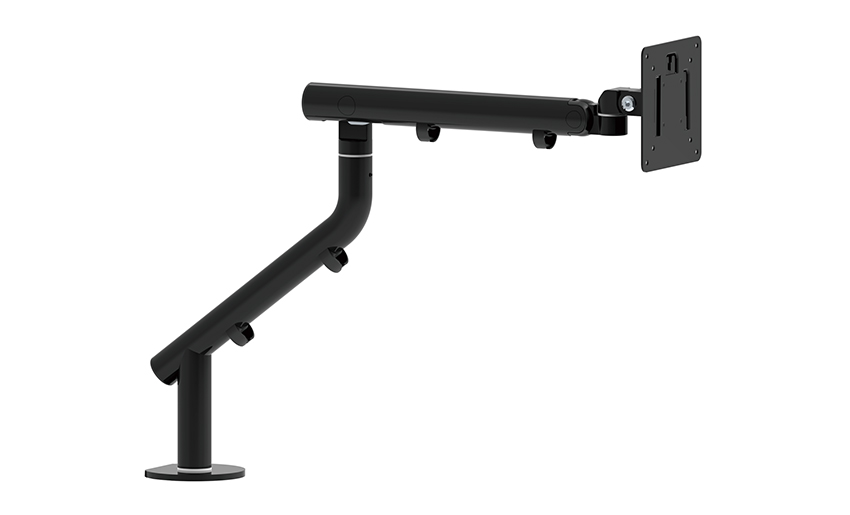
One of the key features of this monitor arm is its...
See Details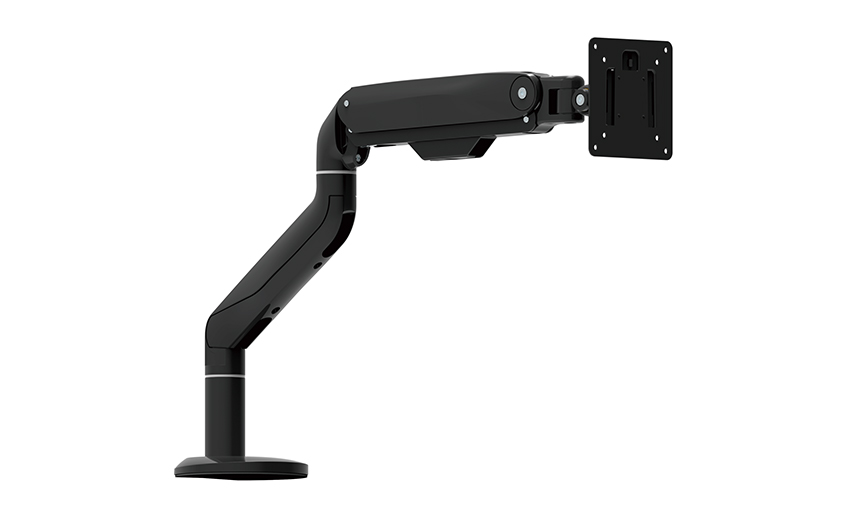
Revolutionize your work setup with the Aluminum &a...
See Details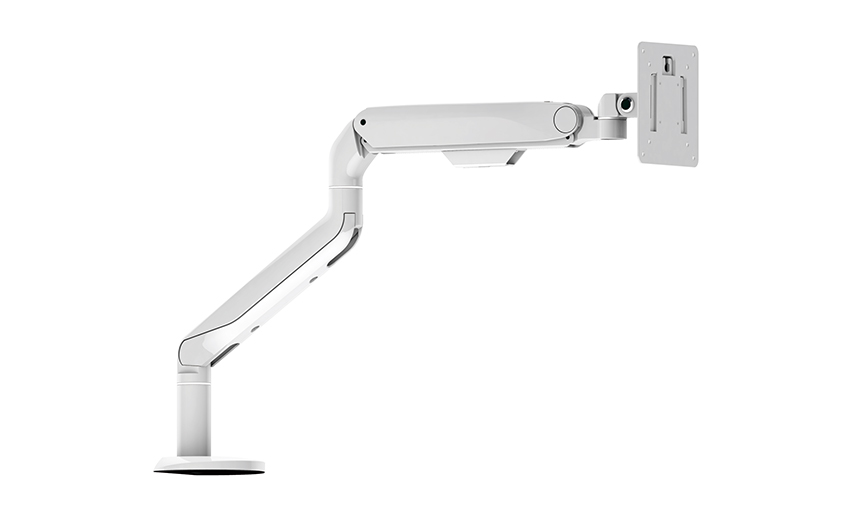
This sleek and sturdy arm is designed to securely ...
See Details
Address: No 3098 Shuanglong Rd, Daqiao Town 314006, Nanhu Area,Jiaxing city, Zhejiang Pro, China
Tel: +86-0573-83222192
Fax: +86-0573-83225688
URL: www.jxjmly.com
Email: [email protected]
Copyright © JIAXING JINMAO ALUMINUM INDUSTRY CO., LTD.All Rights Reserved. Monitor Arms Desk Mount Manufacturers Wholesale Monitor Brackets Suppliers
