

 EN
EN
 English
 Español
 عربى
عربىProduct Consultation
Your email address will not be published. Required fields are marked *
Content
If you've ever spent a long day staring at a screen that's just slightly too low, too high, or awkwardly off to the side, you already know the problem a monitor bracket solves. A monitor bracket — also called a monitor mount or monitor arm — is a device that holds your screen in place independently of its stand, attaching instead to your desk, wall, or a pole. The result is a fully adjustable, clutter-free setup that you can dial in to exactly where your eyes need it.
Beyond comfort, freeing your desk from that bulky factory stand gives you back a surprising amount of workspace. Whether you're a gamer, a remote worker, a video editor, or just someone who wants a cleaner desk, the right monitor arm bracket changes the entire feel of your setup.
Not all monitor mounts are built the same. The type you choose depends on how many monitors you have, how much movement you need, and how your desk or wall is set up.
These are the most popular type. A desk clamp monitor bracket attaches directly to the edge of your desk with a C-clamp or a grommet bolt that threads through a hole in the desk surface. Installation takes about five minutes, no drilling required. They're ideal for renters, home offices, or anyone who wants flexibility without making permanent changes.
A wall-mounted monitor bracket anchors directly into your wall studs, making it the most stable option available. This is a great choice for conference rooms, reception desks, or home theater setups where the screen needs to stay fixed in one position. Some wall mounts are fixed (no movement at all), while tilting and full-motion versions let you angle the screen as needed.
If your desk is too thin to clamp onto and you can't drill into a wall, a freestanding monitor stand is a solid alternative. These sit on a weighted base that rests on your desk. They're easy to reposition and require zero installation, though they do take up some desk real estate at the base.
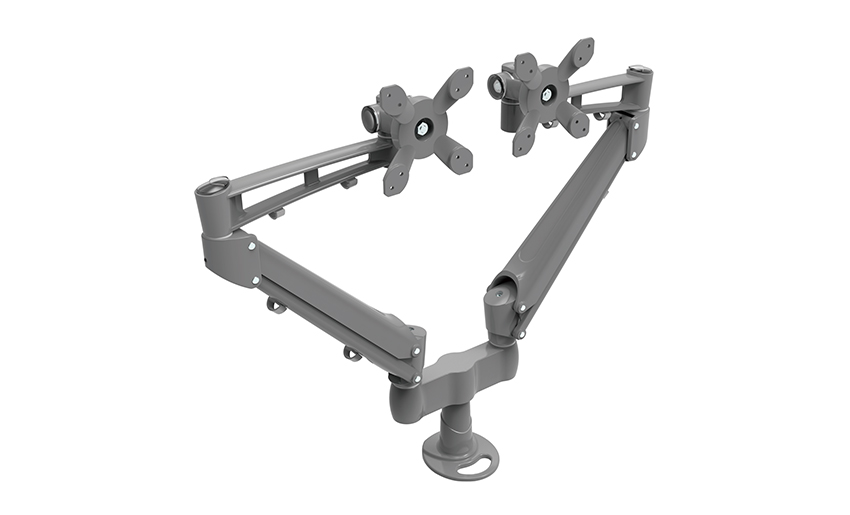
Multi-monitor setups are extremely common in trading, content creation, and software development. Dual monitor mounts hold two screens side by side on a single pole or arm, saving desk space while keeping both displays perfectly aligned. Triple monitor brackets take it further, supporting three screens in a panoramic arc. These typically attach via desk clamp or grommet and can handle screens up to 32 inches each, depending on the model.
Buying the wrong bracket is a frustrating and expensive mistake. Before you add one to your cart, confirm these specifications match your monitor and workspace.
| Spec | What to Look For | Why It Matters |
| VESA Pattern | 75x75mm or 100x100mm (most common) | Must match the hole pattern on the back of your monitor |
| Weight Capacity | Typically 4–20 lbs per arm | Undersized arms will droop and drift over time |
| Screen Size Range | Most arms support 17"–32" | Ultrawide and curved screens may need a heavy-duty arm |
| Desk Thickness | Clamps usually fit desks up to 3–4 inches thick | Thick or beveled desks may not work with standard clamps |
| Range of Motion | Tilt, swivel, rotate, height adjust | Determines how precisely you can position the screen |
| Cable Management | Built-in channels or clips | Keeps HDMI and power cables hidden and tangle-free |
The VESA mounting standard is the universal system that ensures your monitor attaches securely to any compatible bracket. The pattern refers to the distance in millimeters between the four screw holes on the back of your monitor. Here's how to figure out yours:
Installing a desk clamp monitor bracket is a straightforward job that most people can complete in under 15 minutes with just a screwdriver. Here's how it works from start to finish.
Position the clamp base at the edge of your desk where you want the monitor to sit. Tighten the clamp screw from underneath until the base is completely firm and doesn't wobble. If your desk has a grommet hole, thread the bolt through it instead and tighten the nut underneath for an even more stable connection.
Lay your monitor face-down on a soft surface like a folded towel to avoid scratching the screen. Unscrew the factory stand — usually held by four screws — and set it aside. You'll now see the VESA holes clearly.
Most monitor arm brackets come with a VESA adapter plate. Align this plate with the holes on the back of your monitor and hand-tighten the included screws. Don't over-torque them — snug is enough for monitors.
Slide or click the VESA plate onto the end of the arm according to the bracket's specific mechanism. Most arms use a simple slide-lock or a central bolt. Once attached, adjust the tension knob or spring tension setting so the arm holds the monitor's weight without slowly drifting down.
Thread your HDMI, DisplayPort, and USB-C cables through the arm's built-in cable channels if available. Plug everything in, then spend a few minutes adjusting the height, tilt, and swivel until your eyes land naturally on the top third of the screen — the ergonomically ideal position to reduce neck strain.
The ergonomic case for a monitor arm bracket is strong and well-supported by workplace health research. Factory monitor stands are almost never adjustable enough to get your screen to the right height for your specific chair, desk, and body proportions.
There's no single best monitor arm for everyone. The right pick depends on what you're trying to solve. Here's a practical breakdown by use case to help you narrow it down.
A single-arm desk clamp bracket in the mid-price range ($40–$80) hits the sweet spot. Look for gas-spring or spring-tension arms in this category — they hold position effortlessly and make height adjustments a one-handed operation. Brands like Ergotron, Amazon Basics, and VIVO are reliable in this tier.
Gamers often run large screens (27–32 inches) or ultrawide curved monitors that weigh more than average. Prioritize a heavy-duty monitor mount rated for at least 20 lbs and specifically listed as compatible with curved displays. Some gaming-focused arms also include headphone hooks and cable management clips as a bonus.
A dual monitor bracket puts both screens on a single pole, which dramatically reduces desk clutter. Look for independent arm joints that let you set each screen at a slightly different angle, so both sit comfortably in your field of view. Make sure the total weight capacity covers both monitors combined.
If you use a sit-stand desk, a monitor arm becomes even more valuable because you can set the perfect height independently for sitting and standing positions. Choose a gas-spring arm with a tall range of vertical travel — at least 13–16 inches — so the monitor always sits at eye level no matter which position your desk is in.
Even a great monitor arm bracket can cause problems if it's set up incorrectly. These are the most common errors people make and how to avoid them.
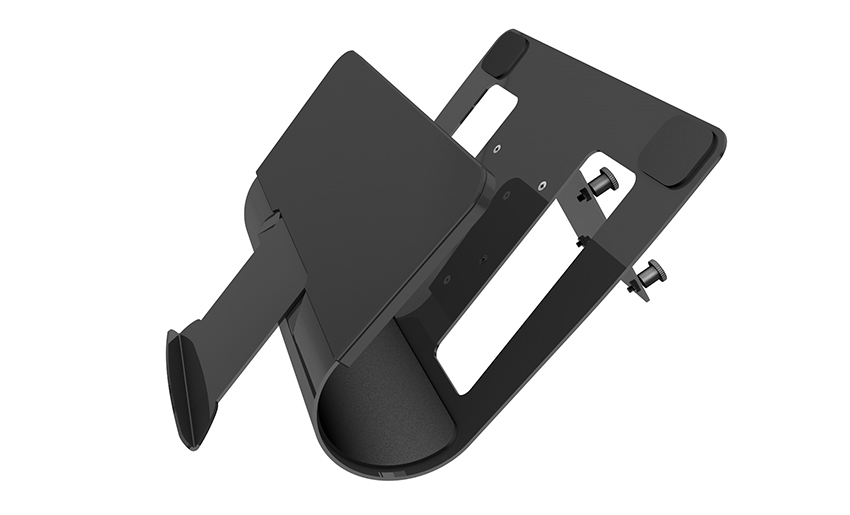
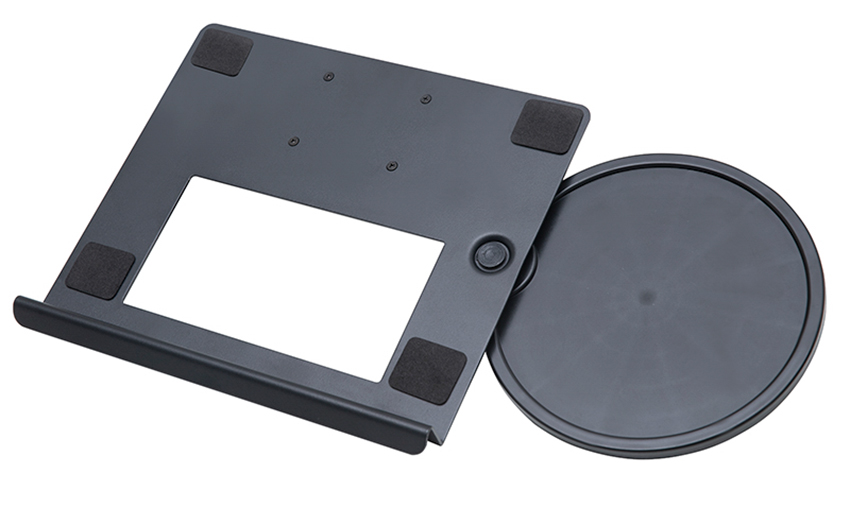
Monitor arm systems have expanded well beyond traditional desktop monitors. Many manufacturers now make bracket attachments that let you mount a laptop tray on the same arm as your external monitor, keeping both at ergonomic height and freeing your desk entirely. These laptop trays clamp onto the arm's pole and support most standard laptop sizes.
You can also find arm-mounted accessories like monitor light bars, USB hubs, and webcam holders that attach to the same pole or arm stem. If you're trying to build a truly minimal, clutter-free desk, these add-ons let you get nearly everything off the surface and onto the arm system.
A monitor bracket is one of the most impactful upgrades you can make to any desk setup, and it's one of the few purchases where the benefits show up immediately every single day. Better posture, more desk space, total flexibility in screen positioning, and a cleaner overall look — it all comes from one relatively affordable piece of hardware.
Take the time to confirm your monitor's VESA pattern and weight before shopping, decide whether you want a clamp, grommet, or wall mount based on your desk and room setup, and choose a single or multi-monitor arm based on your actual workflow. Get those basics right and you really can't go wrong.
Your email address will not be published. Required fields are marked *
A Home Office Foldable Laptop Notebook Computer Tr...
See Details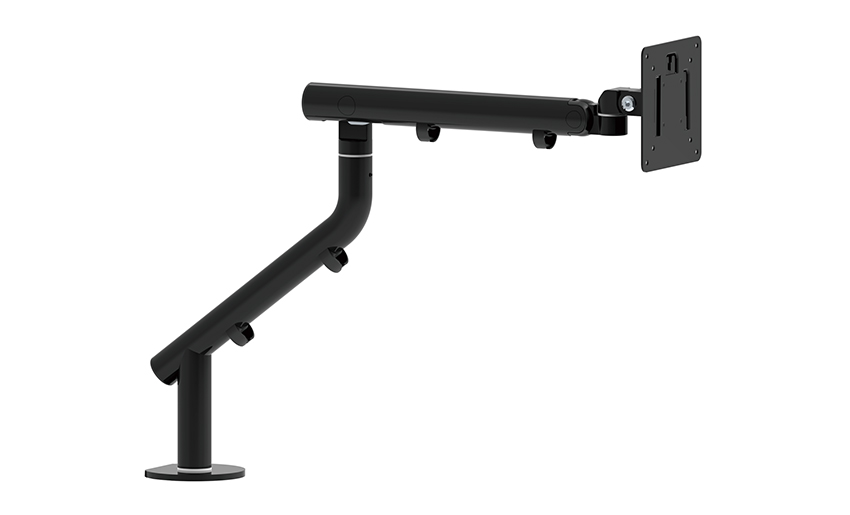
One of the key features of this monitor arm is its...
See Details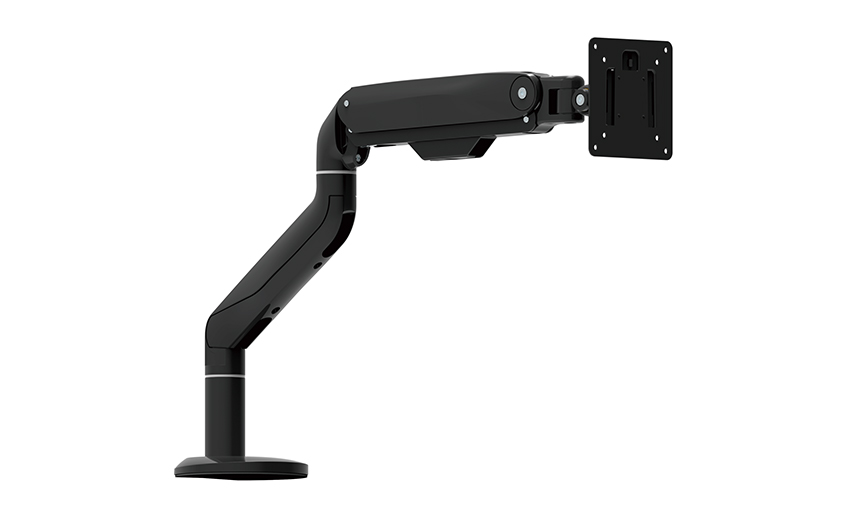
Revolutionize your work setup with the Aluminum &a...
See Details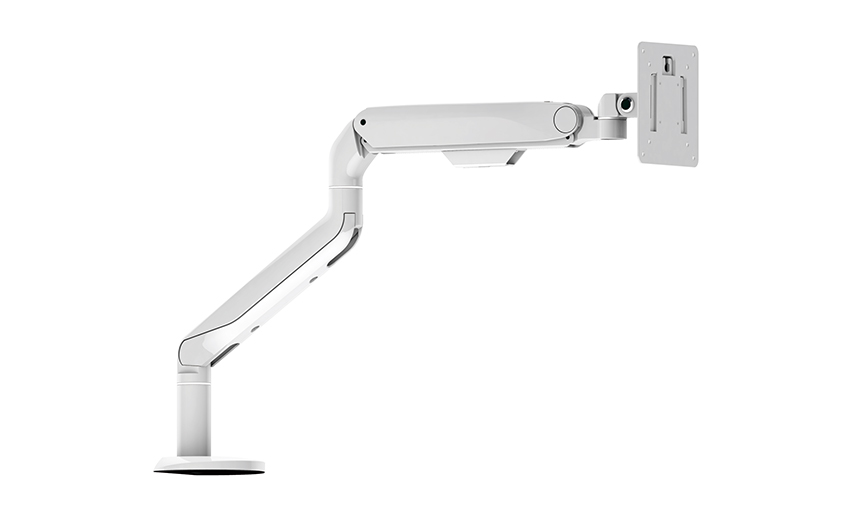
This sleek and sturdy arm is designed to securely ...
See Details
Address: No 3098 Shuanglong Rd, Daqiao Town 314006, Nanhu Area,Jiaxing city, Zhejiang Pro, China
Tel: +86-0573-83222192
Fax: +86-0573-83225688
URL: www.jxjmly.com
Email: [email protected]
Copyright © JIAXING JINMAO ALUMINUM INDUSTRY CO., LTD.All Rights Reserved. Monitor Arms Desk Mount Manufacturers Wholesale Monitor Brackets Suppliers
