

 EN
EN
 English
 Español
 عربى
عربىProduct Consultation
Your email address will not be published. Required fields are marked *
Content
If you've ever spent a long day staring at a screen that's too low, too high, or slightly off to one side, you already understand the problem. Most monitor stands that come bundled with displays offer very little flexibility — you get a fixed height and maybe a small tilt, and that's it. A monitor arm desk mount changes everything. It attaches directly to your desk and lets you swing, tilt, rotate, and raise your screen to exactly where your eyes and neck feel most comfortable. For anyone who spends more than a few hours a day at a computer, this is one of the most impactful desk upgrades available.
Beyond the ergonomic benefits, a desk mount monitor arm frees up a surprising amount of desk space. The footprint of a traditional monitor stand can take up a large chunk of your work surface. With a monitor arm, that real estate is entirely reclaimed — ideal for people who need room for notebooks, drawing tablets, documents, or just a cleaner, less cluttered workspace.
Not all monitor arms are built the same way. Before buying one, it helps to understand what's out there so you can pick the style that fits your desk, monitor, and workflow.
The most common type, clamp-mount monitor arms attach to the edge of a desk using a C-clamp mechanism that tightens from below. Installation takes just a few minutes and requires no drilling. They work well on desks up to about 3–4 inches thick, making them compatible with the vast majority of home and office desks. The only limitation is that they need a clean, accessible desk edge — desks with thick lips or unusual profiles can sometimes be tricky.
Grommet-mount arms pass through a pre-drilled hole in the desk surface and are secured from underneath. They tend to be sturdier than clamp mounts and are less likely to shift or wobble under heavy monitors. Many office desks come with pre-cut grommet holes, making this style easy to use in professional environments. If your desk doesn't have a hole, you'll need to drill one — which is a bigger commitment but results in a very secure, permanent installation.
Freestanding bases sit on top of the desk without clamping or drilling. They rely on weight for stability and are ideal for people who can't modify their desk or who need a portable solution. The trade-off is that they take up a small footprint on the desk surface and may not be as stable with very heavy or large displays.
For setups where desk space is extremely limited or where a floating monitor look is desired, wall-mounted monitor arms anchor directly into wall studs. They offer excellent stability and allow the monitor to be positioned away from the desk entirely. However, installation is more involved, and the monitor placement is limited to whatever wall is behind or beside your workspace.
Shopping for a monitor arm mount for your desk involves more than just picking a style. There are a few critical specifications you need to match to your specific monitor and desk setup.
| Spec | What to Look For | Typical Range |
| Weight Capacity | Must exceed your monitor's weight | 4 – 40 lbs |
| Screen Size Compatibility | Match to your monitor's diagonal size | 13" – 49" |
| VESA Pattern | Must match your monitor's rear mount holes | 75x75mm, 100x100mm |
| Desk Thickness | Clamp range should cover your desk | 0.5" – 4.7" |
| Arm Reach | Distance the arm extends from the mount point | 6" – 25" |
| Height Adjustment | Vertical travel range of the arm | Up to 20" lift |
VESA compatibility is something many first-time buyers overlook. Almost all modern monitors have a VESA mounting pattern — a grid of four screw holes on the back — but the spacing varies. The most common patterns are 75x75mm and 100x100mm, and most monitor arm mounts support both. Always double-check your monitor's VESA pattern in its manual or product page before ordering.
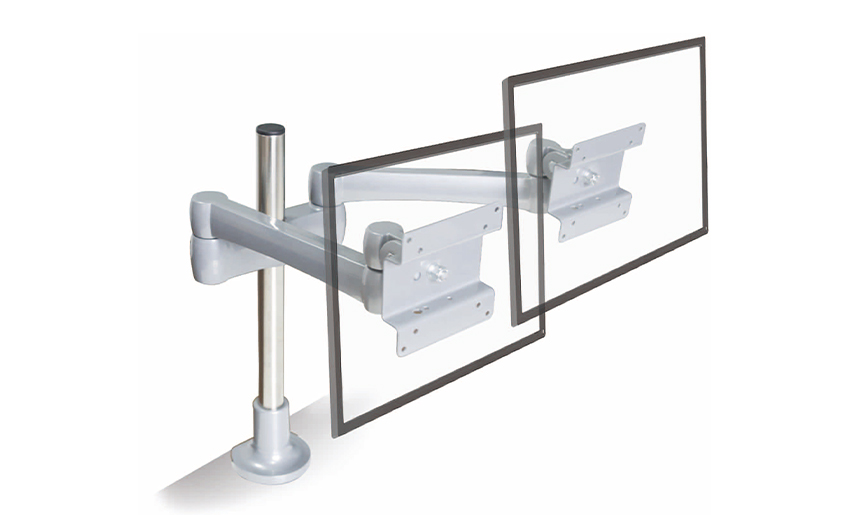
If you run a two-screen setup, you'll want to decide between buying two separate single arms or one dual monitor arm desk mount. Both approaches have pros and cons worth considering.
Installation is straightforward for most clamp-style and grommet-style monitor arm desk mounts. Here's a general process that applies to most brands.
Most monitor arms come with all the hardware you need, including the VESA mounting plate and screws. You'll typically need a Phillips-head screwdriver, and possibly an Allen (hex) key — often included in the box. Have your monitor's manual nearby to confirm the VESA screw size (usually M4 or M6).
For clamp mounts, position the base at the desired spot on your desk edge, place the lower clamp jaw beneath the desk, and tighten the bolt until snug. Don't over-tighten on glass or thin surfaces. For grommet mounts, pass the post through the hole, then secure the washer and nut underneath. Use the included rubber padding to protect the desk surface.
Lay your monitor face-down on a soft surface (a towel works well). Remove the original stand if still attached — usually by unscrewing it from the VESA holes. Line up the arm's mounting plate with your monitor's VESA holes and screw it in. Make sure the plate is centered and the screws are fully seated but not stripped.
Most monitor arms use a ball-joint or hook mechanism to connect the VESA plate to the arm. Carefully hang or click the monitor onto the arm according to the manufacturer's instructions. Have a second person assist if the monitor is large or heavy.
With the monitor attached, the arm will likely need tension adjustment so it holds the screen at any chosen height without drooping or being too stiff to move. This is usually done with an Allen key on a tension bolt — tighten for heavier monitors, loosen for lighter ones. Once the tension is correct, position the screen at eye level and angle it to reduce glare and neck strain.
One of the biggest reasons to invest in a monitor arm for your desk is the ability to dial in a truly ergonomic screen position. Getting this right can reduce eye strain, neck pain, and fatigue significantly over the course of a workday.
Even with a quality monitor arm desk mount, a few common mistakes can undermine the experience. Here's what to watch out for:
While any desk setup can benefit from a monitor arm, some situations make them especially worthwhile. Here are the scenarios where a monitor mounting arm for your desk provides the most value:
Monitor arm desk mounts span a wide price range, and the differences in quality are very real. Here's a general breakdown to help you set expectations:
| Price Range | What You Get | Best For |
| Under $30 | Basic single arm, limited range of motion, lighter build quality | Light monitors, occasional use |
| $30 – $80 | Solid single arm, gas spring or spring-assisted, good cable management | Most home and office users |
| $80 – $150 | Premium single or dual arm, smooth gas spring, wider weight range, better build | Daily heavy use, dual-screen setups |
| $150+ | Professional-grade arms (e.g., Ergotron, Humanscale), exceptional build quality and adjustability | Professional workstations, ultrawide monitors |
For most people, spending between $40 and $100 on a gas spring monitor arm hits the sweet spot of quality and value. Gas spring mechanisms use pressurized cylinders to counterbalance the monitor's weight, making height adjustments effortless with a single hand — a big step up from the friction-based arms found in budget options.
Your email address will not be published. Required fields are marked *
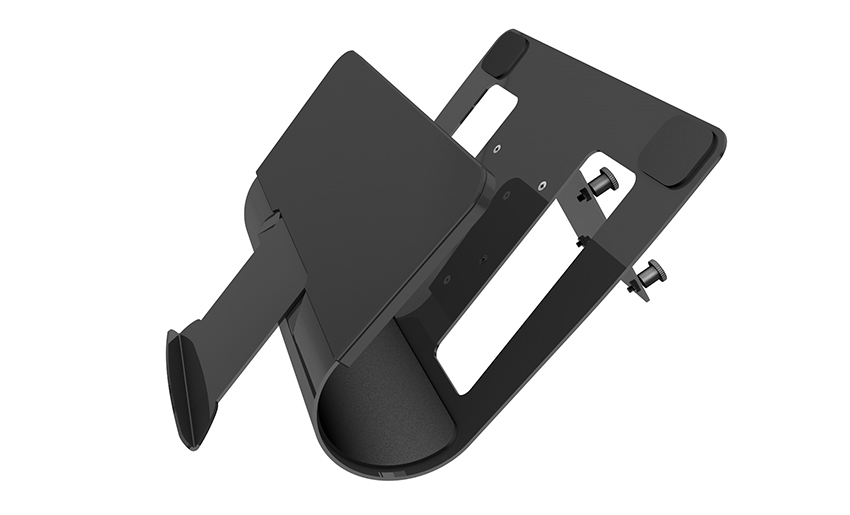
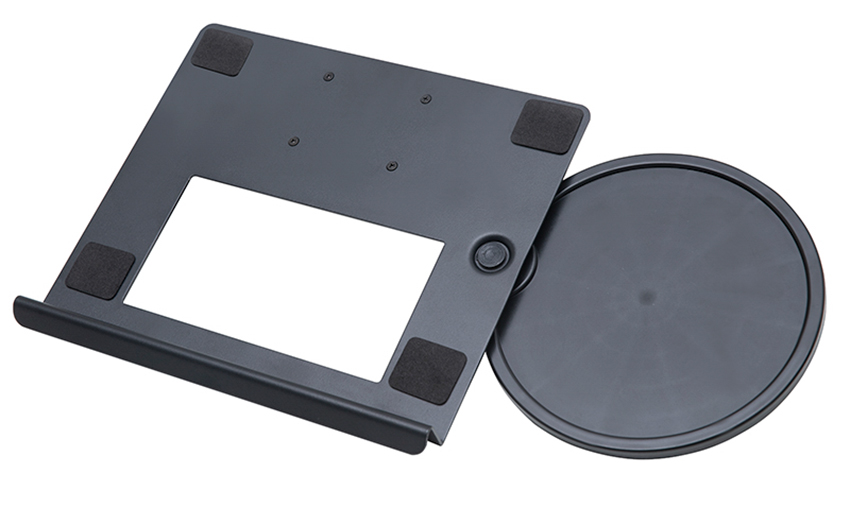
A Home Office Foldable Laptop Notebook Computer Tr...
See Details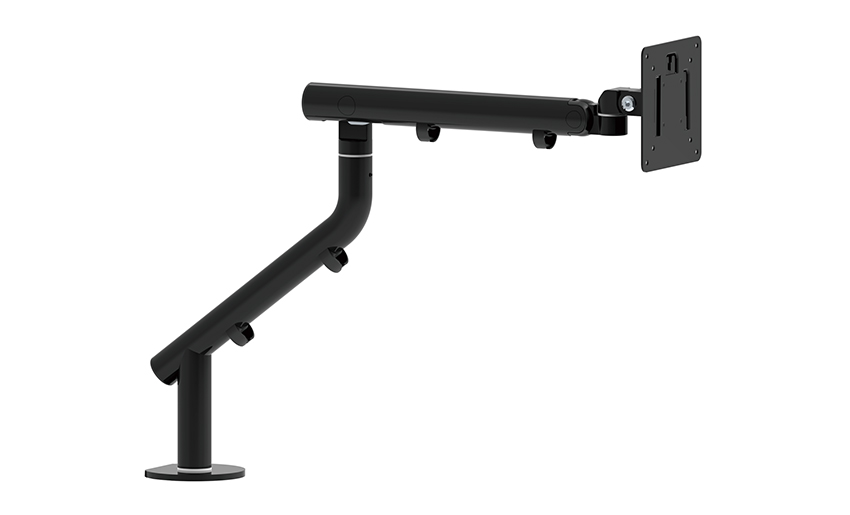
One of the key features of this monitor arm is its...
See Details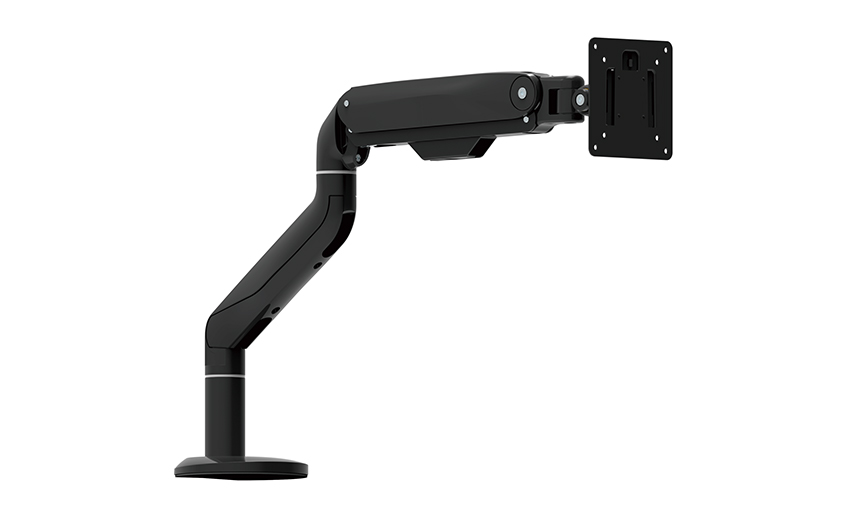
Revolutionize your work setup with the Aluminum &a...
See Details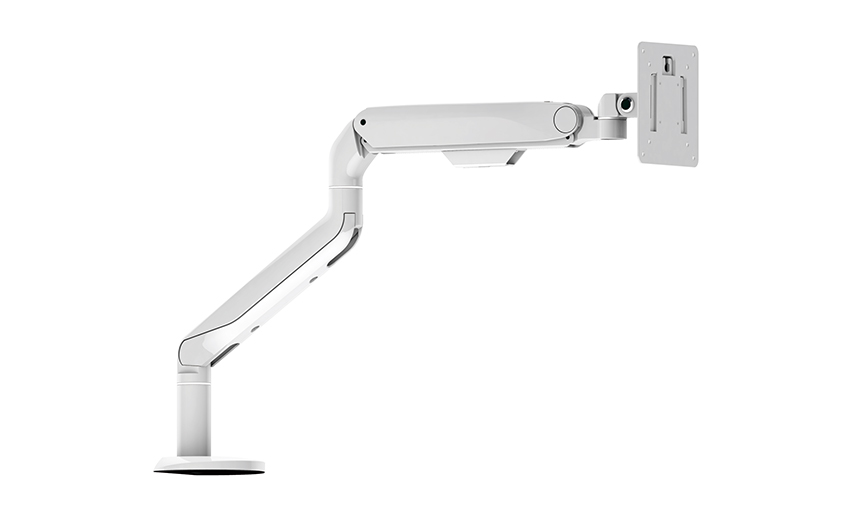
This sleek and sturdy arm is designed to securely ...
See Details
Address: No 3098 Shuanglong Rd, Daqiao Town 314006, Nanhu Area,Jiaxing city, Zhejiang Pro, China
Tel: +86-0573-83222192
Fax: +86-0573-83225688
URL: www.jxjmly.com
Email: [email protected]
Copyright © JIAXING JINMAO ALUMINUM INDUSTRY CO., LTD.All Rights Reserved. Monitor Arms Desk Mount Manufacturers Wholesale Monitor Brackets Suppliers
