

 EN
EN
 English
 Español
 عربى
عربىProduct Consultation
Your email address will not be published. Required fields are marked *
Content
Most people spend 6 to 10 hours a day staring at a monitor, yet very few think about where that screen actually sits. A proper monitor desk stand changes more than just the height of your display — it transforms the ergonomics of your entire workspace. Without one, your screen likely sits too low, causing you to hunch forward or tilt your neck down. Over time, this leads to neck pain, shoulder tension, and eye strain. A screen stand for your desk solves this by lifting the display to eye level, so you sit upright naturally without thinking about it.
Beyond posture, a good desk screen stand also frees up surface space. Instead of a bulky monitor base eating up half your desk, a riser or arm mounts the display cleanly, giving you more room for your keyboard, notebook, or coffee. It's a small change that makes your setup feel more intentional and less cluttered.
Not all monitor stands are the same. The type you need depends on how many screens you use, whether you want flexibility or simplicity, and how your desk is set up. Here's a breakdown of the most common options:
A monitor riser is the simplest form of screen desk stand. It's a platform that sits on your desk and elevates your monitor by a fixed height — typically 4 to 6 inches. Risers are often made from wood, bamboo, metal, or plastic, and many include storage underneath for a keyboard, documents, or small accessories. They require no tools to install and work with nearly any monitor. The downside is that they offer no height adjustment — what you see is what you get.
An adjustable desk monitor stand typically attaches to the VESA mount on the back of your screen and connects to a weighted or spring-loaded arm. These let you change height, depth, and tilt freely. Some models include a gas spring mechanism so you can reposition the screen with one hand. This type is ideal if you switch between sitting and standing, share your desk with someone else, or frequently adjust your setup throughout the day.
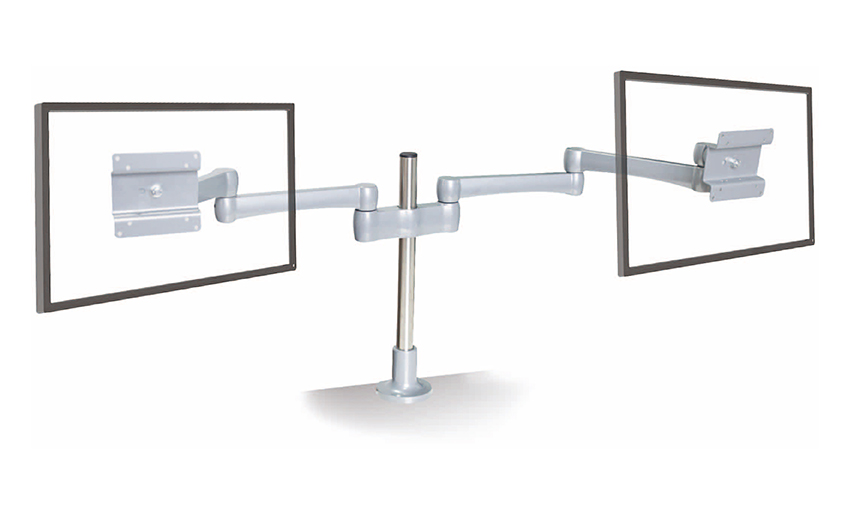
A clamp-mount arm fixes to the edge of your desk via a C-clamp or grommet mount. It holds the screen off the desk surface entirely, which frees up maximum workspace. These arms are highly adjustable and work well for ultrawide monitors and multi-screen setups. They do require a VESA-compatible monitor and a desk edge thick enough to clamp onto — usually 1.5 to 3.5 inches.
For multi-monitor setups, a dual or triple screen desk stand mounts two or three displays on a shared base or arm system. These are popular with traders, video editors, gamers, and developers who need more visual real estate. They come in freestanding configurations or clamp-mount designs, and the best ones allow each screen to be positioned independently at different angles and heights.
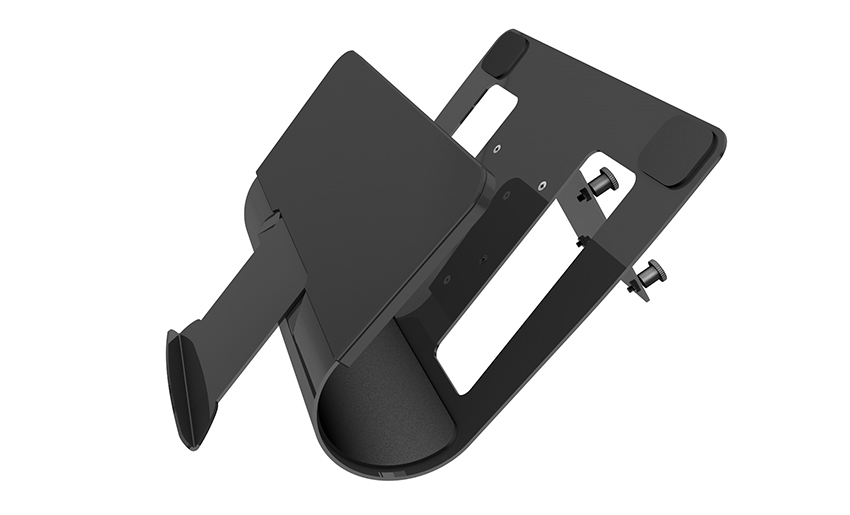
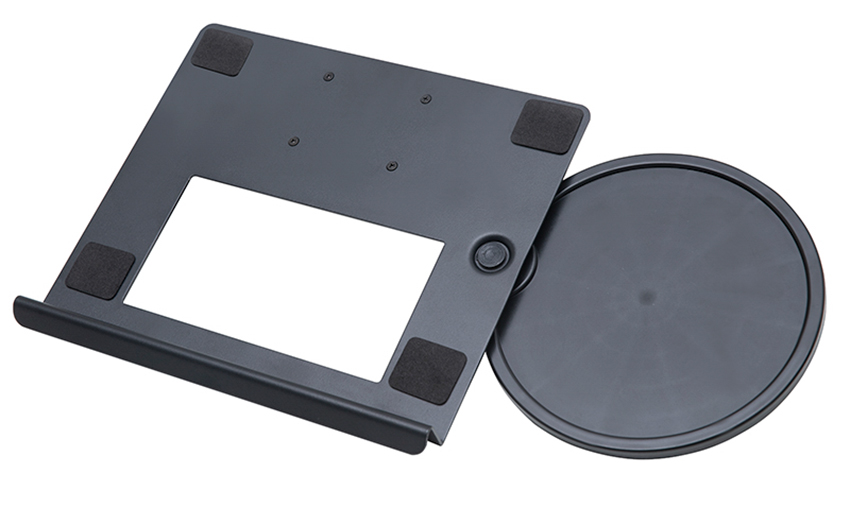
Some desk screen stands include a dedicated tray or shelf for a laptop alongside a monitor arm. This is useful in hybrid setups where you use a laptop as a secondary machine or need both screens active. These combo stands keep your laptop elevated and ventilated while the monitor sits at eye level — a clean, two-screen solution without extra desk clutter.
Use this table to compare the most common types side by side before deciding which fits your setup best:
| Type | Height Adjustable | Desk Space Freed | VESA Required | Best For |
| Monitor Riser | No (fixed) | Partial | No | Simple, budget-friendly setups |
| Adjustable Arm Stand | Yes | High | Yes | Sit-stand desks, flexible workers |
| Clamp-Mount Arm | Yes | Maximum | Yes | Clean, minimal desks |
| Dual/Triple Stand | Yes | High | Yes | Multi-monitor power users |
| Laptop + Monitor Combo | Partial | Moderate | Yes (for monitor) | Hybrid laptop/desktop workers |
With so many options available, it helps to filter by what actually matters for your use case. Here are the key factors to evaluate before purchasing a monitor desk stand:
Even the best monitor stand won't help if it's set up at the wrong position. Getting the ergonomics right takes about 10 minutes and makes a noticeable difference in how you feel at the end of the day.
Sit in your normal working position and look straight ahead. The top of your monitor should be at or slightly below that eye line. If your screen is too high, you'll tilt your head back; too low and you'll hunch. Most people find their monitor needs to be higher than they expect — even a simple 4-inch riser makes a visible improvement for those using the stock monitor base.
Place the screen at arm's length — about 50 to 70 cm from your eyes, depending on the monitor size. Larger screens (27 inches and above) should sit a little farther away. Adjustable monitor arms let you push the screen back when you're not using it and pull it in when you need to focus on detail work.
Tilt the screen back slightly — about 10 to 20 degrees — so the display faces your eyes rather than pointing straight at the wall. This reduces neck strain and minimizes reflections from overhead lighting. If you experience glare, swivel the monitor slightly off-center relative to the light source before touching your blinds or lamp.
Once the position is right, route your power, HDMI, or DisplayPort cables through any cable management channels built into the stand. If your stand doesn't have them, use adhesive cable clips along the arm. Keeping cables tidy isn't just aesthetic — it prevents the cable from pulling on the display and shifting its position over time.
Different workers have different needs. Here's how to match a monitor stand type to your actual workflow:
If you work from home and use a single monitor, a clamp-mount gas-spring arm is the best all-around investment. It's adjustable, keeps your desk surface clear, and handles most standard monitors up to 27 inches and 8 to 10 kg. Brands like Ergotron, FlexiSpot, and Amazon Basics offer reliable options at various price points. A riser with under-storage is a good budget alternative if your monitor doesn't support VESA.
Gaming monitors are often wider (34 inches ultrawide or larger) and heavier than standard displays. Make sure any desk screen stand you choose is rated for the weight and width of your specific panel. For curved ultrawide monitors, look for a stand with a wide VESA adapter plate and a short-reach arm that keeps the curve close enough to benefit your peripheral vision.
Creative professionals often benefit from the ability to rotate a monitor to portrait mode for reading long documents or reviewing vertical video. Look for a full-motion monitor arm with 360-degree rotation. A dual monitor desk stand is also useful for keeping reference material on one screen while working on the other.
If you use a height-adjustable desk, a fixed riser won't work — your monitor's ideal height changes every time you adjust the desk. A gas-spring monitor arm that clamps to the desk solves this, as you can raise and lower the screen in sync with your desk position. Some users opt for a monitor arm with memory presets that correspond to their sitting and standing heights.
Even after buying a good stand, it's easy to make setup mistakes that undo the ergonomic benefits. Avoid these common errors:
Screen desk stands range from under $20 for a basic bamboo riser to over $200 for a premium gas-spring arm. The gap in price reflects real differences in build quality, adjustability, and durability — but the most expensive option isn't always necessary.
A budget riser (under $30) works perfectly well if your current monitor height is the only problem and you don't need to reposition the screen throughout the day. It requires no installation, no compatibility check, and no tools.
A mid-range arm ($50 to $100) offers real VESA-mounted adjustability for most single-monitor setups. Brands like Huanuo and VIVO offer solid build quality at this price range and are well-suited for daily use in a home office.
A premium arm ($120 to $250) from manufacturers like Ergotron or Herman Miller uses higher-grade gas springs, smoother pivot joints, and better cable concealment. These are worth it for people who adjust their setup multiple times per day, use heavy professional monitors, or spend 8+ hours at their desk. The mechanism stays reliable for years rather than softening after a few months.
In short: match the investment to how much you'll actually use the adjustability. A freelancer who hotdesks and constantly shifts position benefits from premium. A 9-to-5 worker with a fixed setup does just fine with mid-range.
Your email address will not be published. Required fields are marked *
A Home Office Foldable Laptop Notebook Computer Tr...
See Details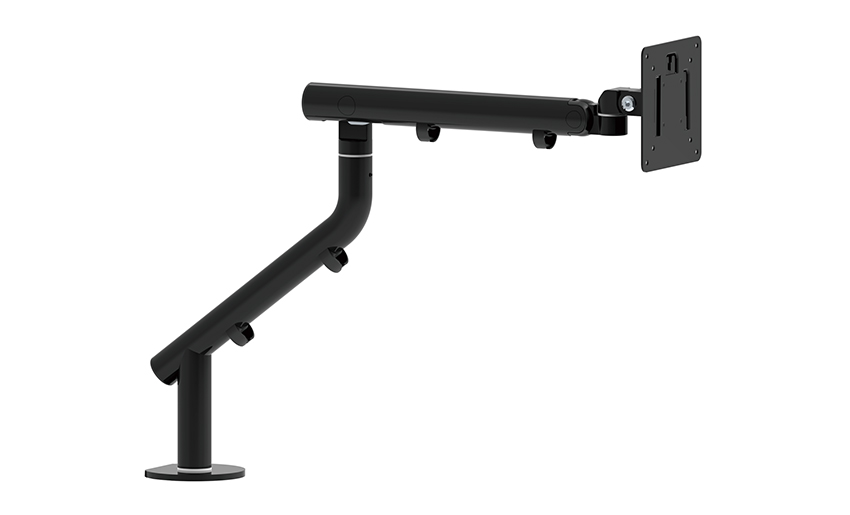
One of the key features of this monitor arm is its...
See Details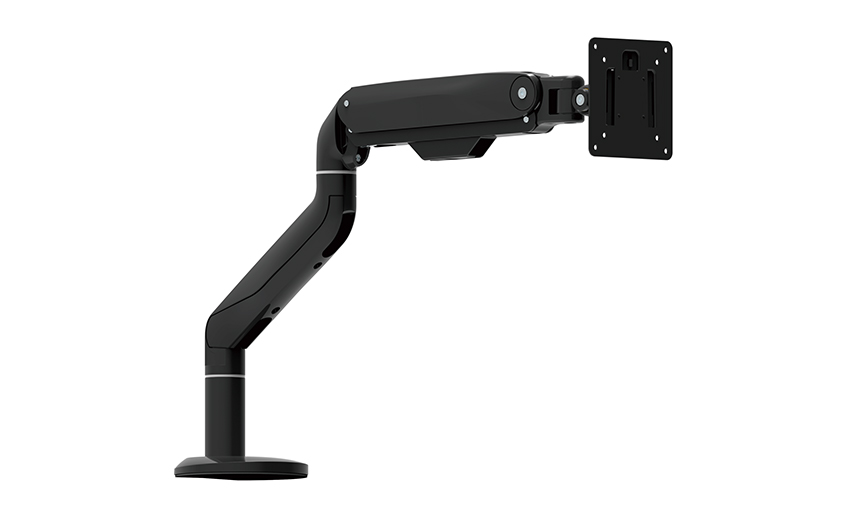
Revolutionize your work setup with the Aluminum &a...
See Details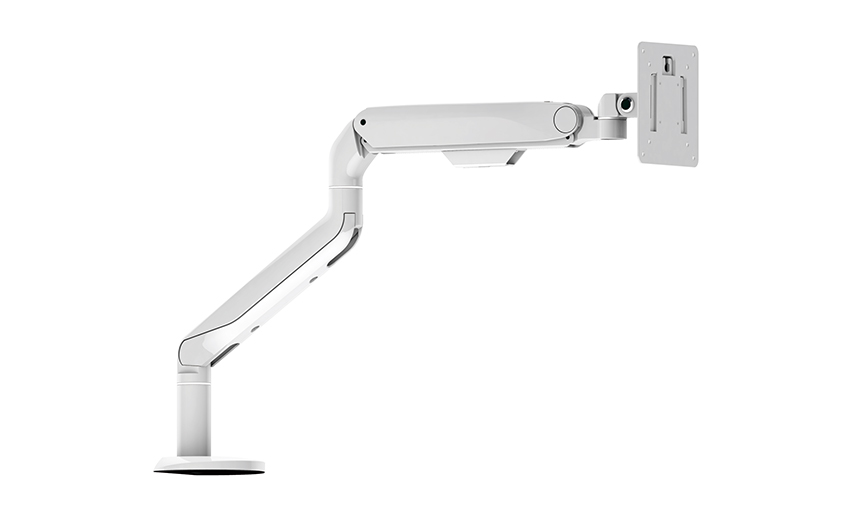
This sleek and sturdy arm is designed to securely ...
See Details
Address: No 3098 Shuanglong Rd, Daqiao Town 314006, Nanhu Area,Jiaxing city, Zhejiang Pro, China
Tel: +86-0573-83222192
Fax: +86-0573-83225688
URL: www.jxjmly.com
Email: [email protected]
Copyright © JIAXING JINMAO ALUMINUM INDUSTRY CO., LTD.All Rights Reserved. Monitor Arms Desk Mount Manufacturers Wholesale Monitor Brackets Suppliers
