

 EN
EN
 English
 Español
 عربى
عربىProduct Consultation
Your email address will not be published. Required fields are marked *
In the realm of office ergonomics, every detail matters. From the layout of your desk to the arrangement of your peripherals, each element plays a role in promoting comfort, productivity, and overall well-being. One often-overlooked component that can significantly contribute to a more ergonomic workspace setup is the CPU holder.
At first glance, a CPU holder might seem like a minor accessory, but its benefits extend far beyond mere convenience. Let's delve into how incorporating a CPU holder into your workstation can elevate your ergonomic experience.
Freeing Up Desk Space and Reducing Clutter
One of the most immediate advantages of a CPU holder is its ability to free up precious desk space. By securely mounting the CPU under the desk or on a nearby surface, the holder eliminates the need for the CPU to occupy valuable real estate on your workspace. This declutters your desk, creating a cleaner, more organized environment conducive to focus and productivity.
Promoting Proper Posture and Comfort
Proper posture is essential for maintaining long-term health and comfort during extended periods of computer use. With a CPU holder, users can optimize their workstation layout to support healthier posture. By removing the CPU from the floor or desk surface, users can adjust their seating position and desk height more freely, without the constraint of accommodating the CPU's bulk.
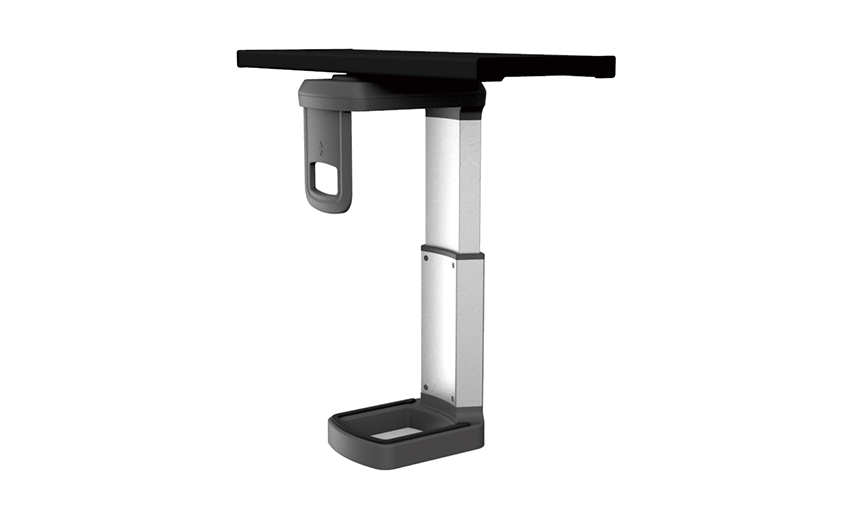
Moreover, the adjustable features of many CPU holders allow users to position the CPU at an ergonomic height and angle, reducing strain on the neck, back, and shoulders. This flexibility empowers users to customize their setup according to their unique ergonomic needs, promoting comfort and reducing the risk of musculoskeletal discomfort.
Streamlining Cable Management
Cable clutter is not only unsightly but also a potential hazard in the workspace. CPU holders often come equipped with integrated cable management solutions, allowing users to route and organize cables neatly. By keeping cables out of sight and out of the way, CPU holders contribute to a safer and more visually pleasing workspace environment. Additionally, organized cable management facilitates easier access to ports and peripherals, enhancing workflow efficiency.
Enhancing Workspace Aesthetics and Efficiency
Beyond their ergonomic benefits, CPU holders can also enhance the aesthetics and efficiency of a workspace. By tidying up the area under the desk and reducing visual clutter, CPU holders contribute to a more polished and professional-looking workspace. This clean and organized environment can have a positive psychological impact, promoting focus, creativity, and a sense of well-being.
Your email address will not be published. Required fields are marked *
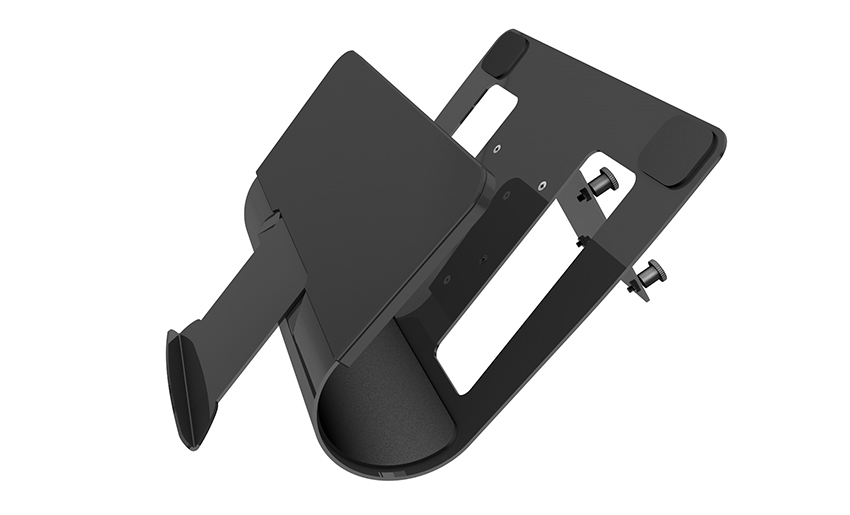
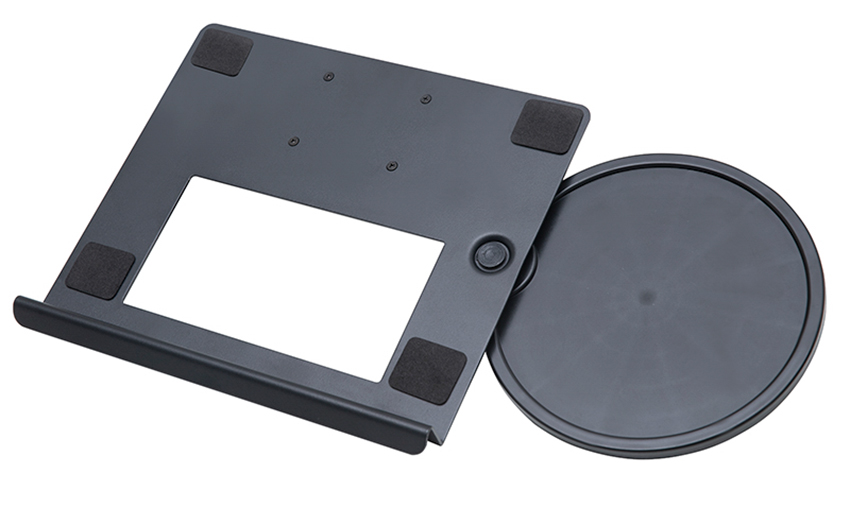
A Home Office Foldable Laptop Notebook Computer Tr...
See Details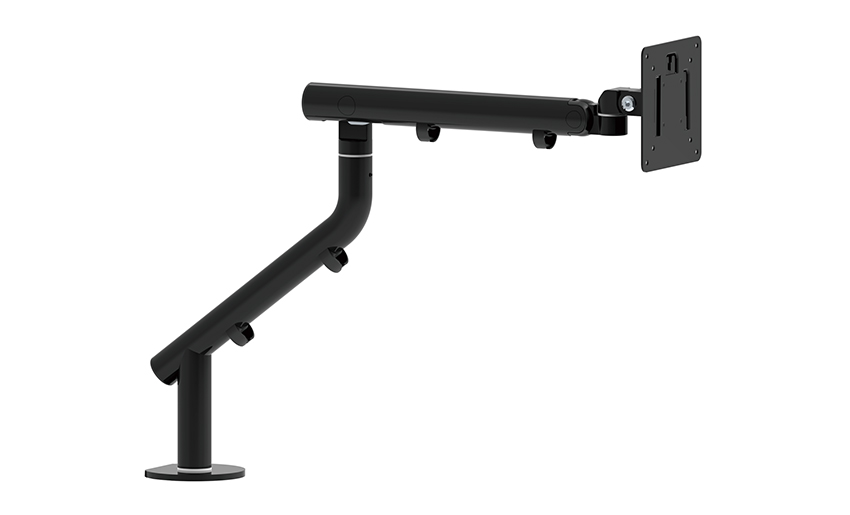
One of the key features of this monitor arm is its...
See Details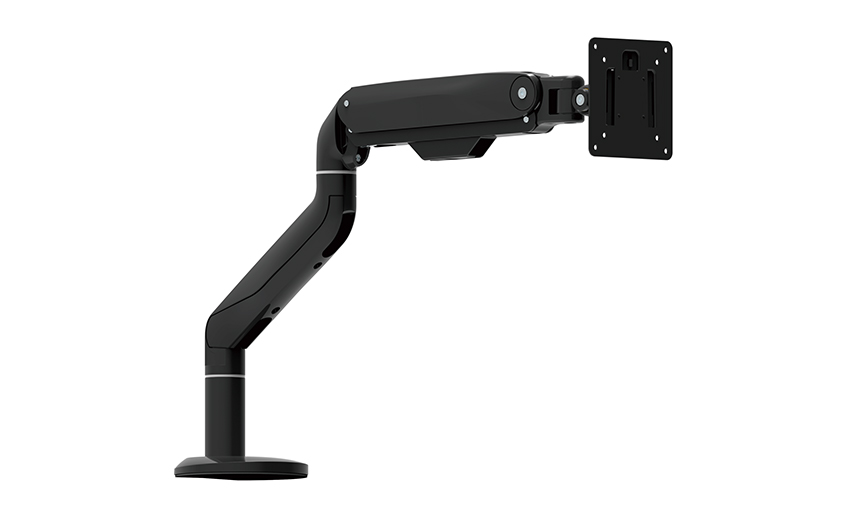
Revolutionize your work setup with the Aluminum &a...
See Details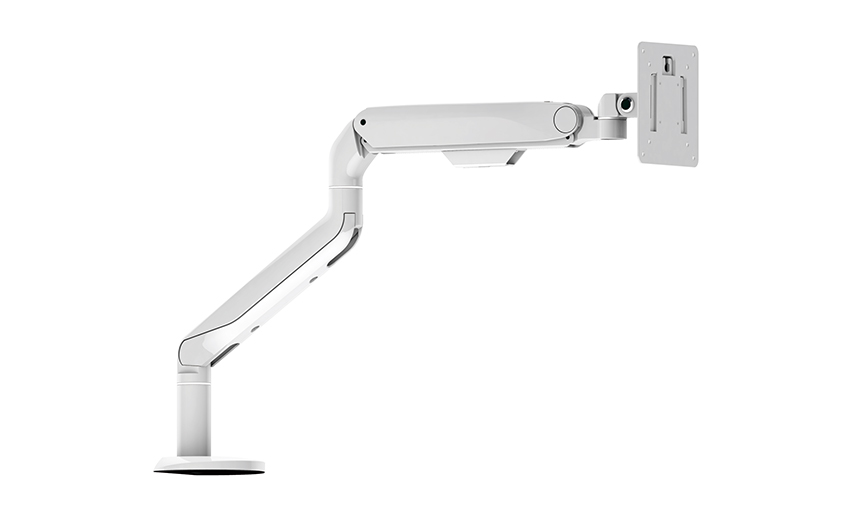
This sleek and sturdy arm is designed to securely ...
See Details
Address: No 3098 Shuanglong Rd, Daqiao Town 314006, Nanhu Area,Jiaxing city, Zhejiang Pro, China
Tel: +86-0573-83222192
Fax: +86-0573-83225688
URL: www.jxjmly.com
Email: [email protected]
Copyright © JIAXING JINMAO ALUMINUM INDUSTRY CO., LTD.All Rights Reserved. Monitor Arms Desk Mount Manufacturers Wholesale Monitor Brackets Suppliers
