

 EN
EN
 English
 Español
 عربى
عربىProduct Consultation
Your email address will not be published. Required fields are marked *
With an array of laptop trays available on the market, choosing the right one can be a daunting task. Each model comes with its unique features, materials, and designs, making it essential to consider several factors before making a purchase.
1. Size and Compatibility
The first step in choosing a laptop tray is to ensure that it is compatible with your laptop size. Laptop trays come in various dimensions to accommodate different laptop sizes, typically ranging from 11 inches to 17 inches. Measure your laptop’s dimensions and look for trays that offer sufficient space while allowing for airflow and cooling.
2. Adjustability
One of the most important features of a laptop tray is its adjustability. Look for trays that allow you to change the height and angle. This feature is particularly beneficial for achieving an ergonomic posture, reducing strain on your neck and wrists. Some trays even offer multiple angles, providing a customized fit for various tasks, whether typing, watching movies, or browsing.
3. Material Quality
The material of the laptop tray affects not only its durability but also its weight and cooling efficiency. Common materials include wood, plastic, and metal. Wooden trays offer a classic aesthetic but can be heavier, while plastic trays are lightweight but may not provide as much stability. Metal trays often provide better airflow and sturdiness, making them ideal for prolonged use. Consider your usage needs and environment when selecting a material.
4. Cooling Features
Heat management is crucial for maintaining your laptop’s performance. Many laptop trays come with built-in cooling features such as ventilation holes or integrated fans. If you frequently use resource-intensive applications, consider investing in a tray with excellent cooling capabilities to prevent overheating and potential damage to your laptop.
5. Portability
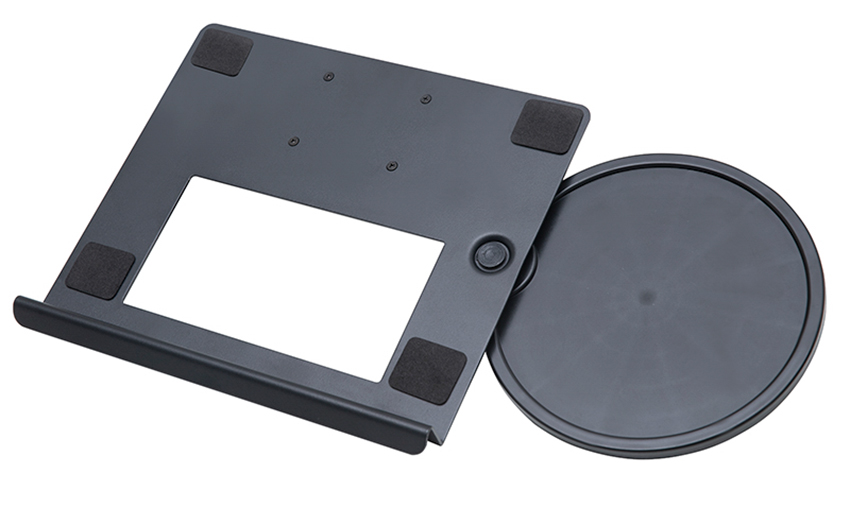
If you plan to use your laptop tray in various locations, portability is a significant factor. Look for lightweight and foldable designs that are easy to carry. A compact tray can be easily stowed in a backpack or briefcase, making it convenient for remote work or travel.
6. Additional Features
Consider what additional features might enhance your experience. Some laptop trays come with integrated mouse pads, storage compartments, or even cup holders. Depending on your work habits, these features can help keep your workspace organized and improve your efficiency.
7. Budget
Laptop trays are available in a wide price range, so it’s important to set a budget before shopping. While you may find affordable options that meet basic needs, investing in a higher-quality tray with additional features may prove beneficial in the long run. Look for trays that offer good value for money based on the features you require.
Your email address will not be published. Required fields are marked *
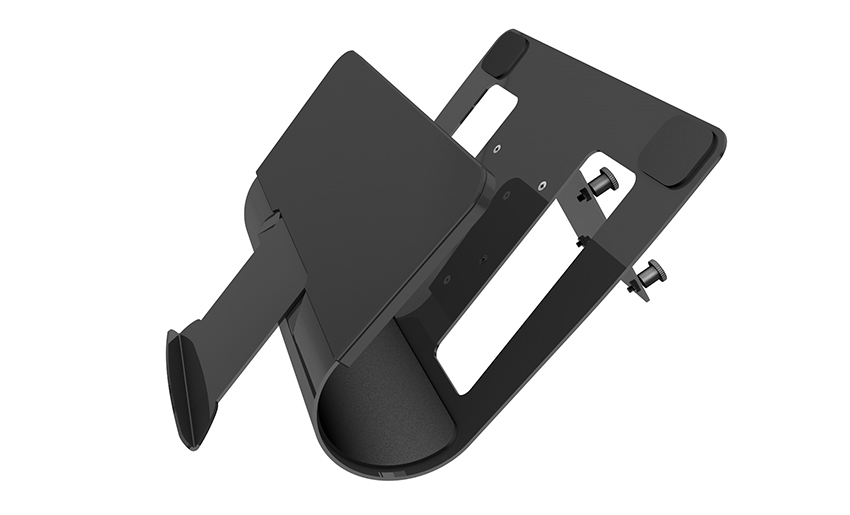

A Home Office Foldable Laptop Notebook Computer Tr...
See Details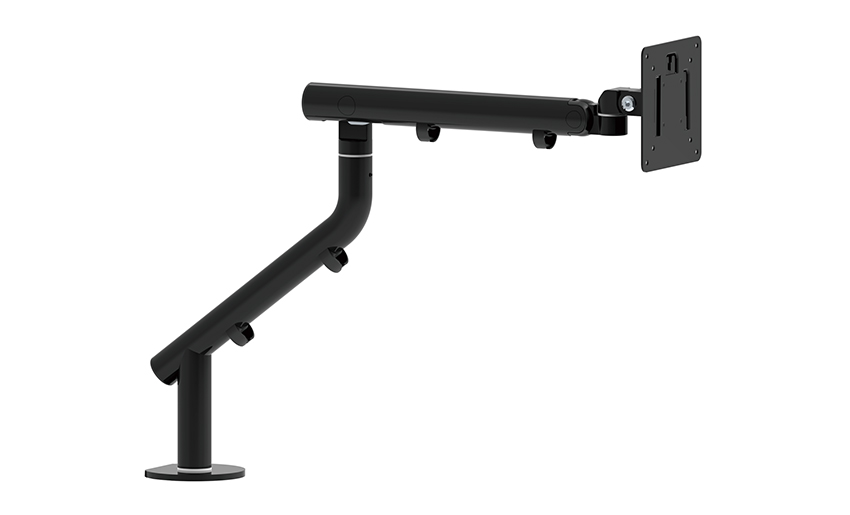
One of the key features of this monitor arm is its...
See Details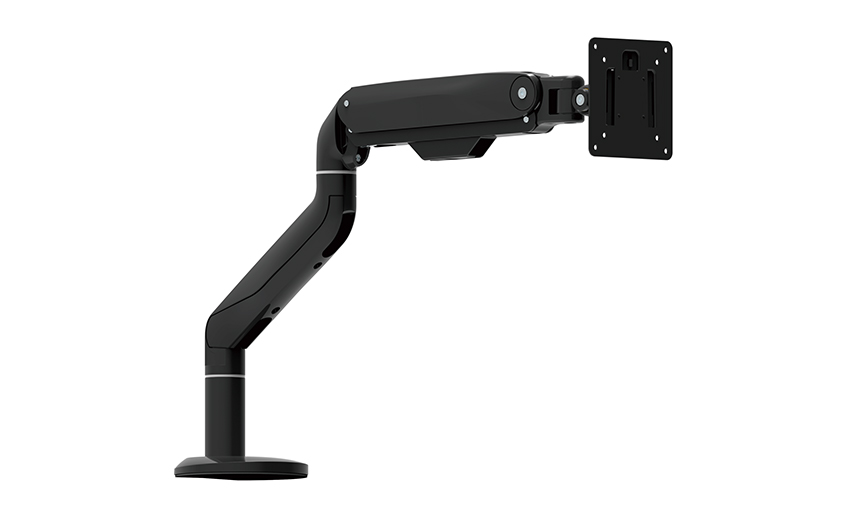
Revolutionize your work setup with the Aluminum &a...
See Details
This sleek and sturdy arm is designed to securely ...
See Details
Address: No 3098 Shuanglong Rd, Daqiao Town 314006, Nanhu Area,Jiaxing city, Zhejiang Pro, China
Tel: +86-0573-83222192
Fax: +86-0573-83225688
URL: www.jxjmly.com
Email: [email protected]
Copyright © JIAXING JINMAO ALUMINUM INDUSTRY CO., LTD.All Rights Reserved. Monitor Arms Desk Mount Manufacturers Wholesale Monitor Brackets Suppliers
