

 EN
EN
 English
 Español
 عربى
عربىProduct Consultation
Your email address will not be published. Required fields are marked *
Content
If you're still resting your monitor flat on your desk without any riser or arm, you're probably dealing with neck strain, poor posture, and a cluttered workspace without even realizing it. A single monitor stand — whether it's a simple riser block or a fully adjustable monitor arm — lifts your screen to eye level, frees up desk space underneath, and makes your entire setup look and feel more intentional.
The difference in day-to-day comfort is noticeable almost immediately. When your monitor sits too low, you unconsciously tilt your head down for hours, which puts strain on your neck and upper back. Raising the screen so the top third of the display sits at or just below eye level puts your body in a much more neutral position. For anyone working eight or more hours a day in front of a screen, that adjustment alone is worth the investment.
Beyond ergonomics, a one-monitor stand also opens up usable desk real estate. You can slide your keyboard, store documents, tuck away a laptop, or run cable management underneath the elevated monitor — things that simply aren't possible when the screen is sitting directly on the surface.
Not all monitor stands are built the same, and the right type depends on how much flexibility you need, what kind of desk you have, and your budget. Here's a breakdown of the main categories:
A monitor riser is the simplest and most affordable type of single-screen stand. It's essentially a platform — usually made from wood, bamboo, metal, or plastic — that sits on your desk and raises the monitor by a fixed height (typically 4 to 6 inches). Risers are sturdy, require no installation, and often include storage space or shelving underneath. They're ideal for people who don't need to adjust their screen height frequently and just want a stable, clean lift.
These are freestanding stands with a column-and-base design that allows you to adjust the height of the screen within a set range — typically 4 to 18 inches. Some models also allow tilt and swivel adjustments. They're more versatile than a fixed riser and work well if you occasionally switch between sitting and standing at your desk, or if you share the workspace with someone of a different height.
A monitor arm clamps or bolts to the edge of your desk and uses an articulating arm to hold the monitor at any height, angle, and position you choose. This is the most flexible option — you can push the screen back when not in use, pull it close, rotate it to portrait mode, or adjust it precisely for different tasks. Most monitor arms use the VESA mounting standard (75x75mm or 100x100mm), so you'll need to confirm your monitor is VESA-compatible before purchasing.
Some single monitor stands are designed to hold both a monitor at eye level and a laptop underneath or beside it. If you run a laptop-plus-external-monitor setup, these combo stands let you keep both screens elevated and organized in a compact footprint.
| Type | Height Adjustable? | Desk Space Saved | Installation Required? | Price Range |
| Monitor Riser | No (fixed) | Moderate | No | $15–$60 |
| Adjustable Stand | Yes | Moderate | No | $30–$100 |
| Monitor Arm | Yes (full range) | Maximum | Yes (clamp/grommet) | $40–$200+ |
| Combo Stand | Varies | High | No | $40–$120 |
Once you know the type you want, it's time to get into the specifics. Here are the most important features to evaluate before buying a one-screen monitor stand:
Every stand or arm has a maximum weight limit. Most budget risers support up to 22 lbs, while quality monitor arms can handle 20 to 33 lbs. Weigh your monitor before buying, and always choose a stand rated well above your monitor's actual weight for safety and stability. Ultrawide monitors, for example, can exceed 15–20 lbs easily.
If you're buying a monitor arm or wall mount, your monitor needs VESA mounting holes on the back. The most common pattern is 75x75mm or 100x100mm. Check your monitor's specs in the manual or on the manufacturer's website before purchasing an arm. Risers and freestanding stands don't require VESA compatibility since the monitor simply sits on them using its existing base.
For adjustable stands and arms, the height range matters a lot. A range of 4 to 18 inches covers most seated desk setups. If you use a sit-stand desk, look for arms with a wider vertical range — some premium models offer up to 24 inches of travel, which accommodates switching between sitting and standing positions without reconfiguring the arm.
Basic risers offer no adjustment beyond height. Better freestanding stands may allow tilt (tilting the screen forward or back) and swivel (rotating left or right). Monitor arms typically offer the full range: tilt, swivel, height, and sometimes 360° rotation for switching between landscape and portrait mode. If you do design work, coding with long documents, or reading articles, portrait mode is genuinely useful.
A good single-screen monitor stand will have some form of cable routing built in. On risers, this might be a cutout or groove at the back. On monitor arms, cables typically route through channels inside the arm itself, keeping power and display cables hidden from view. Clean cable management makes a significant visual difference in a desk setup.
Cheap plastic stands can wobble and flex over time. Look for stands made from steel, aluminum, or solid wood for long-term reliability. For monitor arms, the joint tension is critical — a good arm holds its position firmly without drooping when you let go of the screen, even after months of use. Brands like Ergotron, Fully, and Amazon Basics (for budget options) are commonly recommended for their build quality.
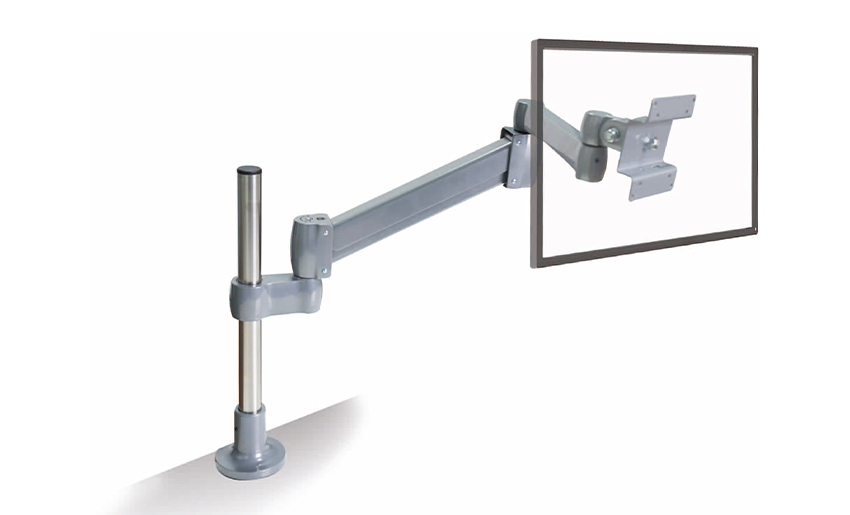
Buying the right stand is only half the job. Setting it up correctly is what actually protects your neck and eyes. Follow these ergonomic guidelines to dial in your monitor position:
Here's a practical overview of what to expect at different price points so you can find the right match without overspending or underspending:
In this range, you're mostly looking at fixed-height monitor risers made from plastic, bamboo, or MDF wood. Brands like VIVO, Huanuo, and Bestar offer basic risers that do the job well. They're stable, easy to set up, and often include a small storage shelf underneath. Don't expect height adjustability or tilt at this price — but for someone who just needs their monitor lifted a few inches, these are perfectly functional.
This is the sweet spot for adjustable freestanding single monitor stands. You can get a sturdy metal stand with a range of 4–18 inches of height adjustment, tilt control, and cable management. The VIVO STAND-V001 series and North Bayou (NB) F80 are popular in this range. If you stretch to the higher end, you can find entry-level monitor arms from Amazon Basics or HUANUO that offer solid performance without the premium price tag.
At this level, you're looking at professional-grade monitor arms from brands like Ergotron (the LX series is a benchmark in the industry), Fully Jarvis, or Humanscale. These arms hold their position with precision, handle heavier ultrawide monitors with ease, offer smooth one-hand adjustment, and integrate cable routing cleanly. If you spend serious hours at your desk, this investment pays off in longevity and daily comfort.
Many people buy a monitor stand and end up regretting their choice — not because stands are bad, but because they overlooked a few easy-to-check details. Here are the mistakes to sidestep:
Most monitors ship with a built-in stand — so why bother replacing or supplementing it? Here's an honest comparison to help you decide if upgrading makes sense for your situation.
The stock monitor base that comes in the box is functional but almost always limited. It typically offers minimal height adjustment (or none at all), no rotation to portrait mode, no tilt beyond a few degrees, and no cable management. It also takes up valuable desk surface area at the base.
Upgrading to a separate single monitor stand — even a basic riser — gives you better ergonomic positioning, usually more usable desk space (especially with an arm), and a cleaner overall look. For people who work from home or spend long hours at a desk, the ergonomic benefit alone justifies the switch. For casual users who browse the web or game for a couple of hours a day, the stock stand may be perfectly adequate.
If your monitor's base already allows full height, tilt, swivel, and pivot adjustment — which some premium monitors do include — then adding a stand may be unnecessary. But for the majority of mid-range monitors where the base is rigid and low, a dedicated one-monitor stand is a meaningful upgrade.
Your email address will not be published. Required fields are marked *
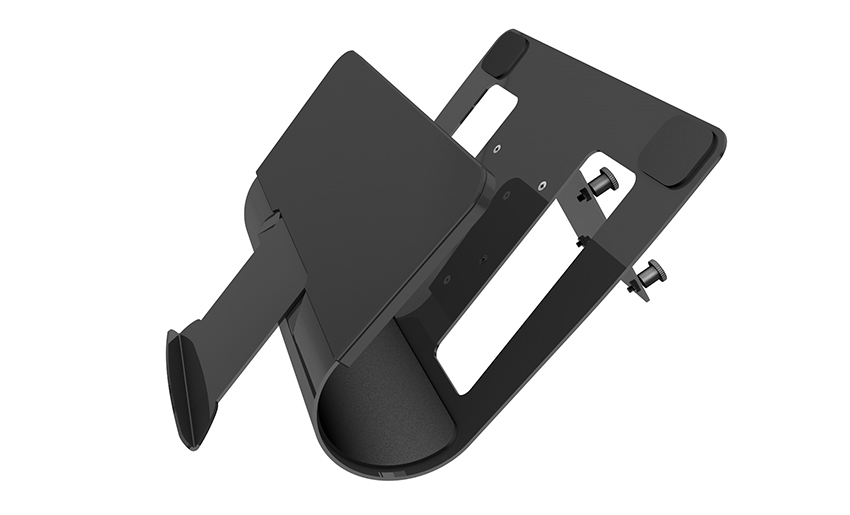
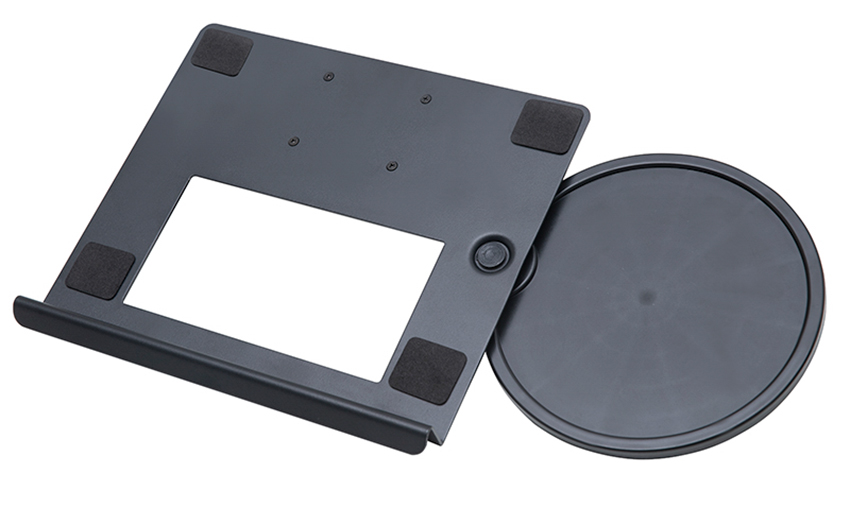
A Home Office Foldable Laptop Notebook Computer Tr...
See Details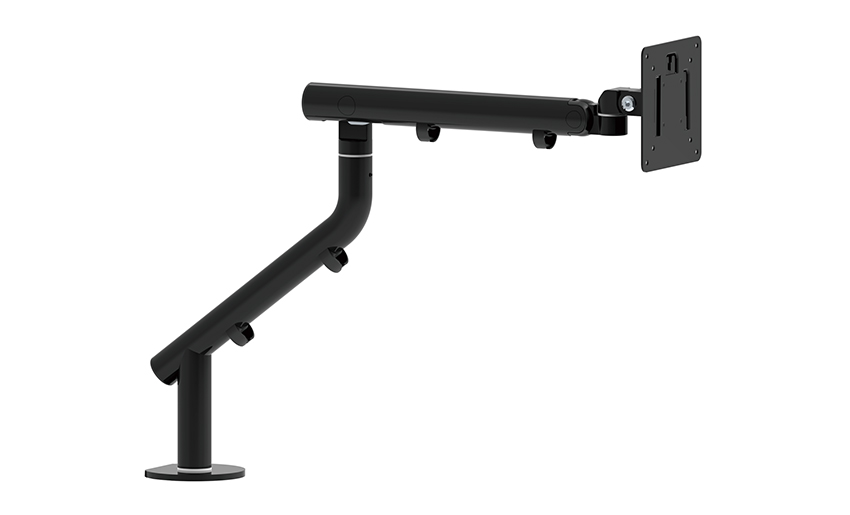
One of the key features of this monitor arm is its...
See Details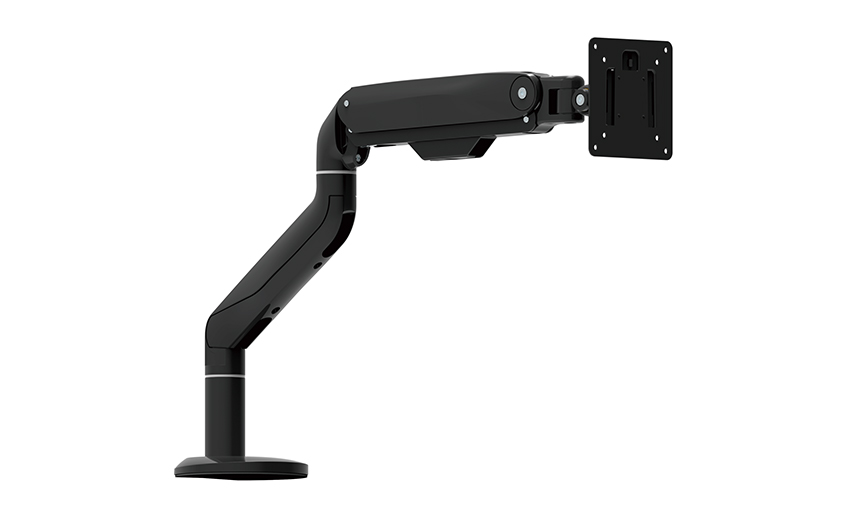
Revolutionize your work setup with the Aluminum &a...
See Details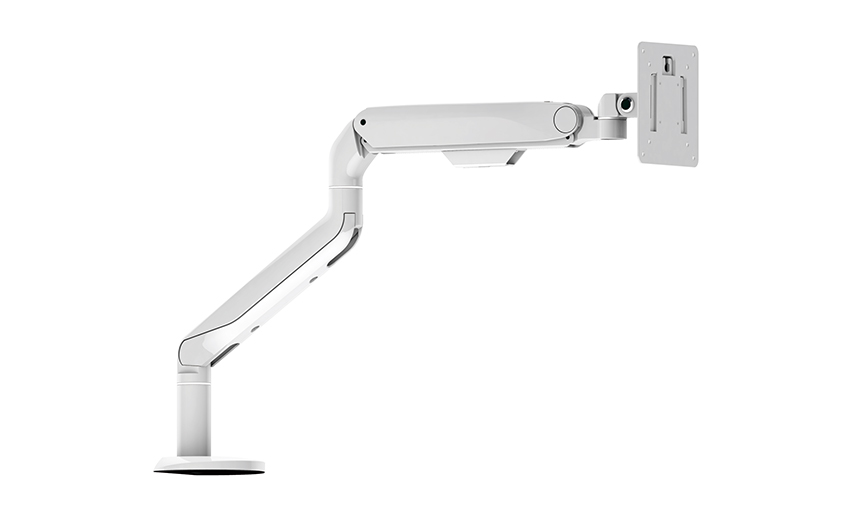
This sleek and sturdy arm is designed to securely ...
See Details
Address: No 3098 Shuanglong Rd, Daqiao Town 314006, Nanhu Area,Jiaxing city, Zhejiang Pro, China
Tel: +86-0573-83222192
Fax: +86-0573-83225688
URL: www.jxjmly.com
Email: [email protected]
Copyright © JIAXING JINMAO ALUMINUM INDUSTRY CO., LTD.All Rights Reserved. Monitor Arms Desk Mount Manufacturers Wholesale Monitor Brackets Suppliers
