

 EN
EN
 English
 Español
 عربى
عربىProduct Consultation
Your email address will not be published. Required fields are marked *
Content
An adjustable CPU holder is a specialized mounting solution designed to secure a computer tower beneath a desk or onto a wall. By elevating the hardware off the floor, these devices protect sensitive components from dust accumulation, static electricity, and accidental kicks or liquid spills. The "adjustable" nature of these mounts is critical, as computer chassis vary significantly in width and height. High-quality holders utilize sliding tracks or clamping mechanisms to ensure a snug fit, effectively turning the computer into an integrated part of the workstation rather than an obstacle on the floor.
When choosing an adjustable CPU holder, it is essential to match the mechanical limits of the mount with the physical dimensions and weight of your PC. Most modern towers fall within specific ranges, but gaming rigs or workstations often require heavy-duty reinforced steel brackets. Beyond simple dimensions, consider the material thickness and the locking mechanism used to prevent the tower from sliding out during desk height adjustments.
| Feature | Standard Adjustment Range |
| Width Adjustment | 3.5" to 9.5" |
| Height Adjustment | 12" to 21" |
| Weight Capacity | 30 lbs to 60 lbs |
One of the primary reasons professionals invest in adjustable CPU holders is to facilitate the use of height-adjustable (sit-stand) desks. When a computer sits on the floor while the desk rises, cables for monitors, keyboards, and mice are often stretched to their breaking point. By mounting the CPU directly to the underside of the desktop, the entire system moves in unison. This eliminates cable tension and allows for much cleaner cable routing, reducing the "spaghetti" look often found behind workstations.
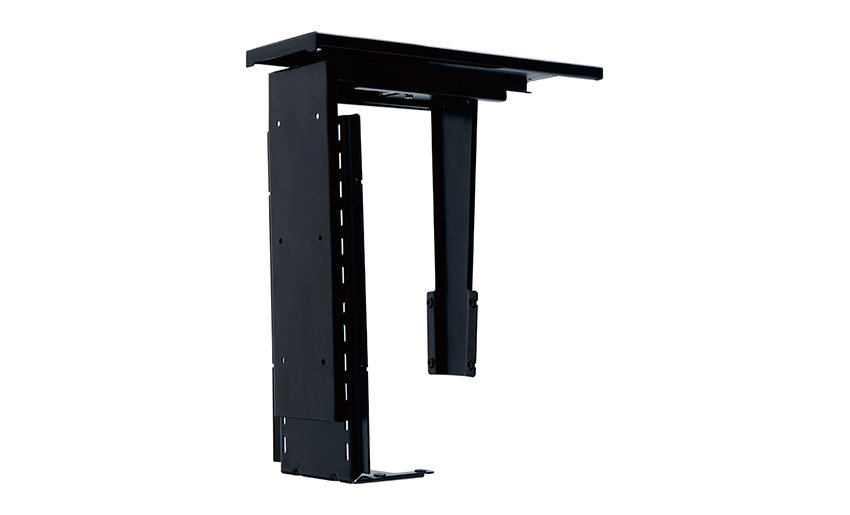
Proper installation is paramount to ensuring the safety of your hardware. Most adjustable CPU holders require drilling into the underside of the desktop. It is vital to ensure the desk material—whether solid wood, MDF, or particle board—is thick enough to support the weight of the CPU and the bracket combined. If using a thin desktop, reinforcing the mounting area with a wooden plate may be necessary. Always position the mount away from where your knees will be positioned while sitting to maintain ergonomic comfort.
When mounting your PC, be careful not to obstruct the intake or exhaust fans. A high-quality adjustable holder typically uses a "cradle" or "strap" design that leaves the front, back, and sides mostly exposed. Avoid fully enclosed cabinets, as these can lead to thermal throttling and reduced lifespan for your internal components. Ensure there is at least a two-inch gap between the CPU vents and the desk surface or mounting brackets.
Your email address will not be published. Required fields are marked *
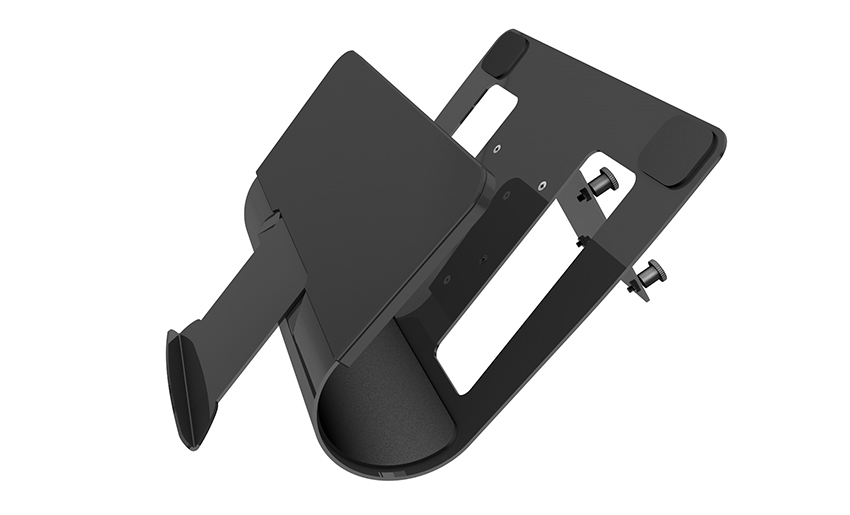
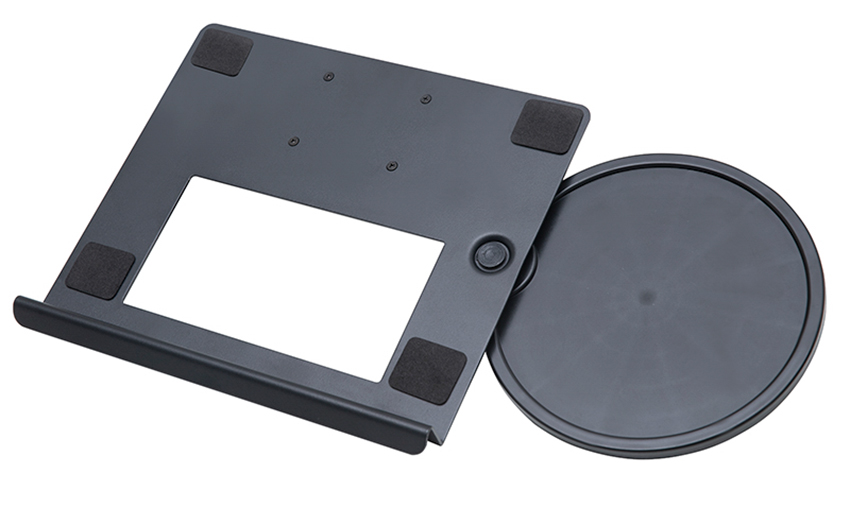
A Home Office Foldable Laptop Notebook Computer Tr...
See Details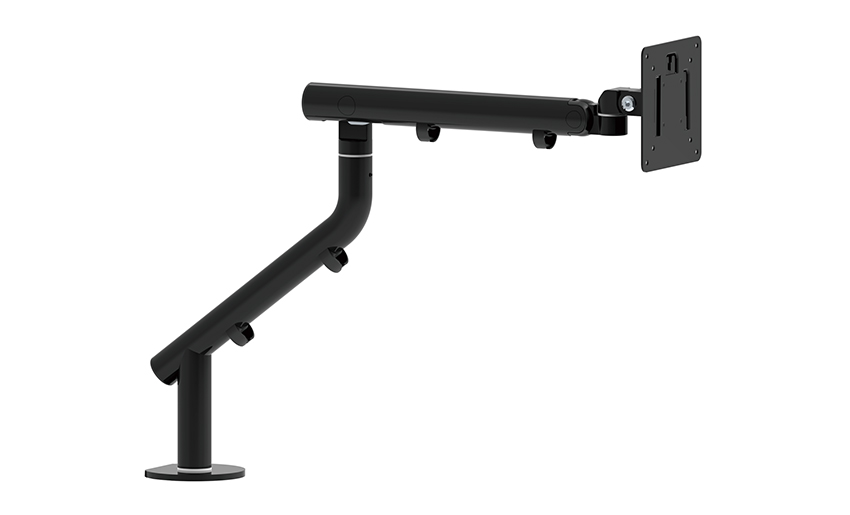
One of the key features of this monitor arm is its...
See Details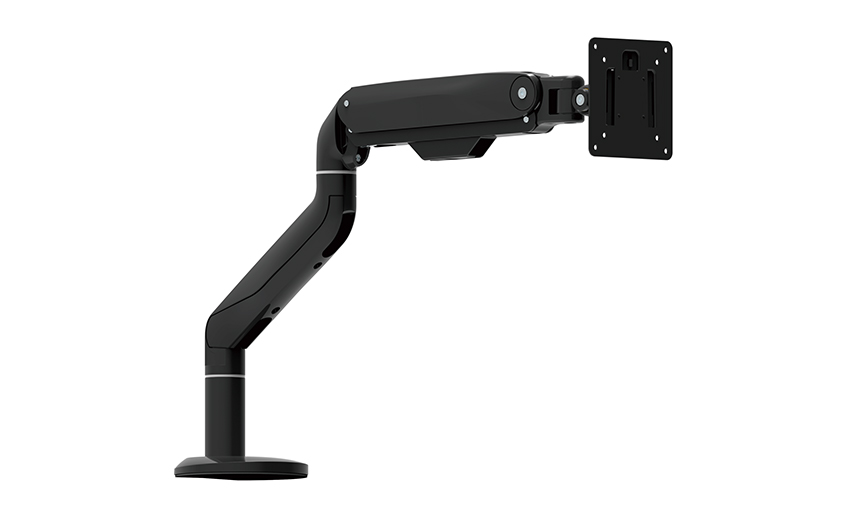
Revolutionize your work setup with the Aluminum &a...
See Details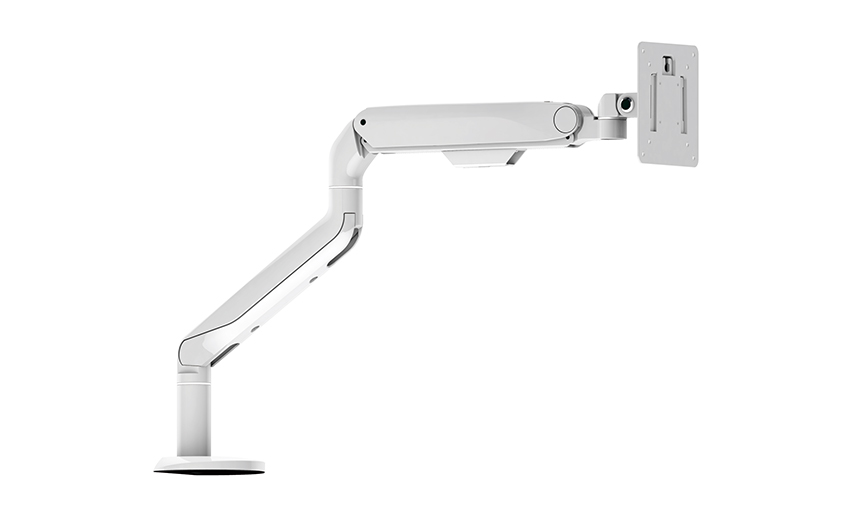
This sleek and sturdy arm is designed to securely ...
See Details
Address: No 3098 Shuanglong Rd, Daqiao Town 314006, Nanhu Area,Jiaxing city, Zhejiang Pro, China
Tel: +86-0573-83222192
Fax: +86-0573-83225688
URL: www.jxjmly.com
Email: [email protected]
Copyright © JIAXING JINMAO ALUMINUM INDUSTRY CO., LTD.All Rights Reserved. Monitor Arms Desk Mount Manufacturers Wholesale Monitor Brackets Suppliers
