

 EN
EN
 English
 Español
 عربى
عربىProduct Consultation
Your email address will not be published. Required fields are marked *
A single monitor arm is more than just a piece of hardware; it's a catalyst for transforming your workspace into a dynamic and efficient environment. By providing unparalleled flexibility and ergonomic benefits, these arms have become indispensable for professionals, gamers, and home office enthusiasts alike.
Unleash Your Desk Space: Say goodbye to cluttered desks. Single monitor arms free up valuable real estate, creating a spacious and organized workspace.
Optimize Ergonomics: Adjust your monitor to the perfect height, angle, and distance to reduce strain on your neck, back, and eyes.
Boost Productivity: A well-positioned monitor can enhance focus and reduce fatigue, leading to increased productivity and efficiency.
Enhance Aesthetics: Elevate your workspace's appearance with a sleek and modern monitor arm.
Versatility: Suitable for a wide range of setups, from gaming to office work, single monitor arms adapt to your needs.
Key Factors to Consider
Monitor Weight and Size: Ensure the arm can support your monitor's weight and dimensions.
Desk Type: Choose between clamp, grommet, or wall-mount options based on your desk setup.
Arm Length and Range of Motion: Select an arm that offers the desired flexibility and reach.
Build Quality and Durability: Invest in a sturdy arm for long-term use.
Cable Management: Look for arms with integrated cable management features.
Types of Single Monitor Arms
Desk Clamp Arms: Easily attach to your desk's edge without drilling.
Grommet Mount Arms: Require a hole in your desk for a clean and secure installation.
Wall Mount Arms: Maximize desk space by mounting the arm to the wall.
Tips for Optimal Monitor Placement
Eye Level: Position the top of your monitor at or slightly below eye level.
Arm's Length: Maintain a distance of about an arm's length between your eyes and the screen.
Tilt and Swivel: Adjust the monitor's angle and orientation to reduce glare and optimize viewing comfort.
Your email address will not be published. Required fields are marked *
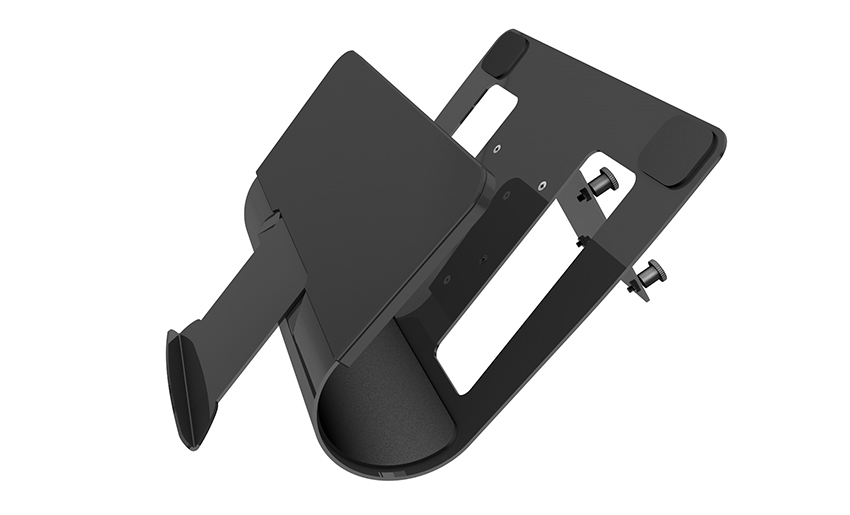
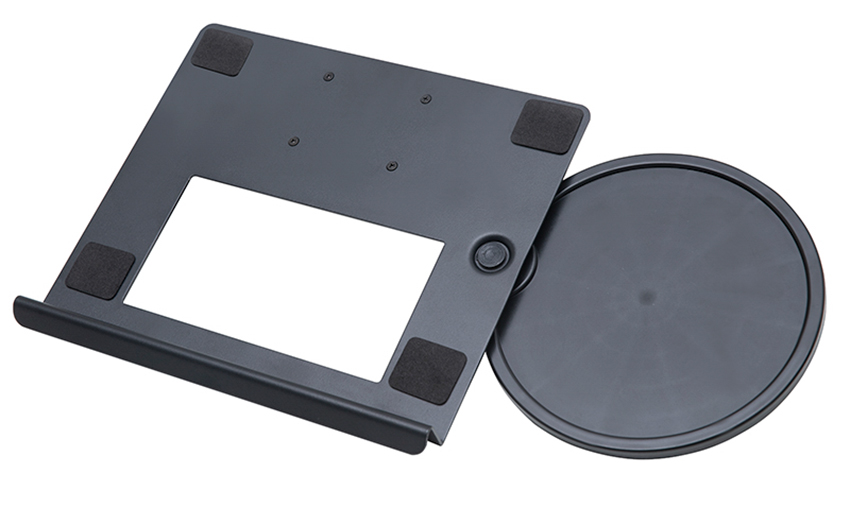
A Home Office Foldable Laptop Notebook Computer Tr...
See Details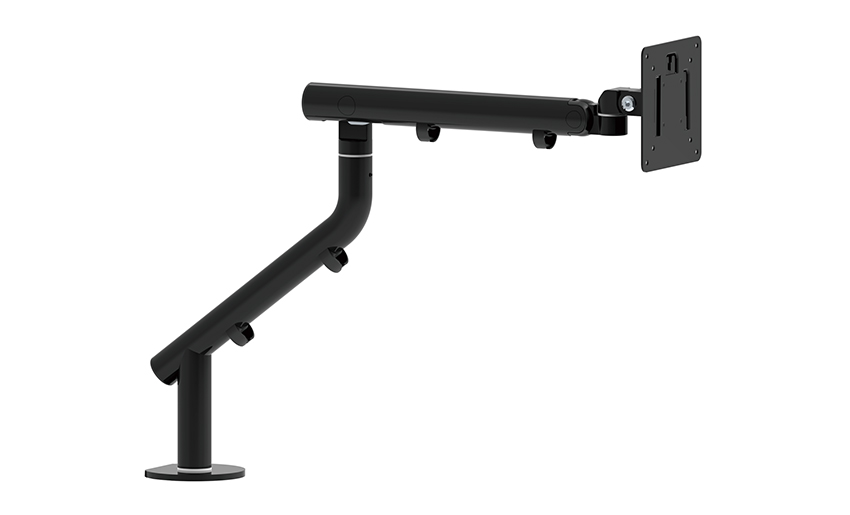
One of the key features of this monitor arm is its...
See Details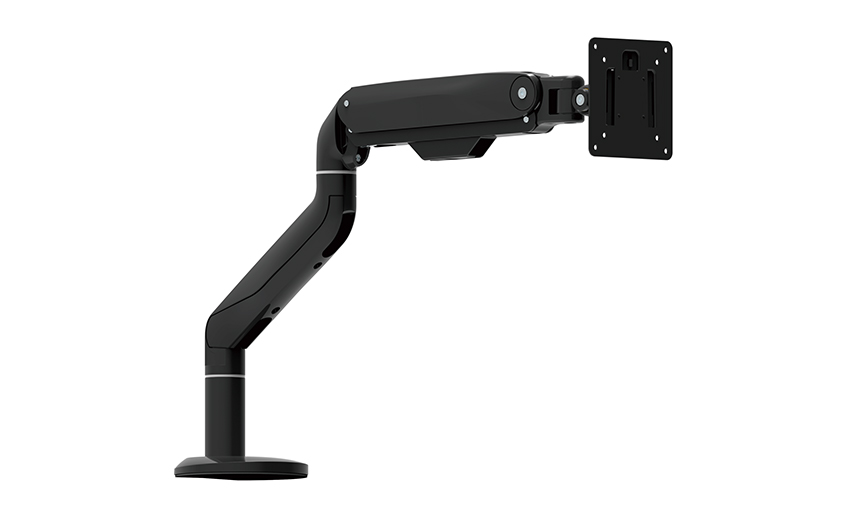
Revolutionize your work setup with the Aluminum &a...
See Details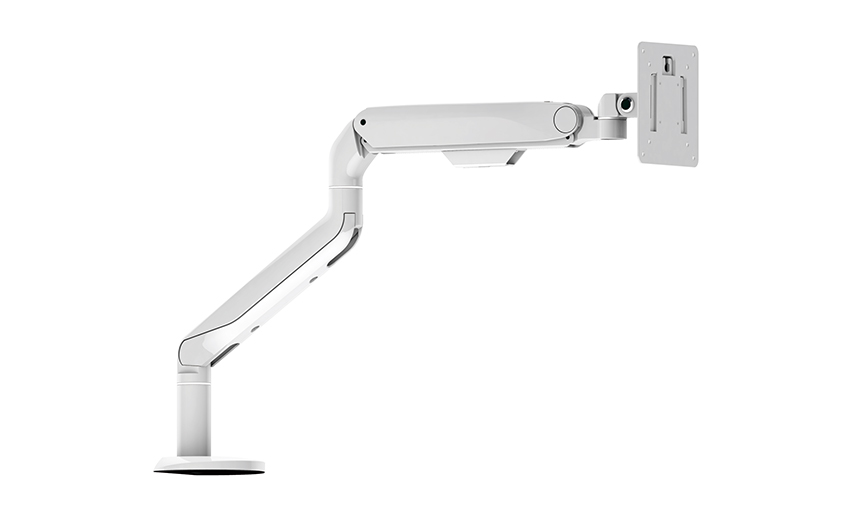
This sleek and sturdy arm is designed to securely ...
See Details
Address: No 3098 Shuanglong Rd, Daqiao Town 314006, Nanhu Area,Jiaxing city, Zhejiang Pro, China
Tel: +86-0573-83222192
Fax: +86-0573-83225688
URL: www.jxjmly.com
Email: [email protected]
Copyright © JIAXING JINMAO ALUMINUM INDUSTRY CO., LTD.All Rights Reserved. Monitor Arms Desk Mount Manufacturers Wholesale Monitor Brackets Suppliers
