

 EN
EN
 English
 Español
 عربى
عربىProduct Consultation
Your email address will not be published. Required fields are marked *
Content
A computer holder is any mount, stand, arm, or bracket designed to support and position your computer equipment — whether that's a laptop, desktop monitor, CPU tower, or tablet. The term covers a surprisingly wide range of products, from a simple laptop riser you set on your desk to a full articulating monitor arm bolted to the wall. Choosing the right one can make a serious difference in your comfort, productivity, and even your long-term physical health.
Poor screen positioning is one of the leading causes of neck strain and eye fatigue among people who work at computers for extended periods. A quality computer stand or holder lets you set your screen at the exact height, angle, and distance that suits your body — something that's nearly impossible to achieve with a monitor or laptop just sitting flat on a desk. Beyond ergonomics, the right holder also clears clutter, frees up desk space, and gives your setup a cleaner, more professional look.
The market for computer holders is broad, and the right type depends entirely on what you're trying to support and where. Here's a breakdown of the most common categories:
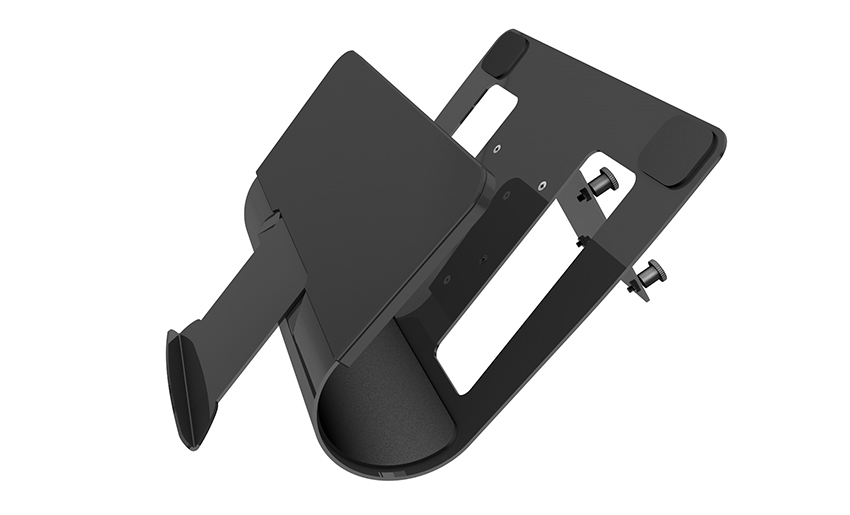
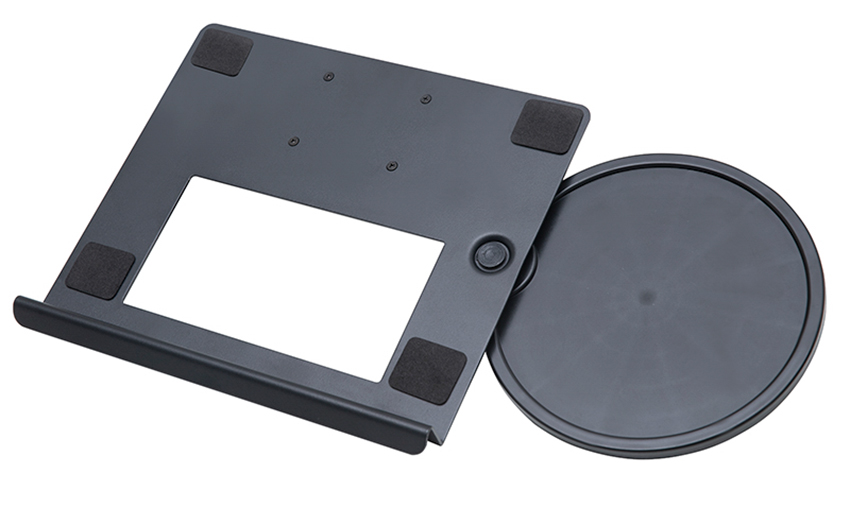
A laptop stand is the most accessible type of computer holder. These raise your laptop screen to eye level so you're not hunching over a flat surface all day. They range from foldable aluminum risers for portability to adjustable-height stands with ventilation built in to prevent overheating. If you use a laptop as your main work machine, a laptop stand paired with an external keyboard and mouse is one of the simplest ergonomic upgrades you can make.
A monitor arm attaches to your desk — either by clamping onto the edge or bolting through a grommet hole — and holds your monitor on an adjustable arm. These are popular in professional office setups because they offer full range of motion: height, tilt, swivel, and sometimes even rotation for portrait mode. Dual monitor arms are also available, letting you manage two screens off a single mount point and keep your desk surface clear.
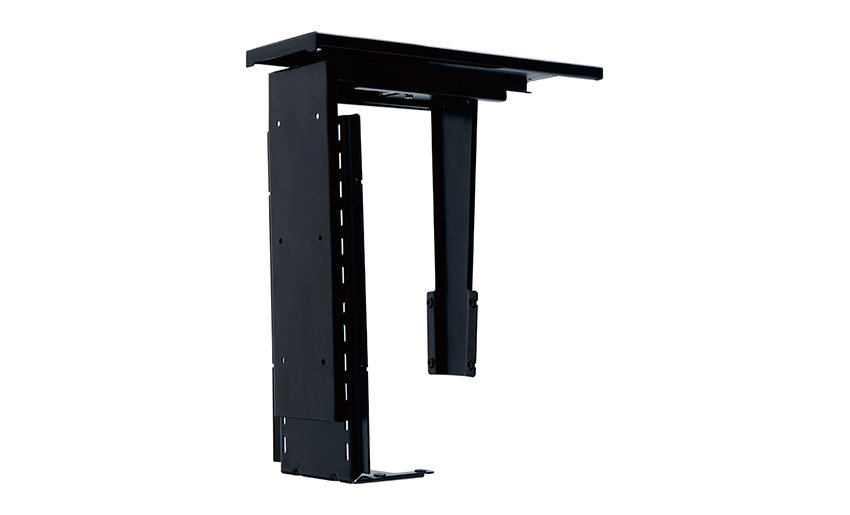
A CPU holder or tower mount keeps your desktop computer unit off the floor or the desk surface. Under-desk CPU holders are particularly useful in office environments where towers tend to get kicked, bumped, or accidentally unplugged. Most models use adjustable brackets to fit a wide range of tower sizes and include casters or swivel platforms for easy access to ports and drives.
For tight spaces or specialized setups, wall mounts take the computer or monitor completely off the desk. These are common in commercial environments like retail kiosks, medical stations, and control rooms, but they also work well in home offices where desk real estate is limited. Wall mounts can be fixed or articulating, with the latter allowing you to pull the screen out and angle it as needed.
Vehicle-mounted computer holders are used in commercial vehicles, delivery vans, emergency response units, and police cars. These mounts are engineered to handle vibration, temperature swings, and the specific mounting surfaces found in vehicles. For everyday drivers, simpler tablet and laptop holders designed for passenger vehicles are widely available for in-car navigation or entertainment use.
Not all computer holders are built the same. When you're comparing options, these are the factors that actually matter:
| Feature | Why It Matters | What to Look For |
| Weight Capacity | Overloading a mount causes sag, instability, or failure | Always check your device weight and buy a holder rated above it |
| Adjustability | Ergonomics depend on getting the exact right position | Height, tilt, swivel, and rotation options |
| Mounting Method | Different desks and surfaces require different attachment styles | Clamp, grommet, VESA, freestanding, or wall plate |
| Build Material | Affects durability, stability, and aesthetics | Aluminum and steel outperform cheap plastic long-term |
| Cable Management | Keeps your desk tidy and cords from getting tangled | Built-in cable routing channels or clips |
| VESA Compatibility | Required for mounting most monitors | 75x75mm or 100x100mm are the most common patterns |
Buying a computer holder is only half the job — setting it up correctly is what actually protects your posture. Ergonomics experts recommend the following positioning guidelines for a healthy, comfortable workstation:
There's no single "best" computer holder — the right pick depends on your specific situation. Here's how to think about it based on common setups:
A gas-spring monitor arm is usually the top choice for home office setups. It allows effortless height and angle adjustments, keeps the desk surface clear, and looks sleek. Brands like Ergotron and Fully make well-regarded options that hold their position firmly without drooping over time. If you're on a tighter budget, a fixed-height monitor riser with built-in storage underneath is a practical, affordable alternative.
Portability is the priority here. A foldable laptop stand that collapses flat and fits in a bag is ideal. Look for stands made from lightweight aluminum that still feel solid when open. Some models also include a built-in USB hub, which saves you from carrying extra adapters. The Nexstand and Rain Design mStand are frequently recommended in this category for their balance of packability and stability.
Gamers benefit from a monitor arm with a wide range of motion so they can quickly shift screens during different game modes or switch from a sitting to a standing position. Look for arms rated for larger, heavier gaming monitors (some ultrawide monitors weigh over 10 kg), and make sure the arm's range of motion includes portrait rotation if you use a vertical secondary monitor for chat or streaming tools.
A wall-mounted monitor arm or a compact freestanding riser is the best approach for limited desk space. Wall mounts free up the entire desktop and remove the need for a base or clamp, which is useful when your desk edge isn't accessible or sturdy enough for a clamp mount. Under-desk CPU holders also reclaim significant floor space in cramped environments.
A few purchasing mistakes come up repeatedly when people shop for computer holders. Knowing them in advance saves you from a frustrating return process:
Installation steps vary by holder type, but a few universal practices apply across the board. For clamp-style monitor arms, make sure the clamp jaw is padded or that you place a protective cloth between the clamp and the desk surface to avoid scratches or denting. Tighten the clamp firmly but don't overtighten — you want a secure grip, not cracked desk material.
For wall mounts, always locate wall studs before drilling. A mount that's only anchored in drywall — without hitting a stud — can pull out under the weight of a monitor, especially over time or with movement. Use a stud finder, mark the locations, and use the appropriate lag bolts rather than standard drywall anchors whenever possible.
Once installed, test the mount before attaching your equipment by applying downward pressure and checking for any wobble or flex in the arm. Adjust the tension settings (usually via a hex screw on gas-spring arms) so the arm holds its position smoothly without drifting up or dropping down on its own.
A computer holder is one of those upgrades that seems minor until you actually try it — and then it becomes hard to work without it. Whether you're mounting a single monitor in a home office, setting up a multi-screen workstation, or just trying to get your laptop screen up to a healthier height, there's a holder designed for your exact situation.
Focus on the weight rating, adjustability range, and mounting compatibility before worrying about aesthetics or brand names. A well-chosen laptop stand or monitor arm that fits your equipment and your desk will serve you reliably for years. Get that foundation right, and the rest of your setup will fall into place around it.
Your email address will not be published. Required fields are marked *
A Home Office Foldable Laptop Notebook Computer Tr...
See Details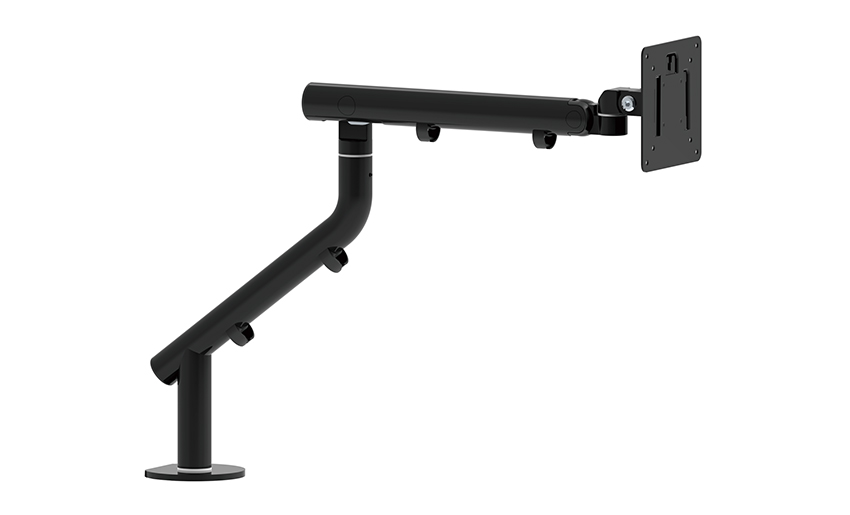
One of the key features of this monitor arm is its...
See Details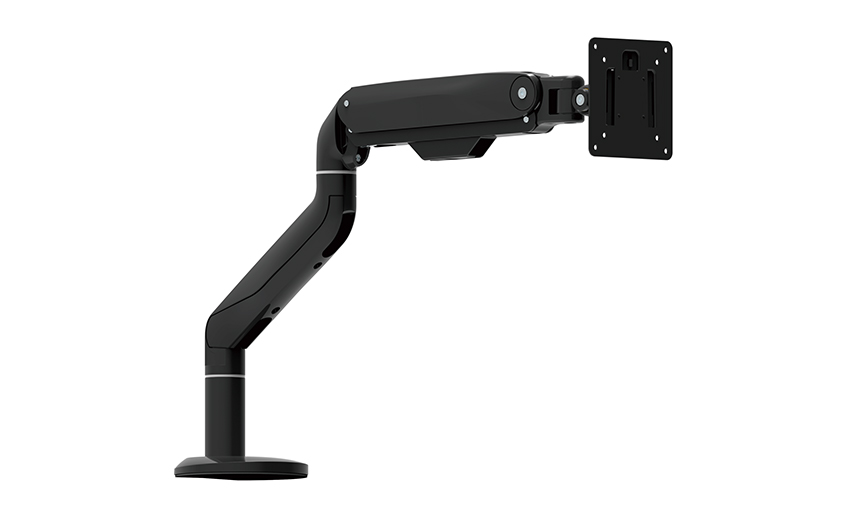
Revolutionize your work setup with the Aluminum &a...
See Details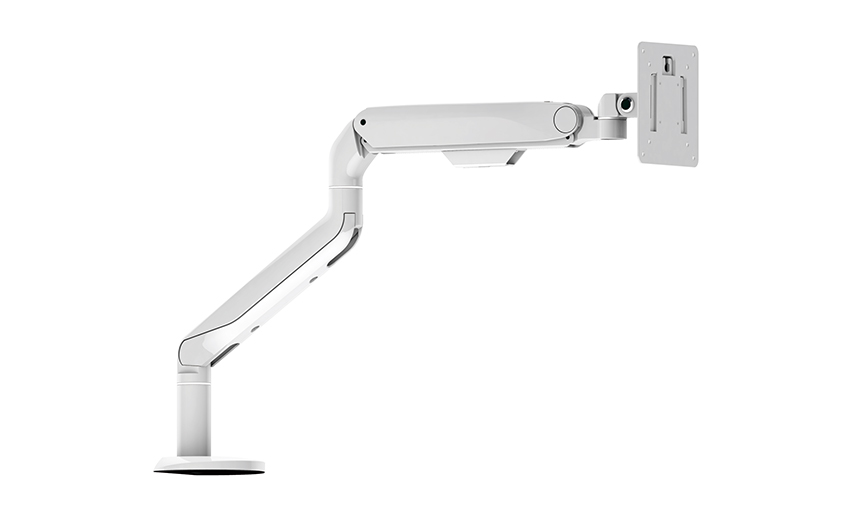
This sleek and sturdy arm is designed to securely ...
See Details
Address: No 3098 Shuanglong Rd, Daqiao Town 314006, Nanhu Area,Jiaxing city, Zhejiang Pro, China
Tel: +86-0573-83222192
Fax: +86-0573-83225688
URL: www.jxjmly.com
Email: [email protected]
Copyright © JIAXING JINMAO ALUMINUM INDUSTRY CO., LTD.All Rights Reserved. Monitor Arms Desk Mount Manufacturers Wholesale Monitor Brackets Suppliers
