

 EN
EN
 English
 Español
 عربى
عربىProduct Consultation
Your email address will not be published. Required fields are marked *
Content
A dual monitor stand is more than just a piece of hardware; it is a foundational element of a modern, ergonomic workspace. By elevating two screens off the desk surface, you reclaim significant "real estate" that would otherwise be occupied by bulky factory bases. This extra space is essential for keeping physical documents, tablets, or peripherals within reach, fostering a cleaner and more organized environment. Beyond aesthetics, the primary goal is ergonomic alignment. A high-quality stand allows you to position the center of your screens at eye level, which naturally corrects your posture and prevents the "C-curve" slouch that leads to chronic neck and shoulder pain.
Choosing the right mounting style is critical for the stability of your equipment and the integrity of your furniture. Most dual monitor stands offer a hybrid solution, but understanding the limitations of each is vital before installation. For example, a C-clamp is the most popular for its "no-drill" convenience, but it requires a sturdy desk edge with sufficient overhang. On the other hand, a grommet mount provides the most secure anchor by utilizing a pre-drilled hole in the desk, making it the preferred choice for heavy-duty setups or glass desks where edge clamping might be risky.
| Mount Type | Best For | Stability Level |
| C-Clamp | Standard wooden desks; quick setup | High |
| Grommet | Permanent setups; center-desk mounting | Highest |
| Freestanding | Glass or thin desks; no-tool assembly | Moderate |
Before purchasing a stand, you must verify the VESA (Video Electronics Standards Association) pattern on the back of your monitors. Most dual monitor stands are designed for the standard 75×75 mm or 100×100 mm hole patterns. If your monitor has a smooth back, you may require a VESA adapter kit. Equally important is the weight capacity per arm. Gas spring arms are particularly sensitive to weight; if a monitor is too light, the arm will pop upward, and if it is too heavy, the monitor will sag. Always check your monitor’s weight (excluding the original stand) against the rated capacity of the dual mount.
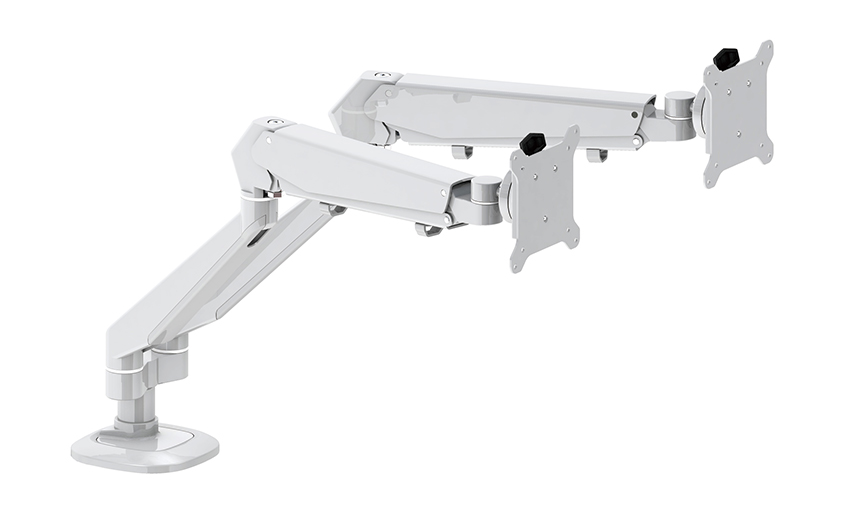
The distinction between a "fixed" dual stand and an "articulating" gas spring stand is significant for power users. Articulating arms use internal tension mechanisms (gas or mechanical springs) to allow for fluid, one-touch movement. This is incredibly beneficial for collaborative environments where you might need to turn a screen to show a colleague, or for designers who frequently toggle between a horizontal main display and a vertical secondary display for coding or long-form reading. The ability to pull a screen closer for detail work and push it back for general tasks reduces eye strain and keeps the user engaged with their content.
One of the most overlooked benefits of a dual monitor stand is the integrated cable management system. Most high-quality mounts feature hollow arms or external clips that allow you to route power and data cables (HDMI, DisplayPort) along the frame of the stand. This prevents the "spaghetti" of wires that often hangs behind dual-screen setups. By tucking these cables away, you not only improve the visual appeal of your workstation but also prevent accidental disconnections when adjusting the monitor positions. A clean setup has been shown to reduce cognitive load, allowing for deeper focus on complex tasks.
Your email address will not be published. Required fields are marked *
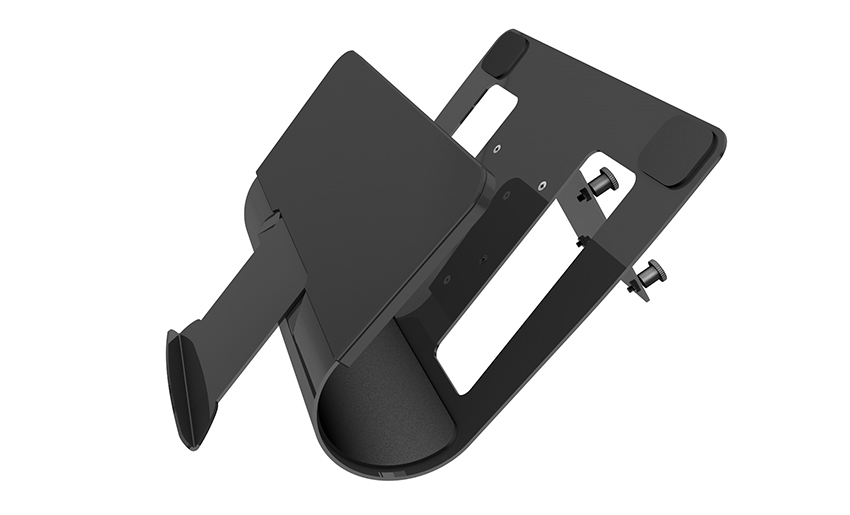
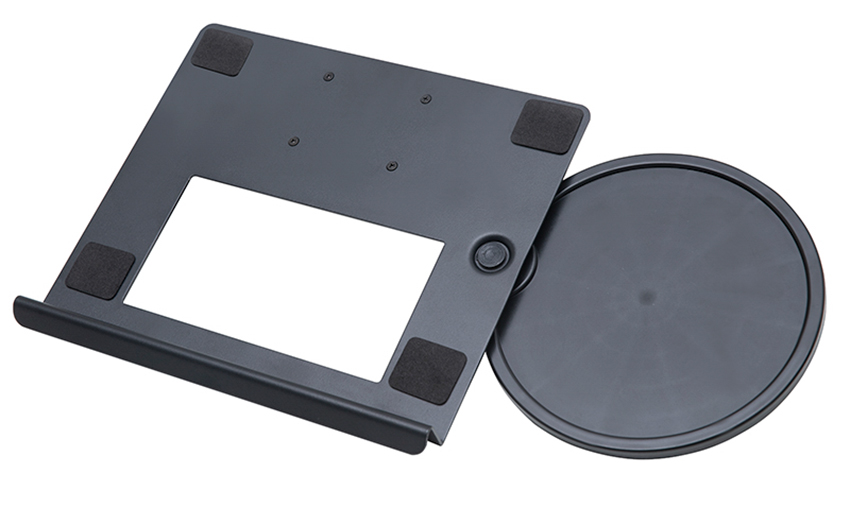
A Home Office Foldable Laptop Notebook Computer Tr...
See Details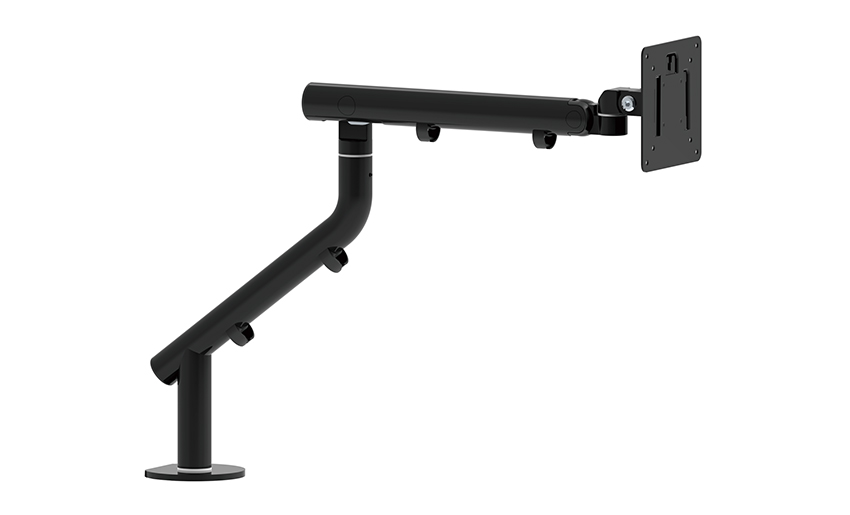
One of the key features of this monitor arm is its...
See Details
Revolutionize your work setup with the Aluminum &a...
See Details
This sleek and sturdy arm is designed to securely ...
See Details
Address: No 3098 Shuanglong Rd, Daqiao Town 314006, Nanhu Area,Jiaxing city, Zhejiang Pro, China
Tel: +86-0573-83222192
Fax: +86-0573-83225688
URL: www.jxjmly.com
Email: [email protected]
Copyright © JIAXING JINMAO ALUMINUM INDUSTRY CO., LTD.All Rights Reserved. Monitor Arms Desk Mount Manufacturers Wholesale Monitor Brackets Suppliers
