

 EN
EN
 English
 Español
 عربى
عربىProduct Consultation
Your email address will not be published. Required fields are marked *
In today's increasingly digital work environment, creating a comfortable and efficient computer setup is crucial. A computer monitor stand has evolved from a simple accessory into an indispensable tool that can significantly enhance user experience and health.
Many people think that all they need is a desk to place their monitor on. But that's not the case. Traditional monitor bases are often fixed, lacking the ability to adjust height and angle. This forces us to constantly look down or hunch forward, which over time puts immense pressure on our neck and shoulders, leading to a range of health issues like cervical spondylosis and muscle strain.
A good monitor mount allows you to easily raise the display to your eye level. This keeps your neck in a naturally relaxed position, effectively reducing the discomfort caused by prolonged periods of looking down. Furthermore, many display arms support tilting, swiveling, and even portrait mode, allowing you to position your screen in the most ergonomic way.
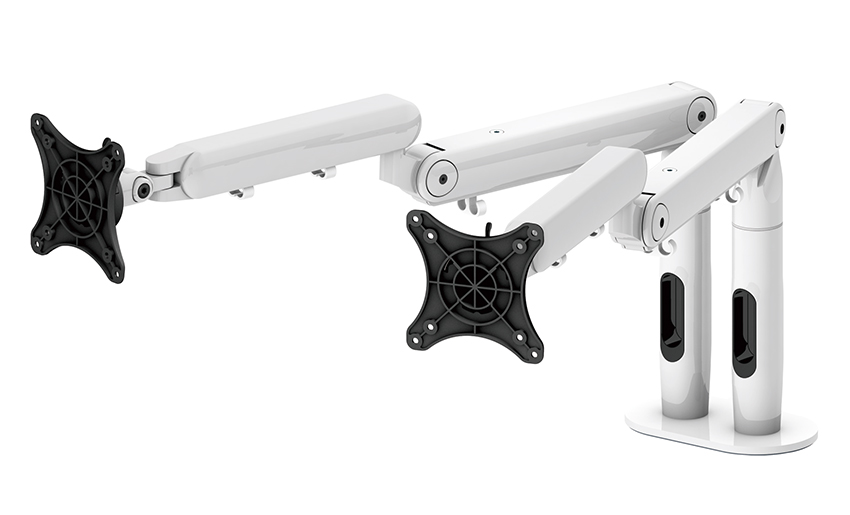
The market is filled with various types of monitor holders, from simple desktop risers to complex articulated arms. When choosing, consider the following factors:
VESA Standard Compatibility: Almost all modern monitors and stands follow the VESA standard, which dictates the hole pattern for mounting displays. Before buying, make sure your monitor and the stand's VESA holes match, with common sizes being 75x75mm and 100x100mm.
Weight Capacity: Ensure the computer screen stand you choose can safely support the weight of your monitor. If your display is large and heavy, it's wise to opt for a stand with a higher weight capacity.
Adjustability: Consider what kind of adjustment features you need. If you frequently need to adjust the monitor's position—for example, when sharing your screen with a colleague or switching to portrait mode for coding—a screen mount with a gas spring arm would be an ideal choice.
Installation Method: Common installation methods include clamp-on and grommet. The clamp-on method is easy to install and doesn't damage the desk, while the grommet method is more secure, suitable for larger monitors that require greater stability.
Desktop Riser: This is the most basic type of monitor riser, usually a fixed-height platform. It's simple and practical, elevating the monitor to a certain height, but its adjustability is limited.
Gas Spring Monitor Mount: This is one of the most popular types of monitor holder. It uses gas spring technology to easily move the display up, down, left, and right, as well as tilt and swivel. This type of stand offers unparalleled flexibility, allowing users to quickly adjust the screen position for different tasks and postures.
Multi-Monitor Stand: If you need to use two or more monitors simultaneously, a multi-monitor monitor arm can help you neatly secure all your screens together, saving valuable desk space and creating a seamless multi-screen workflow.
A high-quality display holder not only improves your posture but also frees up desk space, making your workspace look cleaner and more organized. Investing in a good monitor stand is a smart choice for your health and work efficiency.
Your email address will not be published. Required fields are marked *
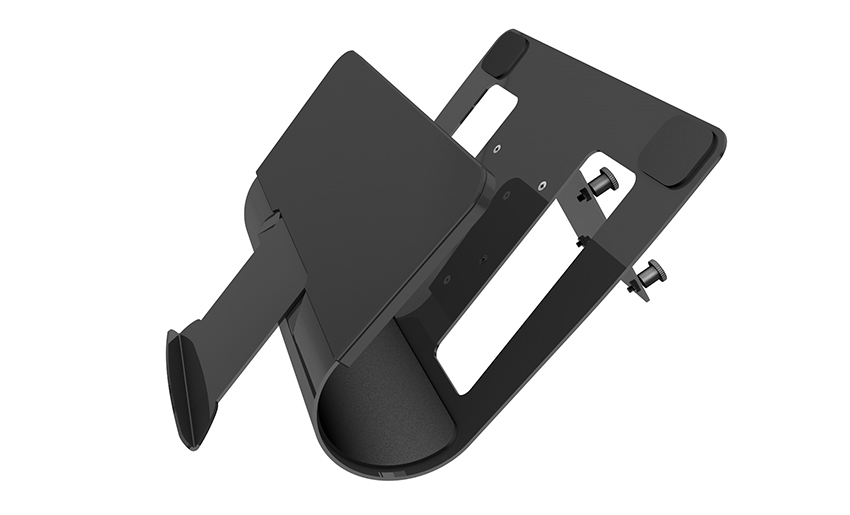
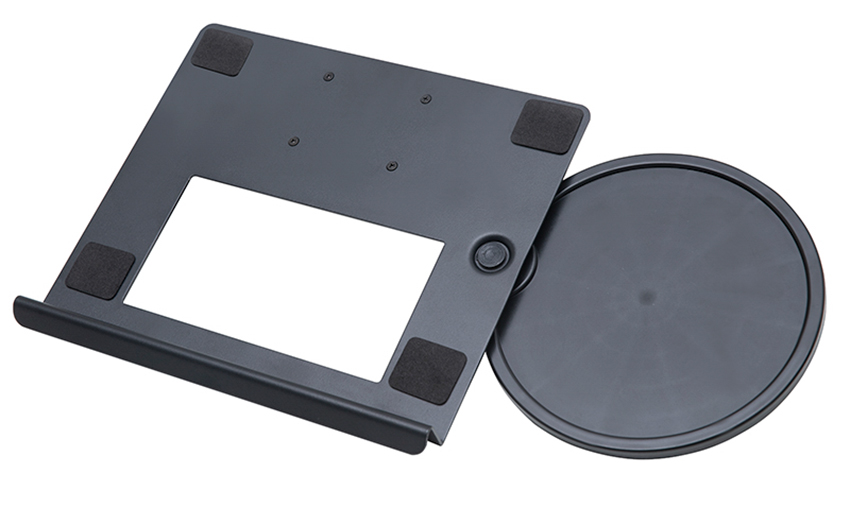
A Home Office Foldable Laptop Notebook Computer Tr...
See Details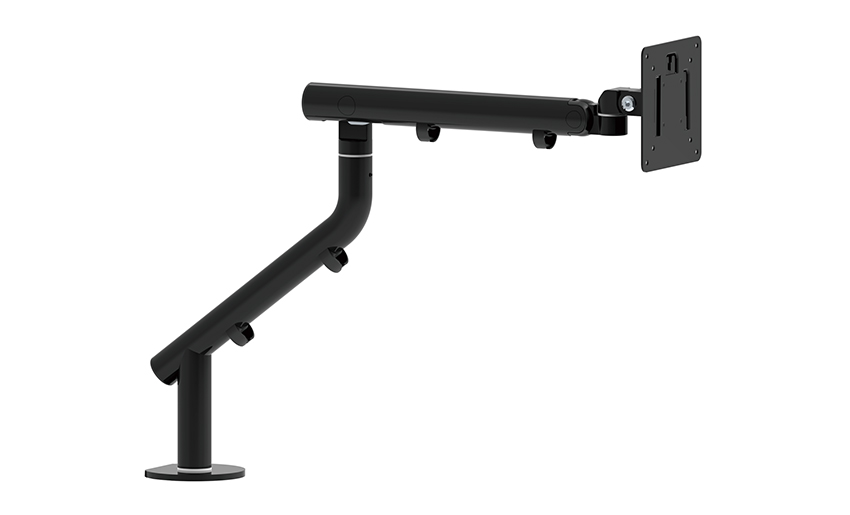
One of the key features of this monitor arm is its...
See Details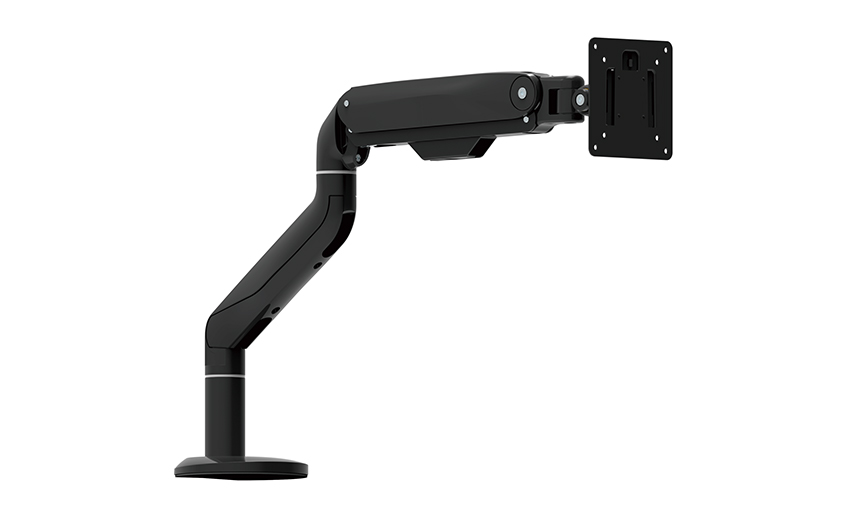
Revolutionize your work setup with the Aluminum &a...
See Details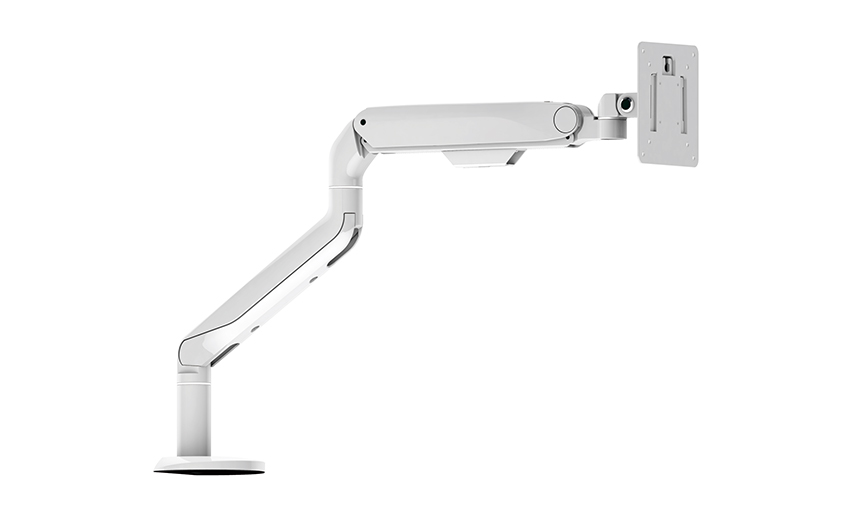
This sleek and sturdy arm is designed to securely ...
See Details
Address: No 3098 Shuanglong Rd, Daqiao Town 314006, Nanhu Area,Jiaxing city, Zhejiang Pro, China
Tel: +86-0573-83222192
Fax: +86-0573-83225688
URL: www.jxjmly.com
Email: [email protected]
Copyright © JIAXING JINMAO ALUMINUM INDUSTRY CO., LTD.All Rights Reserved. Monitor Arms Desk Mount Manufacturers Wholesale Monitor Brackets Suppliers
